CRM · stills + walkthroughs
CRM with photo and video upload — stills and clips on the same client file
The close-up and the walkthrough should not live in two apps. FWDLink keeps both on the client you quote and invoice — one link they can open, one job you can find later.
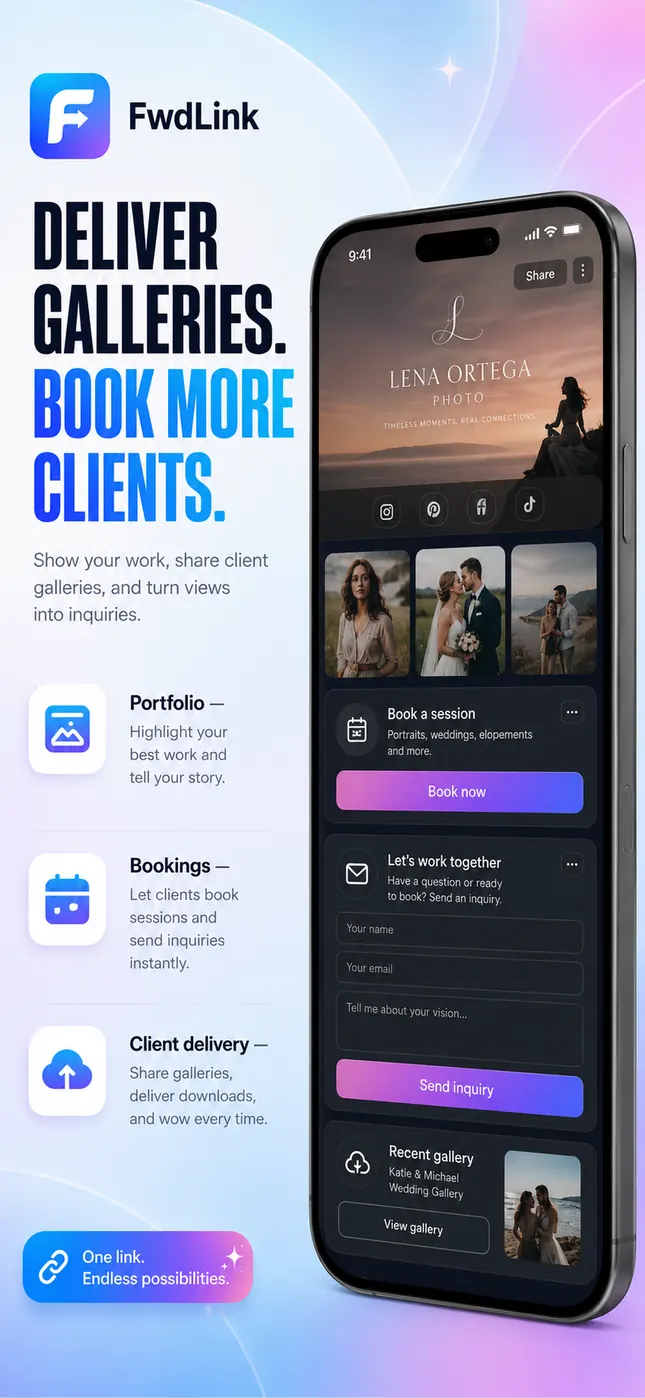
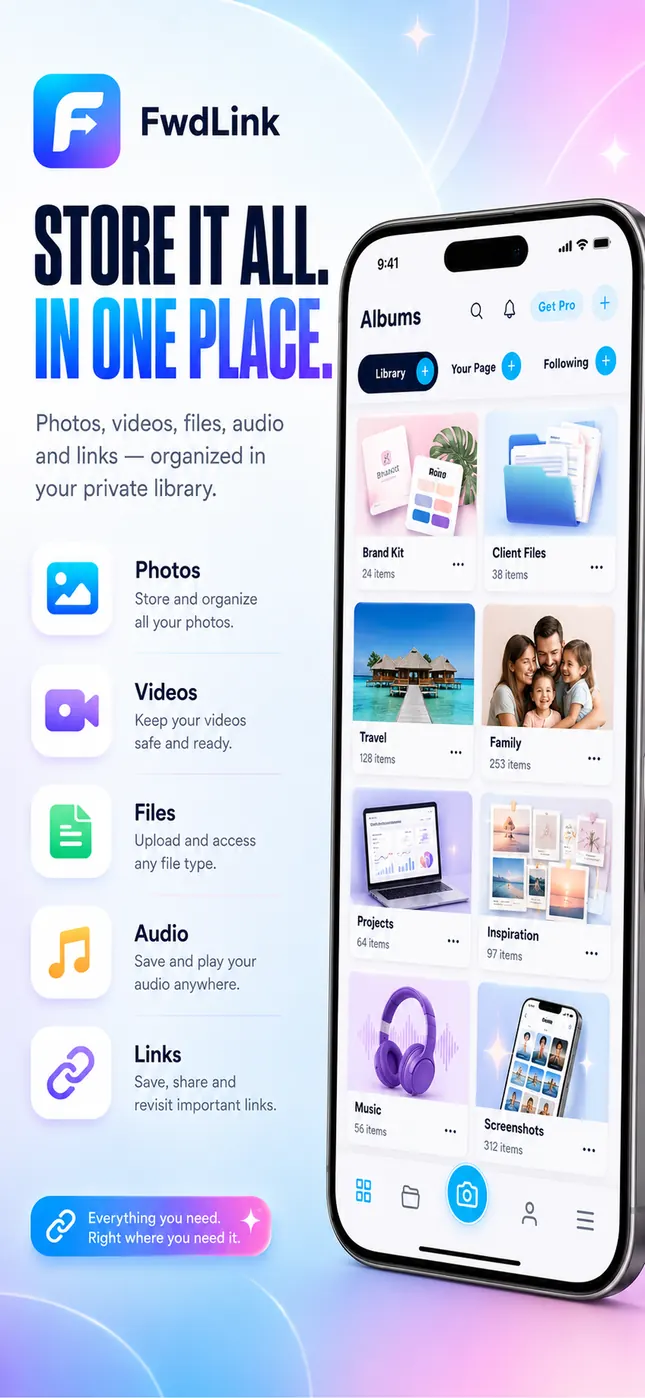
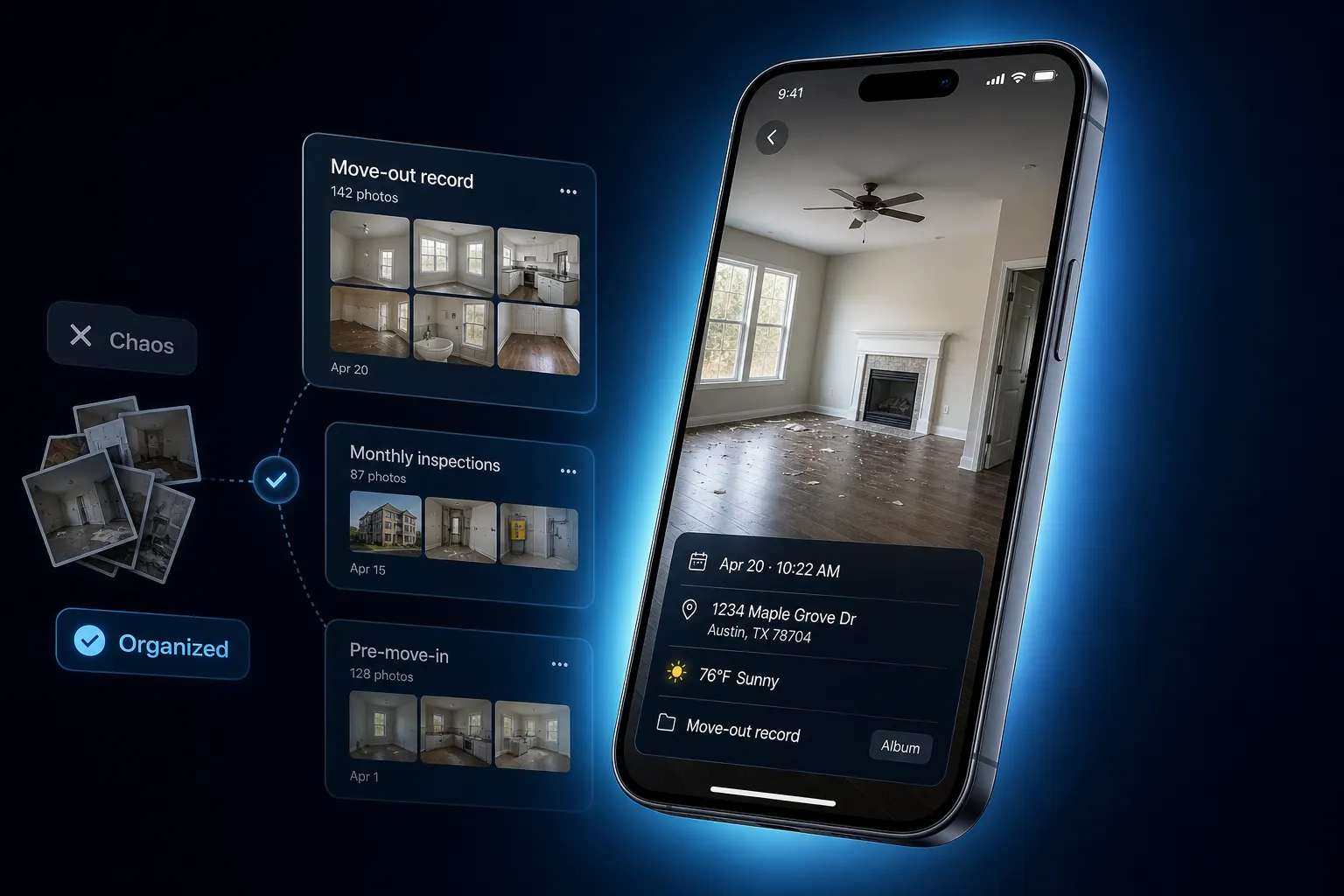
One file, both media
Stills for the detail. A clip for the space. Filed on the client, not in Recents.
One link to open
They scroll and play in a browser. You keep adding after you send.
Media on the money docs
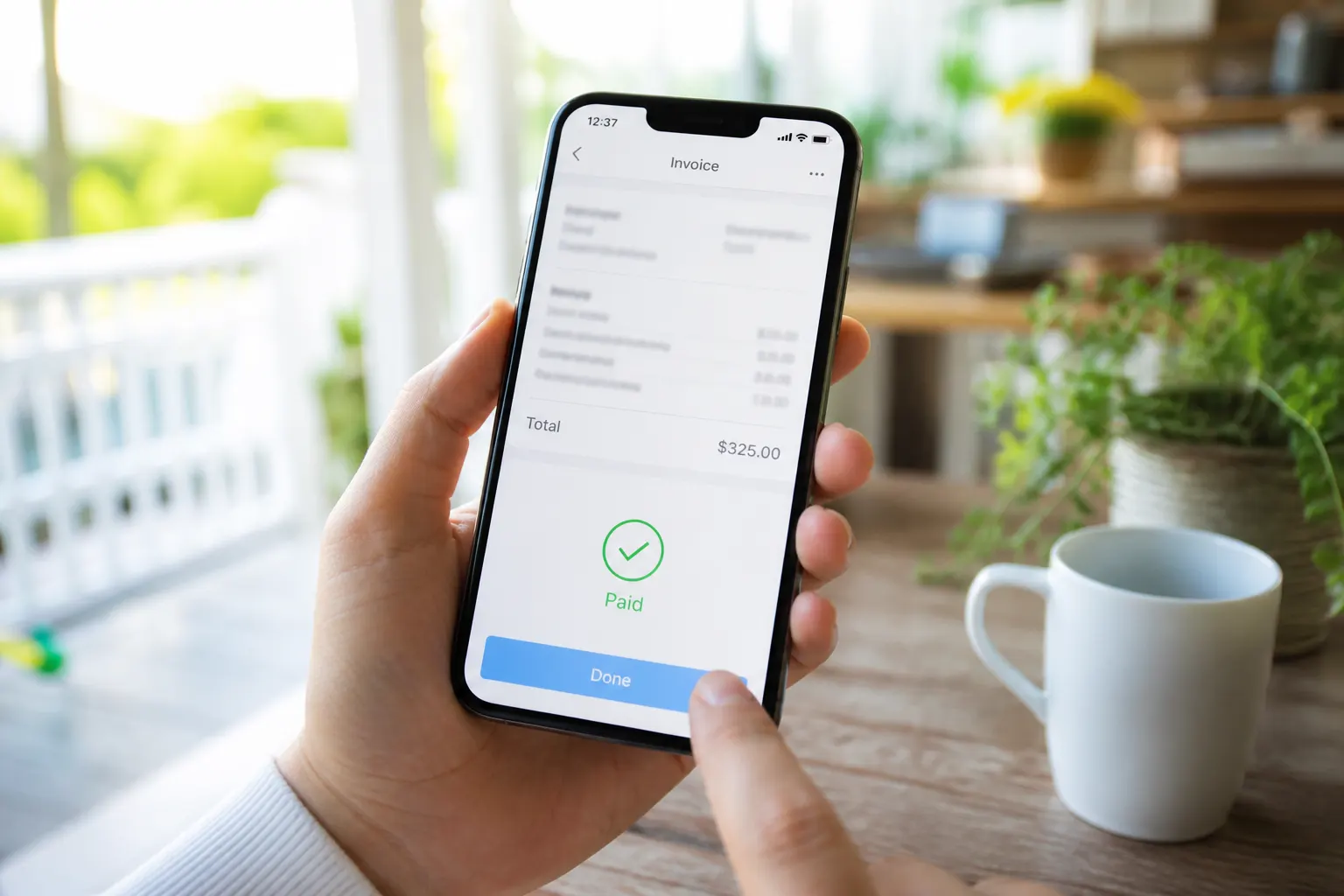
Attach the set to the estimate and invoice so the number has proof.
How it works
- 1
Open the client file
Stills and clips belong on the same person and stop — not two folders and a notes field.
- 2
Shoot both from the phone
A few stills for the detail. A short walkthrough for the space. Same upload, same job.
- 3
Share one live link
They scroll photos and press play without a login. You can add the after-shot later — same URL.
- 4
Hang the set on the quote
Estimate and invoice carry the media. Proof and the number travel together.
Stills and a walkthrough should not live in two apps
A gallery in one app and a clip in another is how jobs get lost. FWDLink keeps both on the client you already quote and invoice.
Show the detail and the walk
A still of the damage. A walkthrough of the room. Property managers want both. Keep them on the stop so the next tech is not guessing.
The quote should not be a PDF with no pictures
Attach the mixed set or a live FWDLink. They watch, then they approve. Payment fees are on Plans — this page is the media on the job.
Leads still start on your page
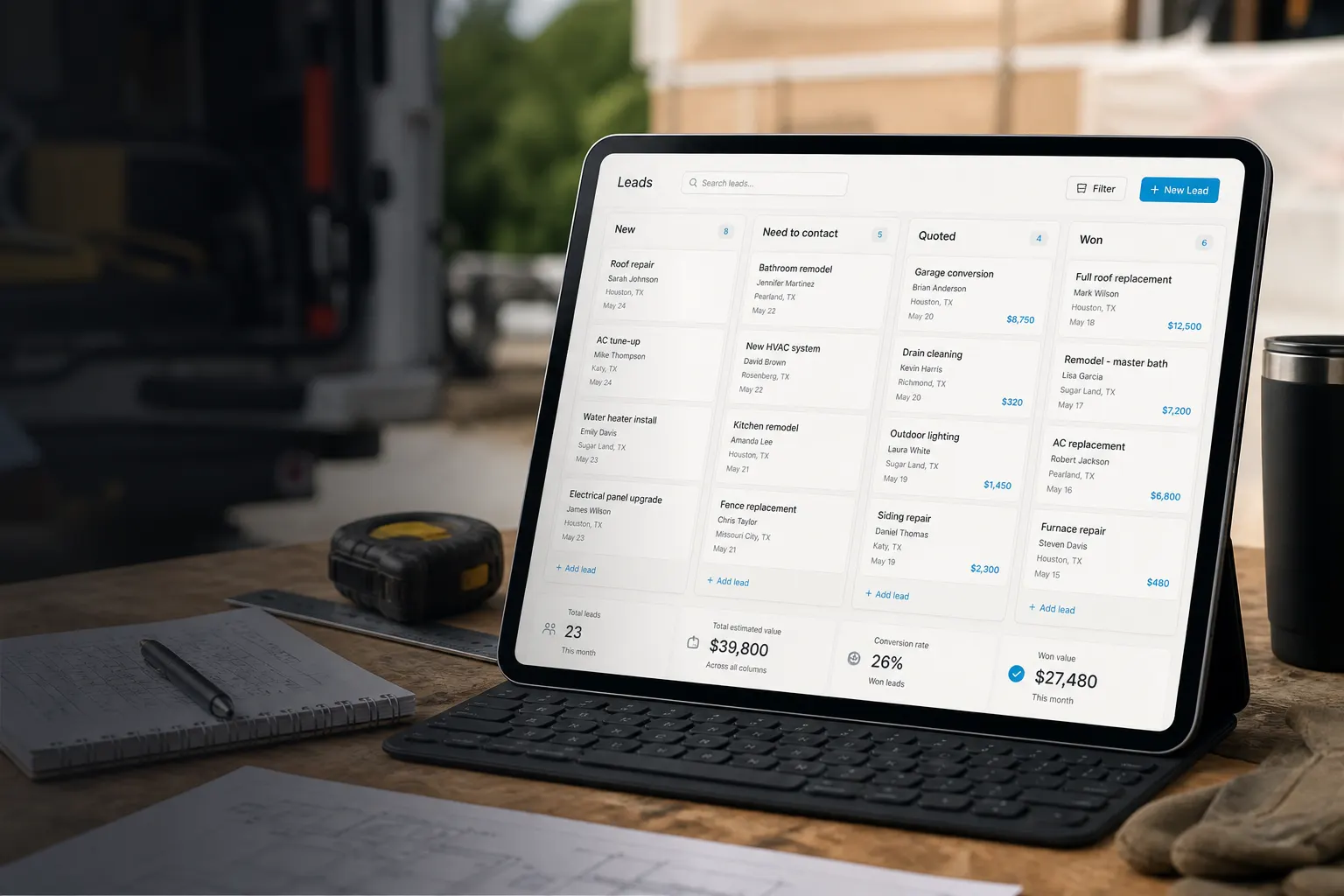
fwdlink.com/you is the front door. The CRM is where mixed media lands after the visit. Field crews who live in the truck can go deeper on field service CRM.
Frequently asked questions
What is a CRM with photo and video upload?
One client file that holds stills and walkthroughs, then the estimate, schedule, and invoice. You capture from the phone. They open a link. You are not dumping media into notes.
Can stills and video live on the same job?
Yes. That is the point of this page. One album, one link, one quote.
Do I need two tools — one for photos and one for video?
No. FWDLink keeps both on the client you already bill. Photographers and videographers who want a studio-shaped CRM can use those pages. This one is the service job: mixed media on the file.
Can I attach mixed media to an estimate?
Yes. Stills, a clip, or a live FWDLink on the estimate and invoice.
Can the customer view without an app?
Yes. Browser on the phone they already carry.
Where do I start if I only shoot stills — or only video?
Use CRM with photo upload or CRM with video upload if one medium is the whole job. This page is for crews who send both on the same stop.