For estheticians
Esthetician before-and-after photos in a private client album
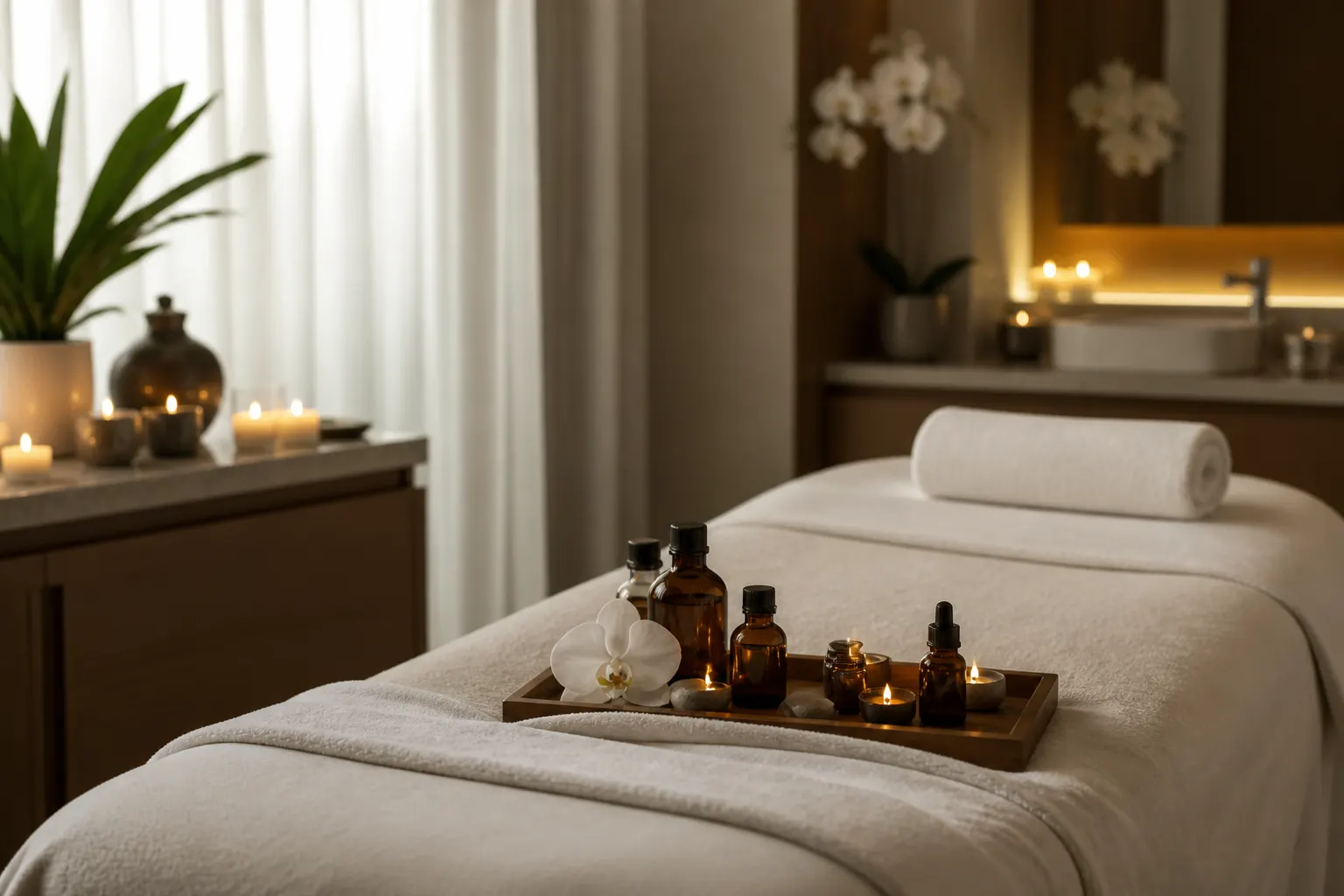
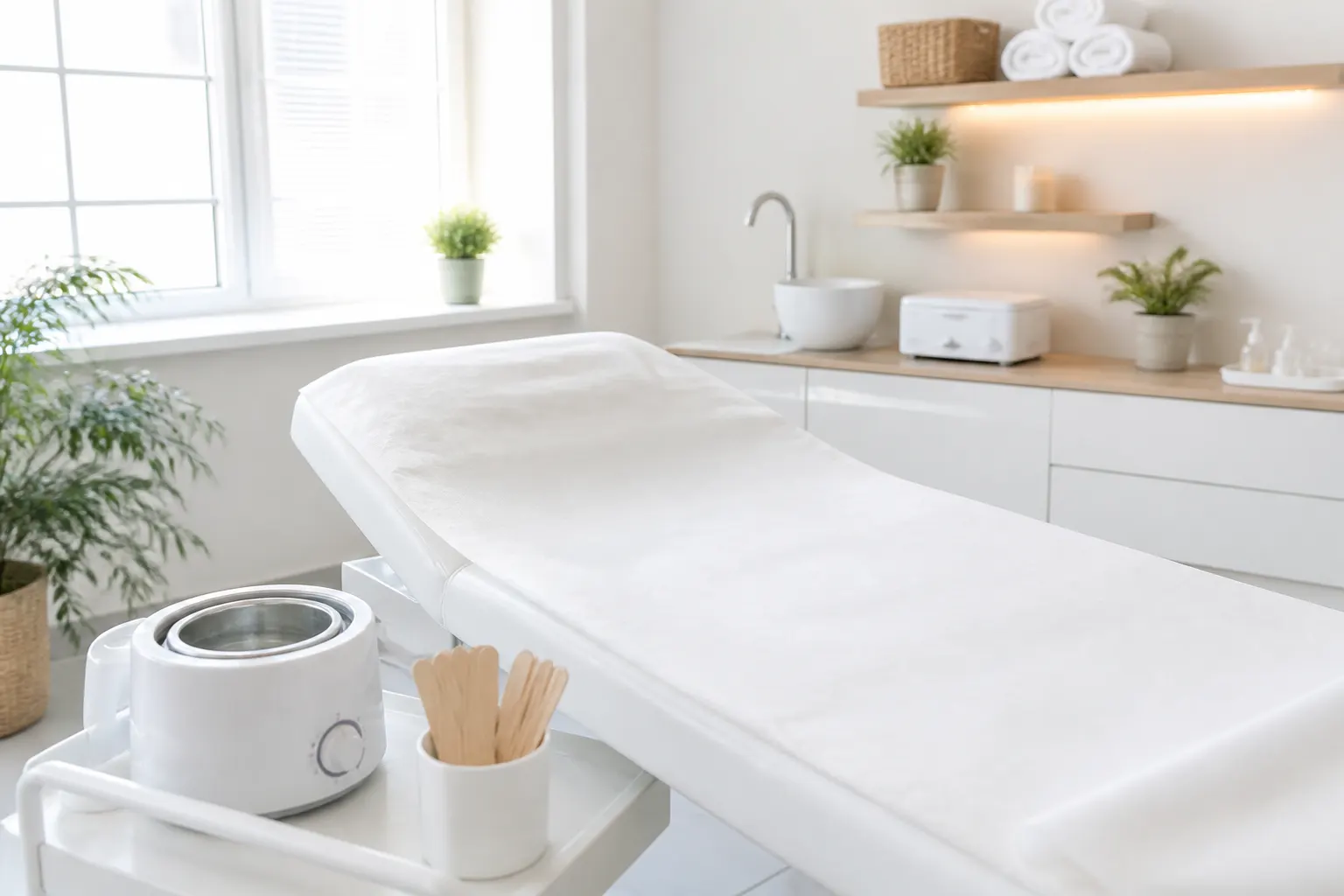
Lighting at the table is never the same as a bathroom mirror. Save consistent before-and-afters in an album for that client, share one link so they see the work, and keep notes for the next facial. This is visit documentation — not a diagnosis tool.
Same angle, next visit
A dated album makes progress obvious without a public before/after wall.
Private by default
Skin photos are personal. You choose who gets the link.
Products beside the photos
What you used, what they liked — next to the shots.
How it works
01
Photograph before you start
Clean face, consistent light if you can.
02
Save to their album
Pin the suite if you work in more than one room.
03
Add the after
Same distance, same side of the room.
04
Share privately
They open it at home. You are not posting their skin on a grid.
Clients forget how they walked in
A calm after photo in an album they can reopen is more honest than a filtered Story.
Not a medical chart
FWDLink is not an EHR and does not give skin advice. It holds the photos and notes you already take.
Series work in one scroll
Week one and week six of a peel series belong together. Share that album only with them.
Frequently asked questions
Is this a medical record?
No. It is a photo album with optional notes. Follow your licensing rules for what you store.
Can albums stay private?
Yes. Share a link only when you choose.
Can I show anonymous before-and-afters on my page?
If the client agrees. Keep identifiable visits on a private link.
Can I add product notes next to photos?
Yes — keep it in the album so the next visit is faster.
Can they share the album at home?
They can forward the link you sent, if you are comfortable with that.
Can I send a cotización for a series?
Yes. Package the series on your page or send a document from the same workspace.