FWDLink
Invoice the full landscape job — design to install
Quotes, site photos, installs, and payments — one link, one CRM.
Free forever plan · Claim your page · Start in minutes
In the field
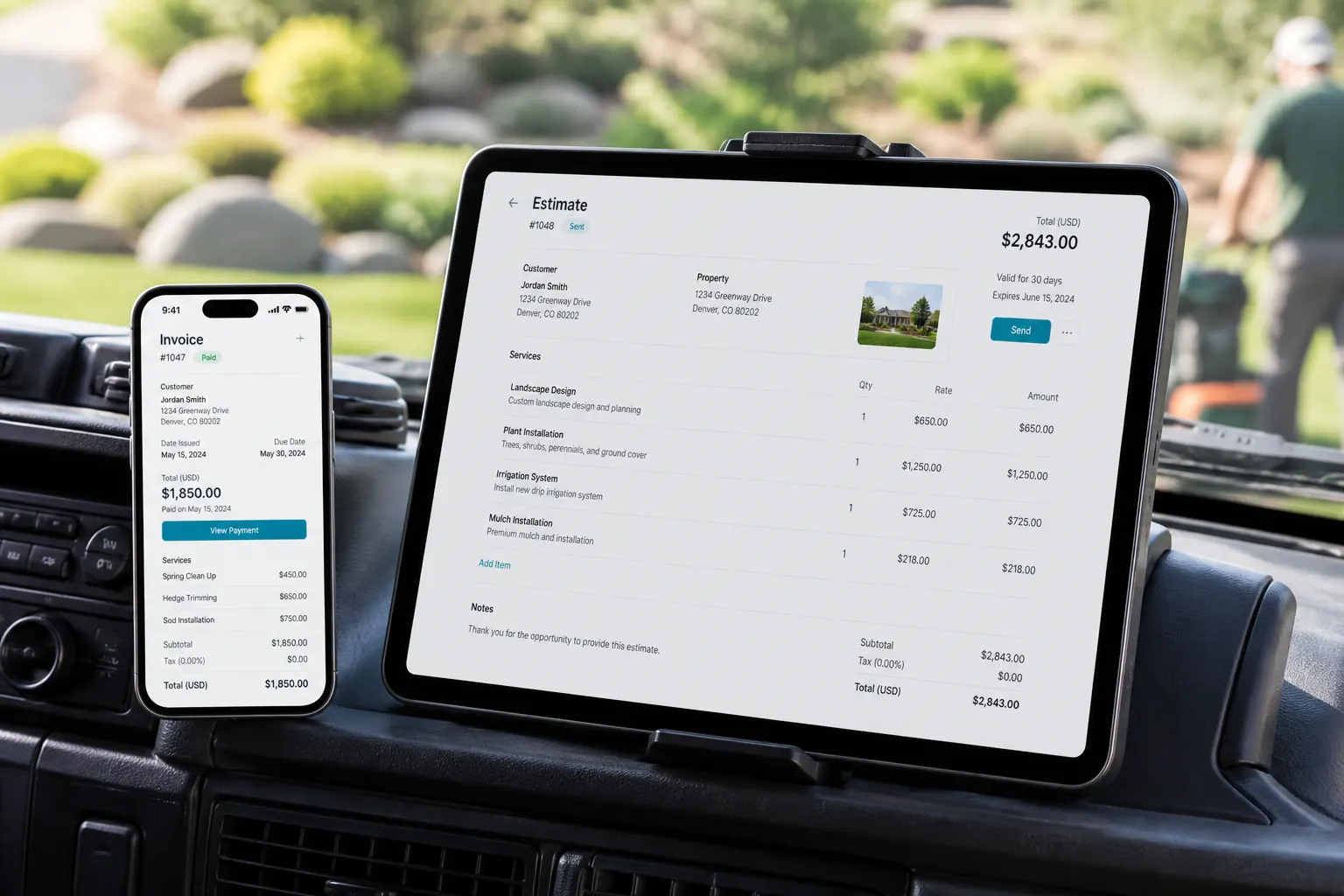
From the truck to paid
Design · install · maintain
Bigger jobs than a weekly mow — still one workflow.
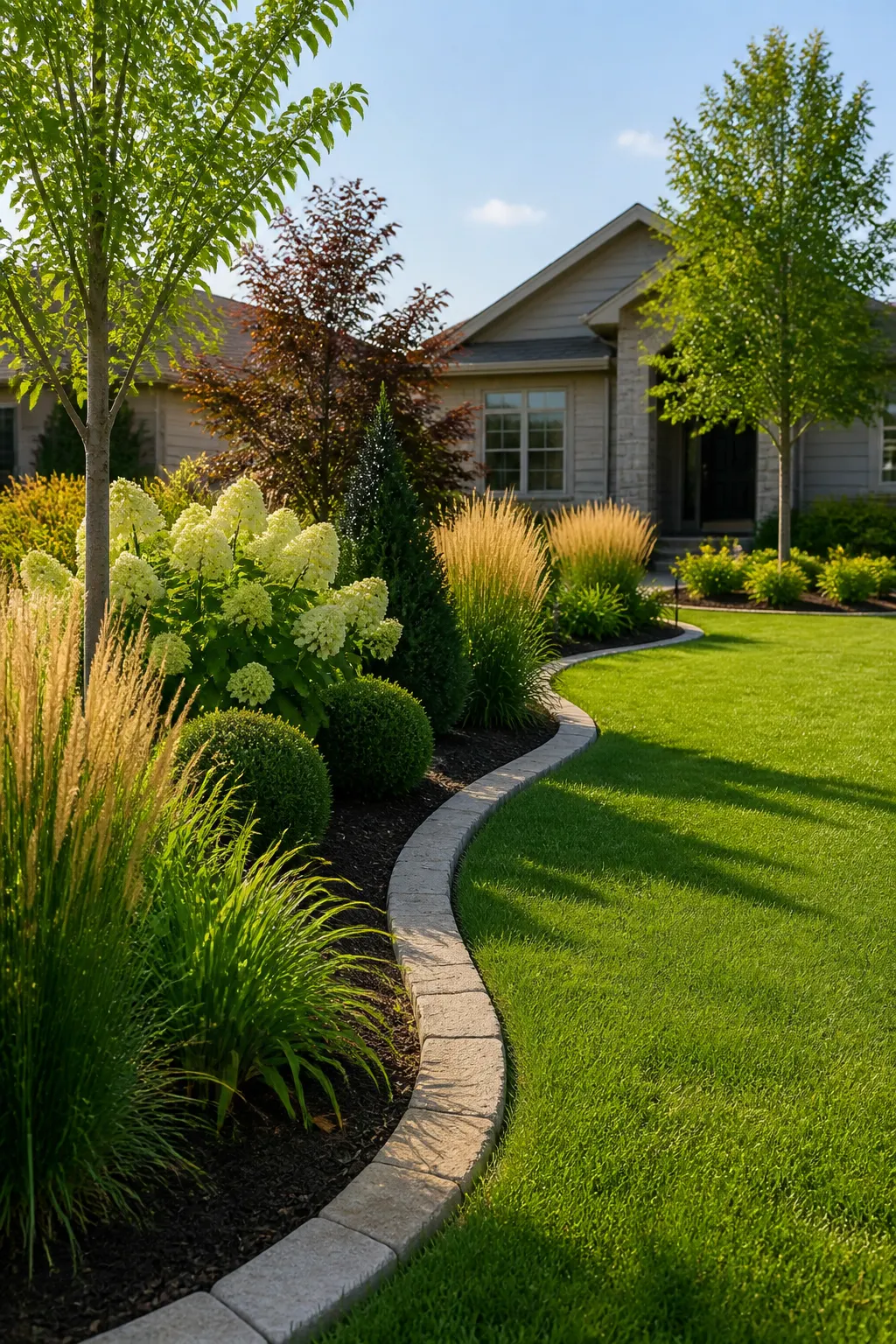
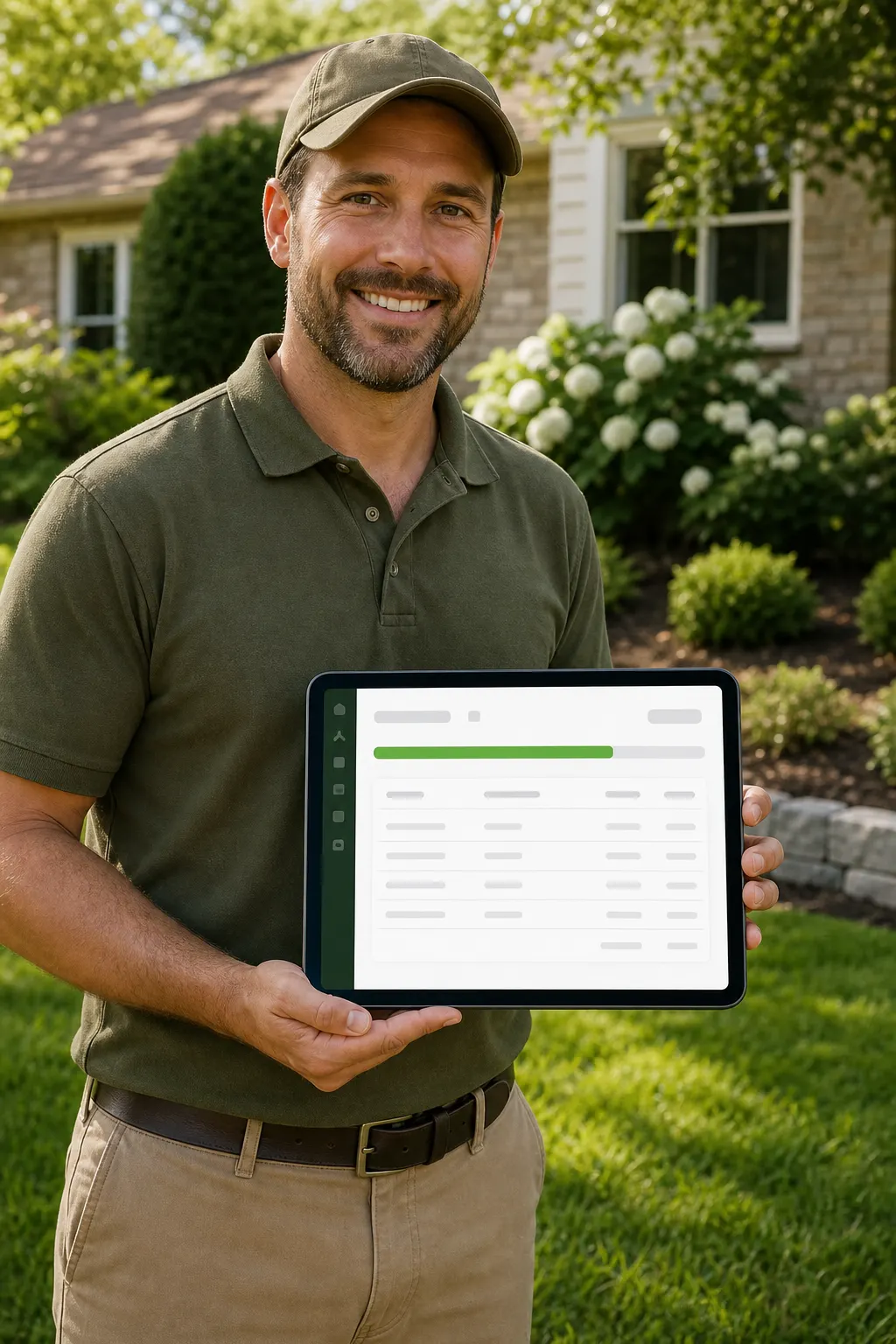
fwdlink.com/you shows the work. Estimates, job photos, and invoices live in the same CRM.
How it works
Consult → quote → install → paid
Design visits, plant installs, hardscape — same path on your phone.

01
Capture the consult
Prospect opens your FWDLink from a yard sign, Instagram, or text. Forms land in Leads.
02
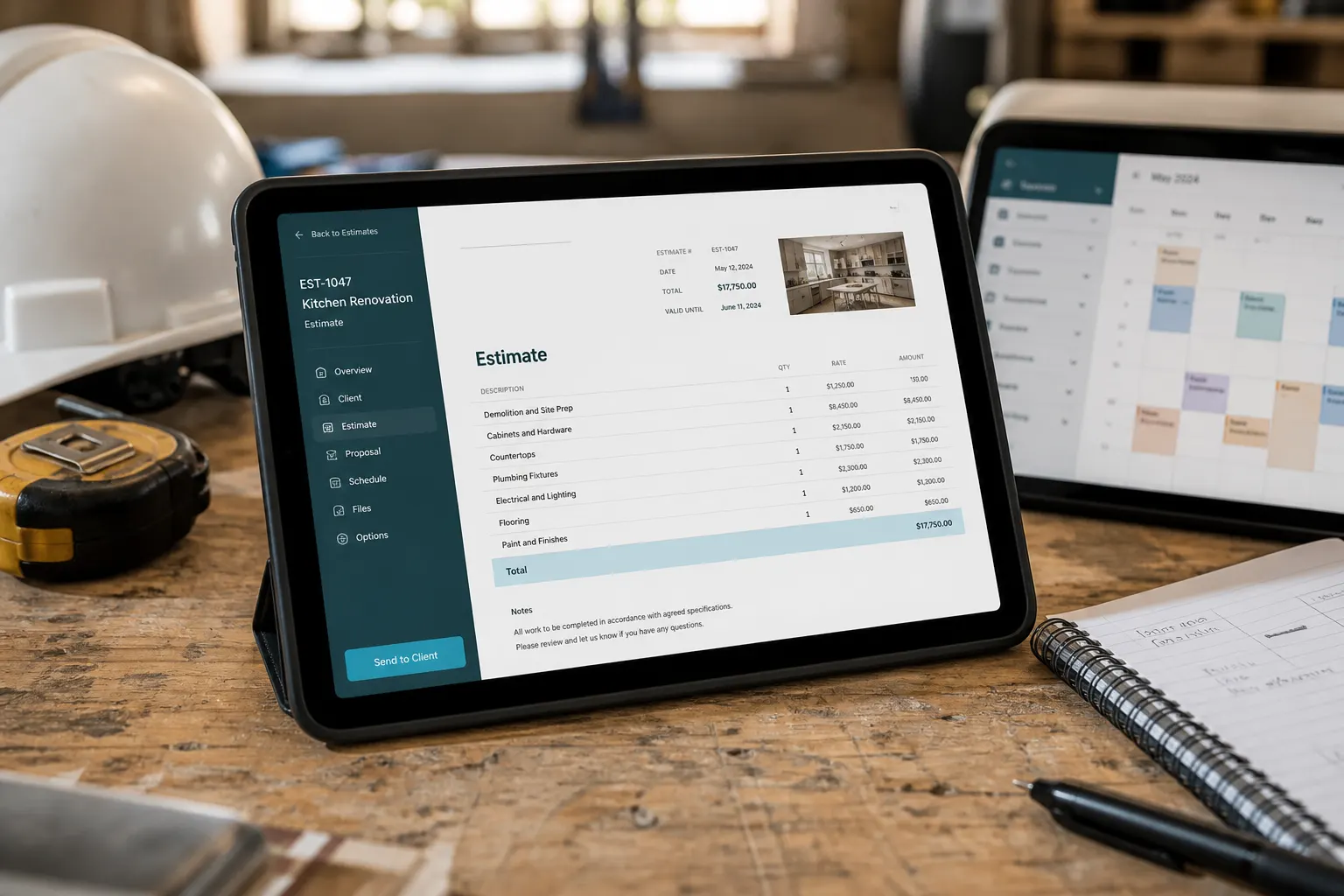
Send the proposal
Line items for design, plantings, mulch, irrigation, hardscape. Link or PDF.
03
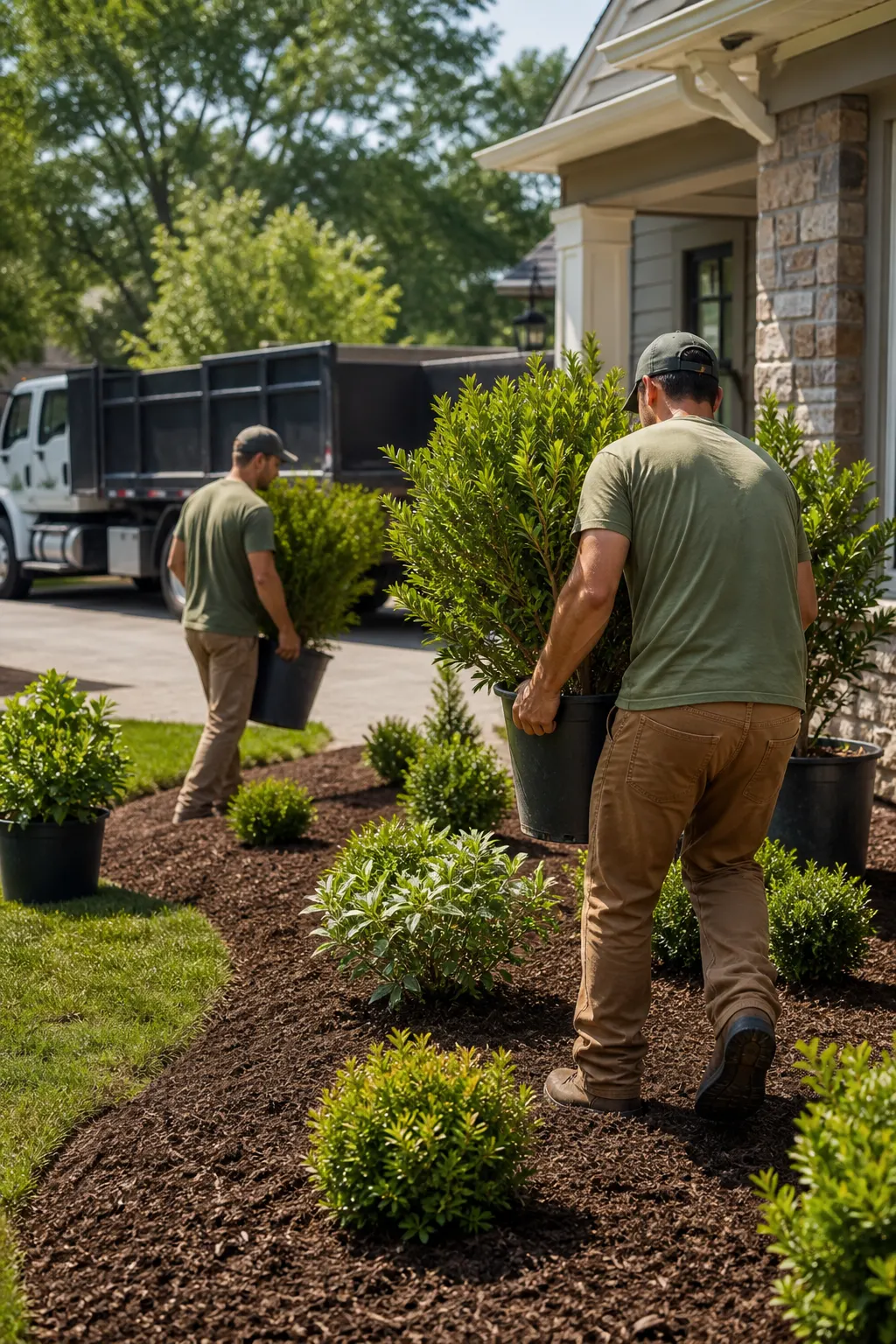
Run the install
Schedule phases on the client file. Keep before/after photos with the job.

04
Invoice & get paid
Deposit, progress, or final — send from the truck when the bed is done.
Built for multi-day landscape jobs
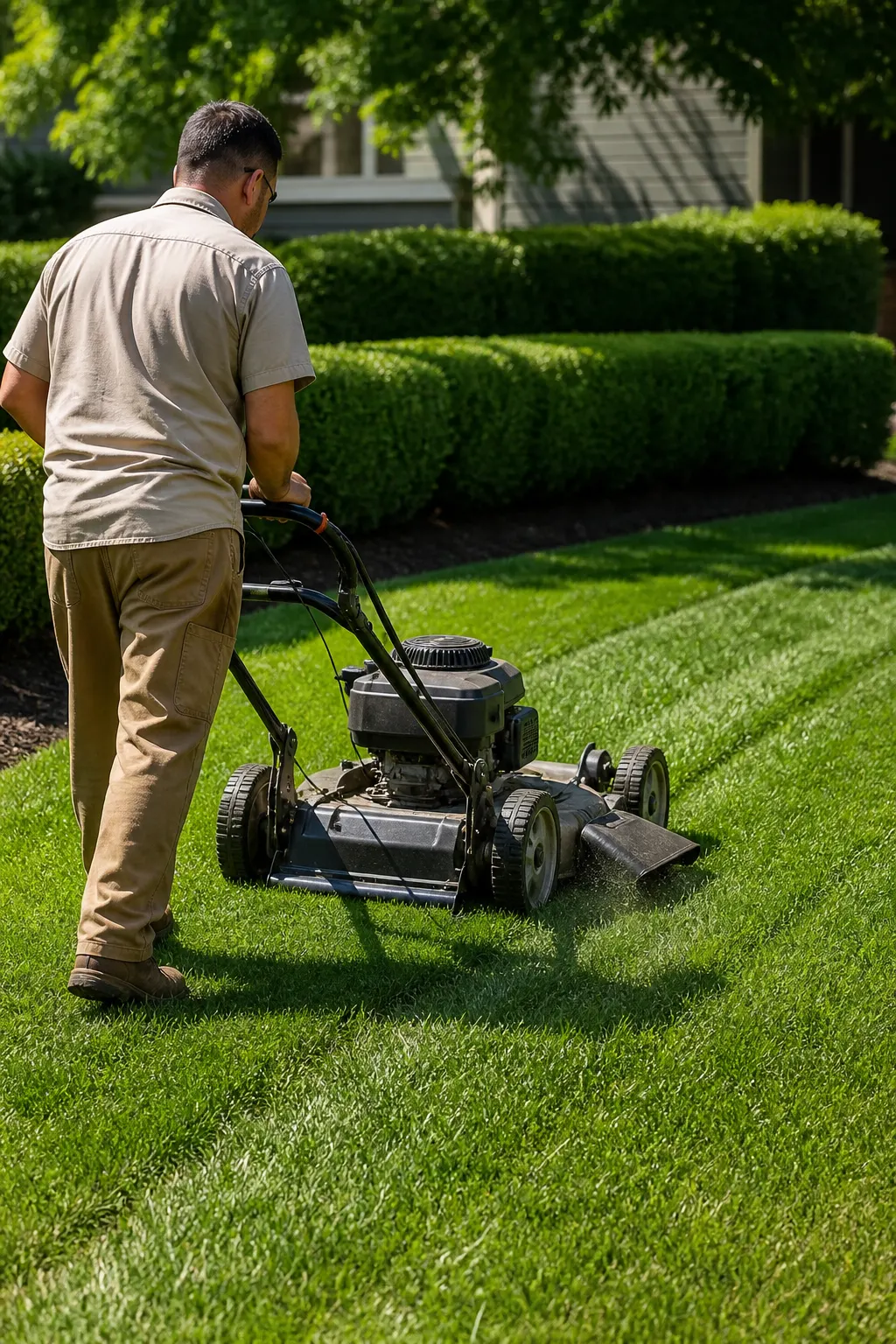
Not just a weekly cut — proposals, phases, photos, and invoices stay on one client.
Design & consult
Site walk notes and photos live with the lead before you quote.
Install packages
Beds, sod, trees, lighting, drainage — line items clients can approve.
Maintenance follow-ons
Seasonal cleanup and upkeep rebook from the same CRM file.
Your page sells the work. CRM closes it.
Show finished yards. Capture requests. Move quote → job → invoice without another app.
Proof on the page
Before/after albums neighbors forward — one branded URL.
The same username everywhere
Public page and workspace share the brand clients already open.
Write it your way
Page and messages in the language your clients use.

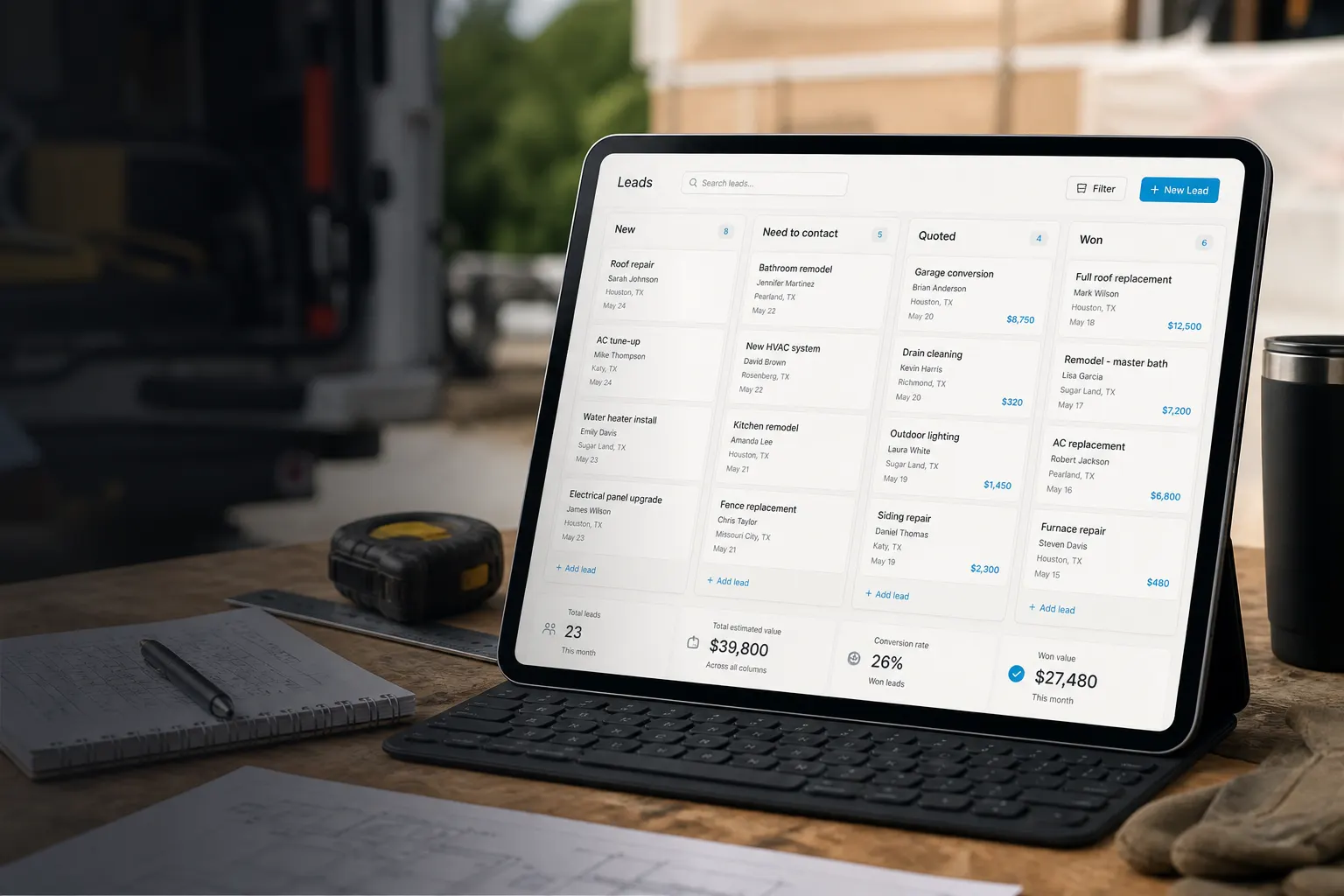
Leads, proposals, installs — one pipeline
Move consults, keep the property file current, share a link to approve or pay.
Leads pipeline
New → site visit → quoted → won.
Estimates & invoices
Accepted proposal → deposits and finals after each phase.
Client requests on the page
Design consults, plant installs, seasonal cleanups.
Photos stay with the property
Site walks, plant layouts, and finished beds attach to the job — easier warranties and upsells.
Share by link
Clients open albums and docs in the browser — no app required.
Attach to the invoice
Proof of install next to the line items you billed.

Start free. Pay when you grow.
Starter covers your page and core flow. Online payments and seats are on Plans.
See Plans & feesFrequently asked questions
- Is this only for weekly lawn cuts?
- No. FWDLink covers design consults, plant installs, hardscape phases, and ongoing maintenance — not just mowing.
- Can I send deposits and progress invoices?
- Yes. Create invoices for deposits, phases, or finals and share a pay link from your phone.
- Can clients see job photos with the quote?
- Yes. Keep albums on the client file and share a live link — then attach proof when you invoice.
- Can I keep seasonal maintenance clients?
- Yes. Clients stay in CRM with history so spring cleanup and fall mulch rebook faster.
Close the install before you leave the site
Claim your link, show the work, run consult → invoice this week.