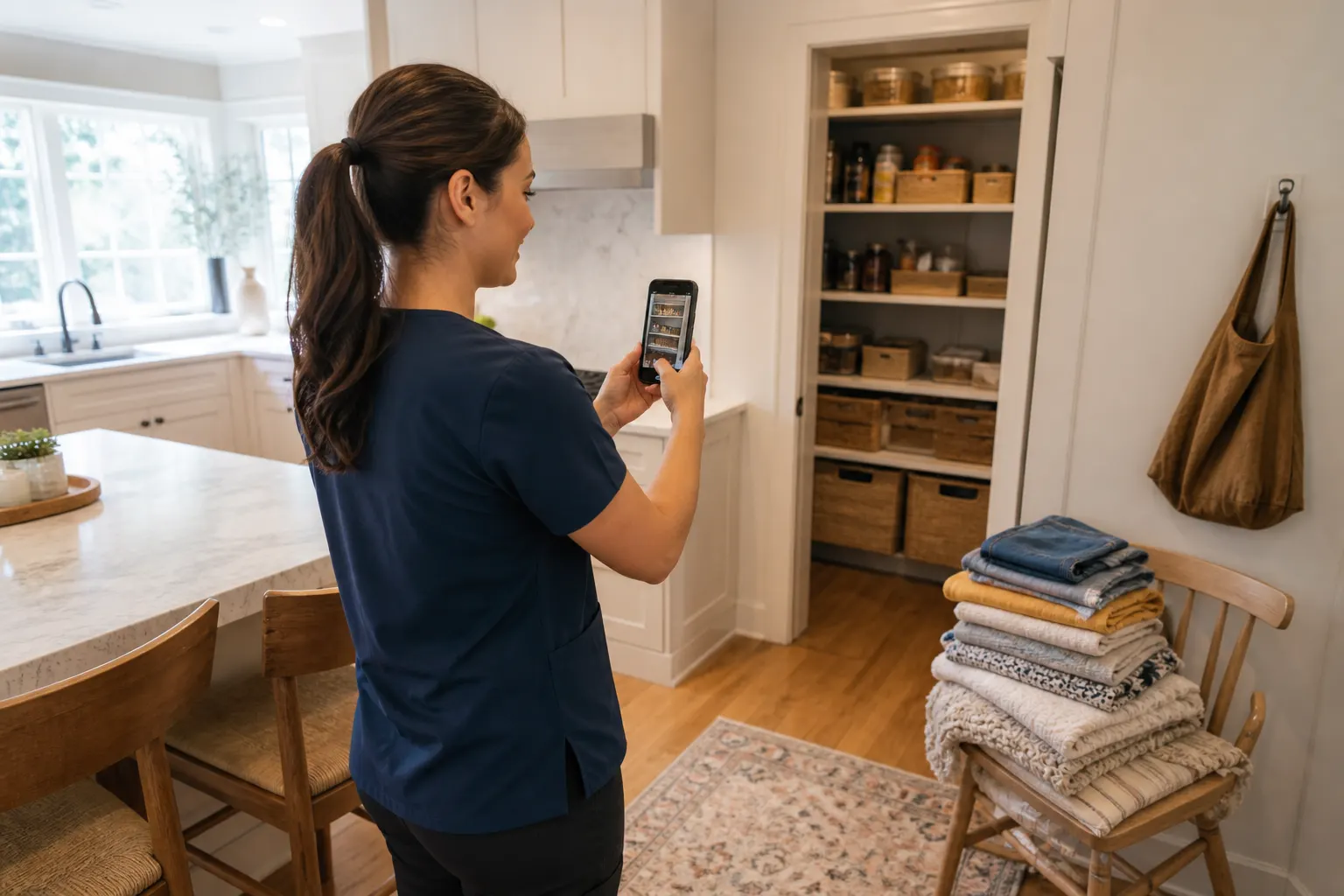
For moves & storage
Moving and storage inventory photos — so you know what is in which box
Label photos, open-box shots, the unit door, the truck at the curb. Save them in an album pinned to the storage place or the new address. When you need the kettle, you search the album instead of opening twelve boxes.

Box contents
A photo of the open box beats a faded marker label.
Pin the unit
Storage facility or the new kitchen — the album has a place.
Share with a helper
One link for the friend on the other end of the move.
How it works
01
Photograph as you pack
Open box, then closed and labeled.
02
Make the move album
Pin storage or the destination.
03
Add the unit or truck
A wide shot of how it was loaded.

04
Share if someone is helping
Or keep it private for you.
Different from a move-in walkthrough
A walkthrough is the empty walls and the scratches. This album is what you packed — boxes, bins, the storage unit.
Storage units are a black hole
A photo of the aisle and the lock plus the box contents saves a Saturday later.
Helpers need the same pictures
Send the album link. They see which box is kitchen.
Frequently asked questions
Is this a move-in condition report?
That is a different walkthrough. This page is packed boxes and storage units.
Can I pin the storage facility?
Yes.
Can a helper add photos?
If you share access.
Can I keep it private?
Yes.
Can I add photos after the move?
Yes. Unpack shots can go in the same album or a new one.
Do viewers need an account?
Not to view a shared link.