
FWDLink
Quote to cash — your page plus the CRM that closes it
Public FwdLink for leads. Estimates, jobs, invoices, and pay in the same workspace.
Free forever plan · Claim your page · Start in minutes
From the field
Contractors running page + CRM on one link
Page + CRM
One brand from first tap to paid invoice
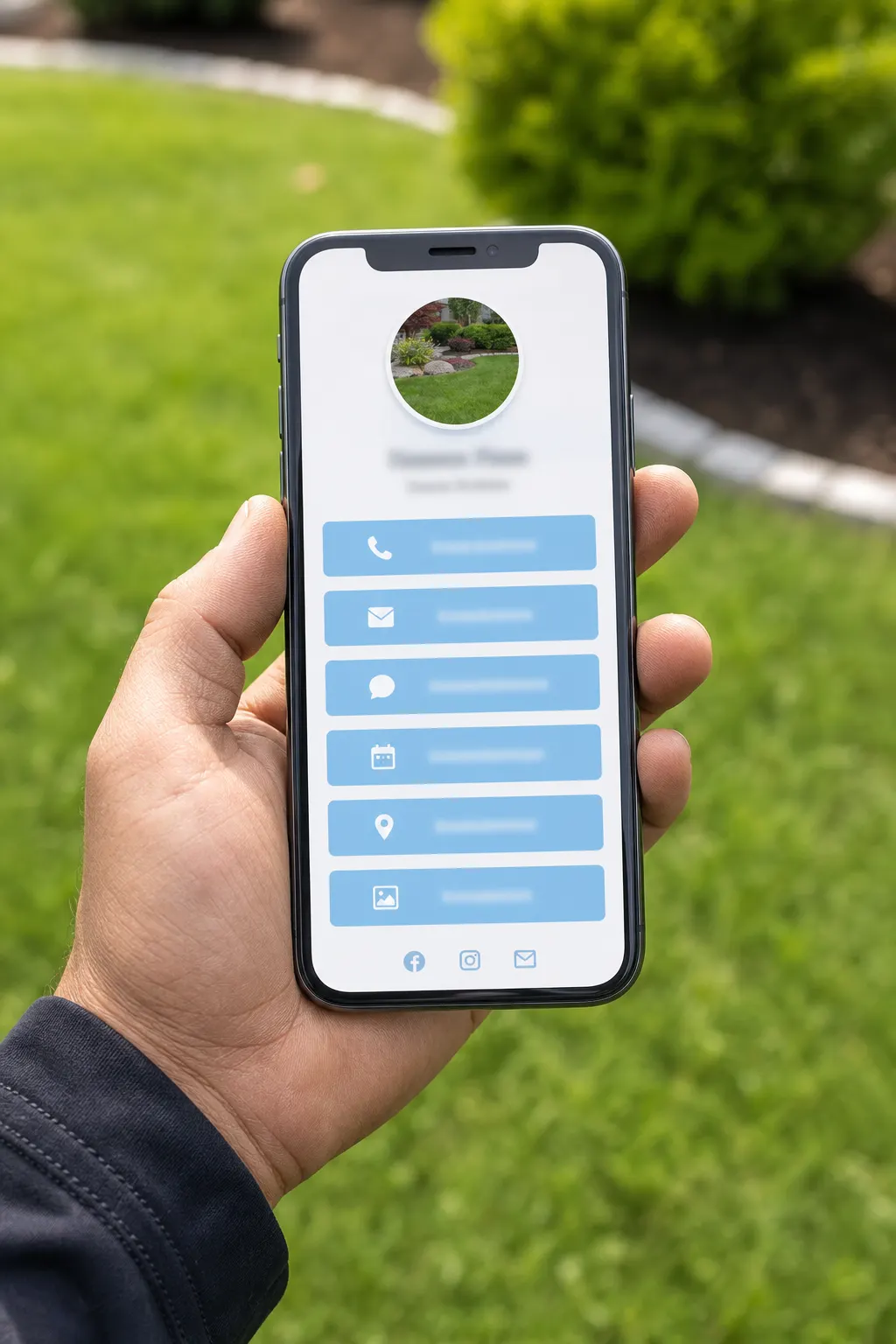
fwdlink.com/you is the front door clients open and forward. Inside: leads, estimates, schedule, work orders, invoices — same username, same workspace.
Quote to cash
Page lead → estimate → job → invoice → pay
The loop service businesses already run — on one owned link.
01
Capture on your page
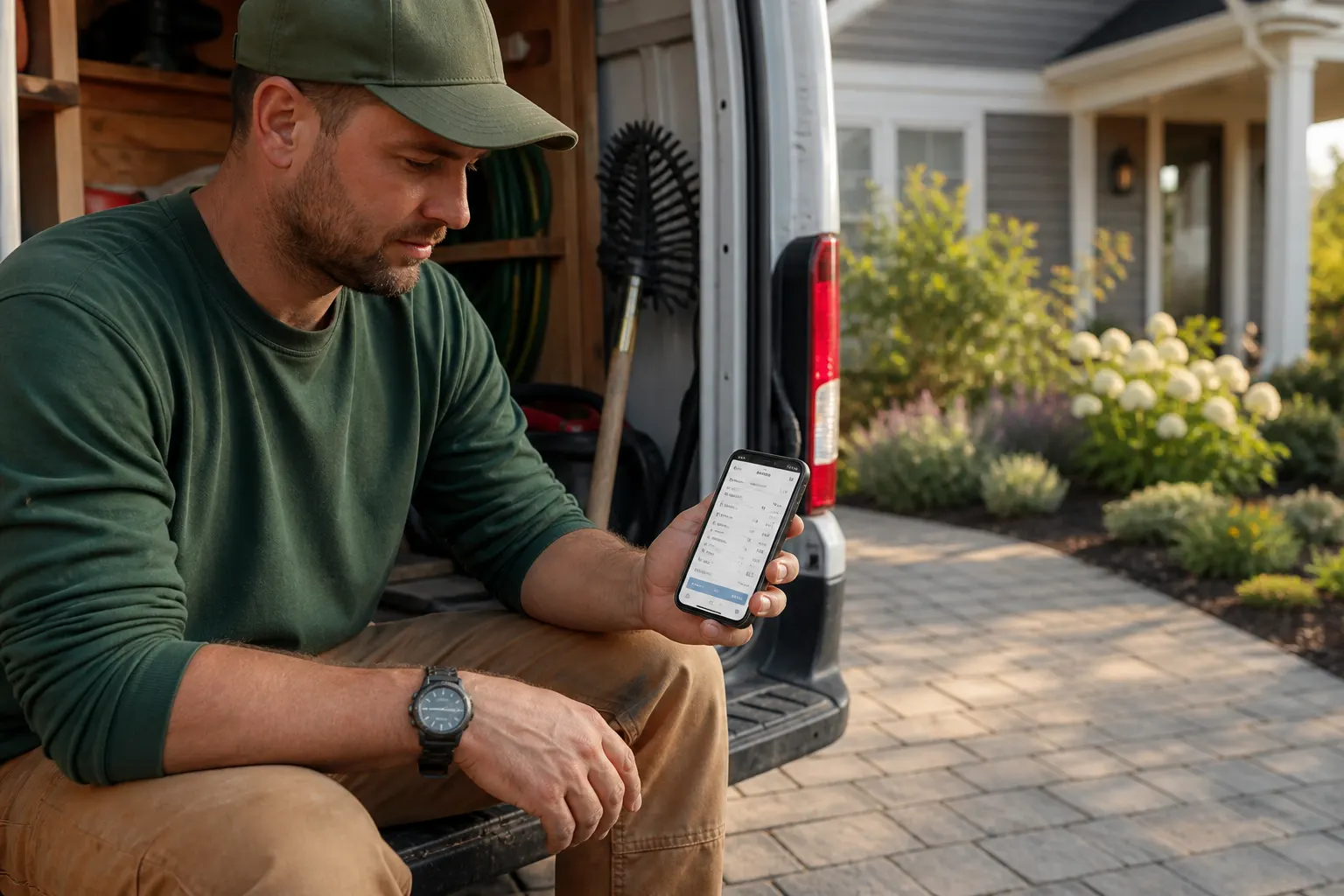
Share fwdlink.com/you. Quote and contact forms land in Leads — not a scattered inbox.
02
Send the estimate
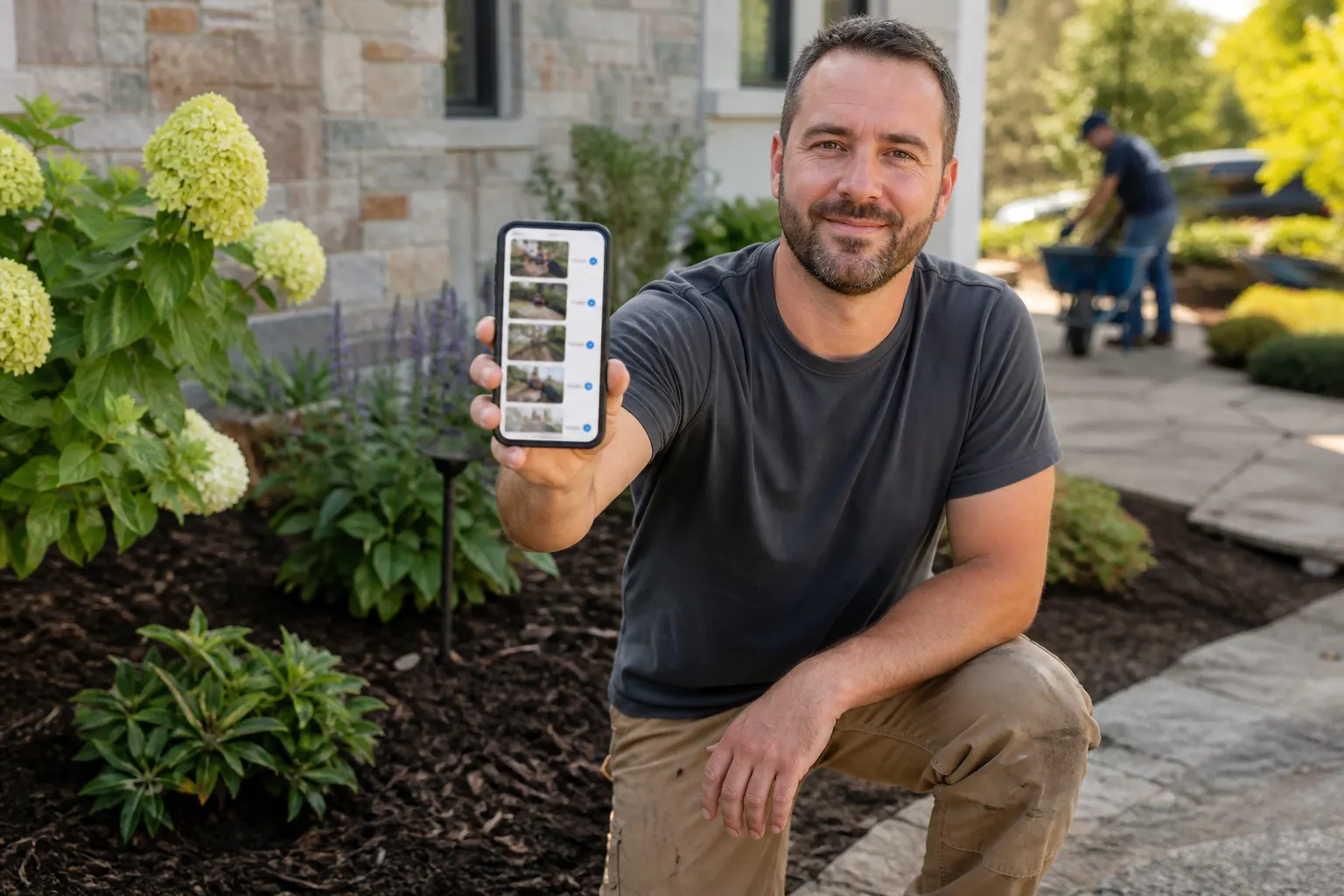
Build line items, attach photos, video, or a live FWDLink, share a link or PDF the client opens on any phone.
03
Schedule & run the job
Schedule the visit on the same client file. Work orders stay with the estimate history.
04
Invoice & get paid
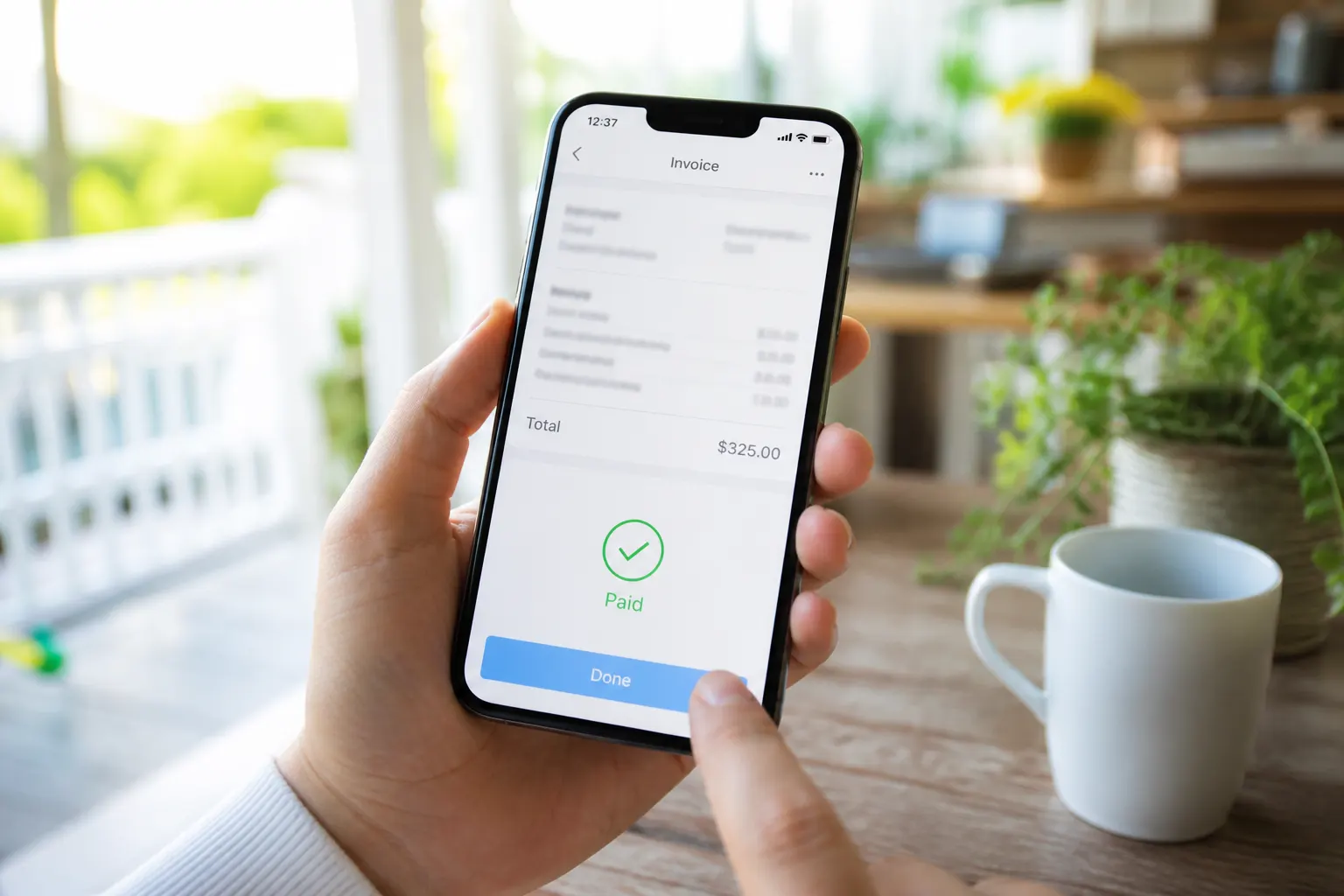
Send the invoice when the job is done. Online pay when your plan is ready.
Your public page is the CRM front door
Neighbors, clients, and Google traffic open one branded link. Forms, proof, and client requests live on the page you own — then the workspace closes the money loop.
One username everywhere
Texts, QR on the truck, Google Business, Instagram — same fwdlink.com/you.
Leads stay in pipeline
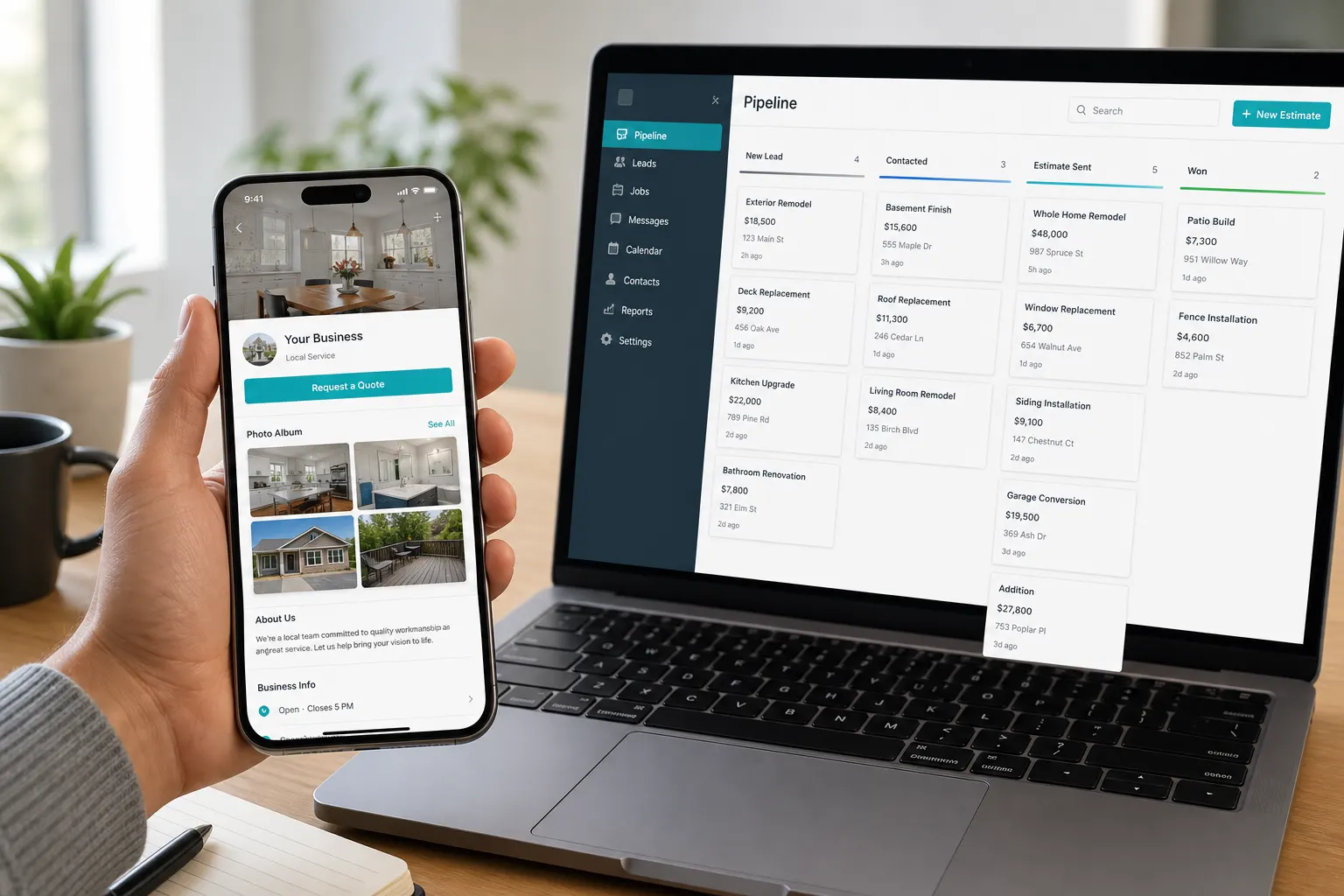
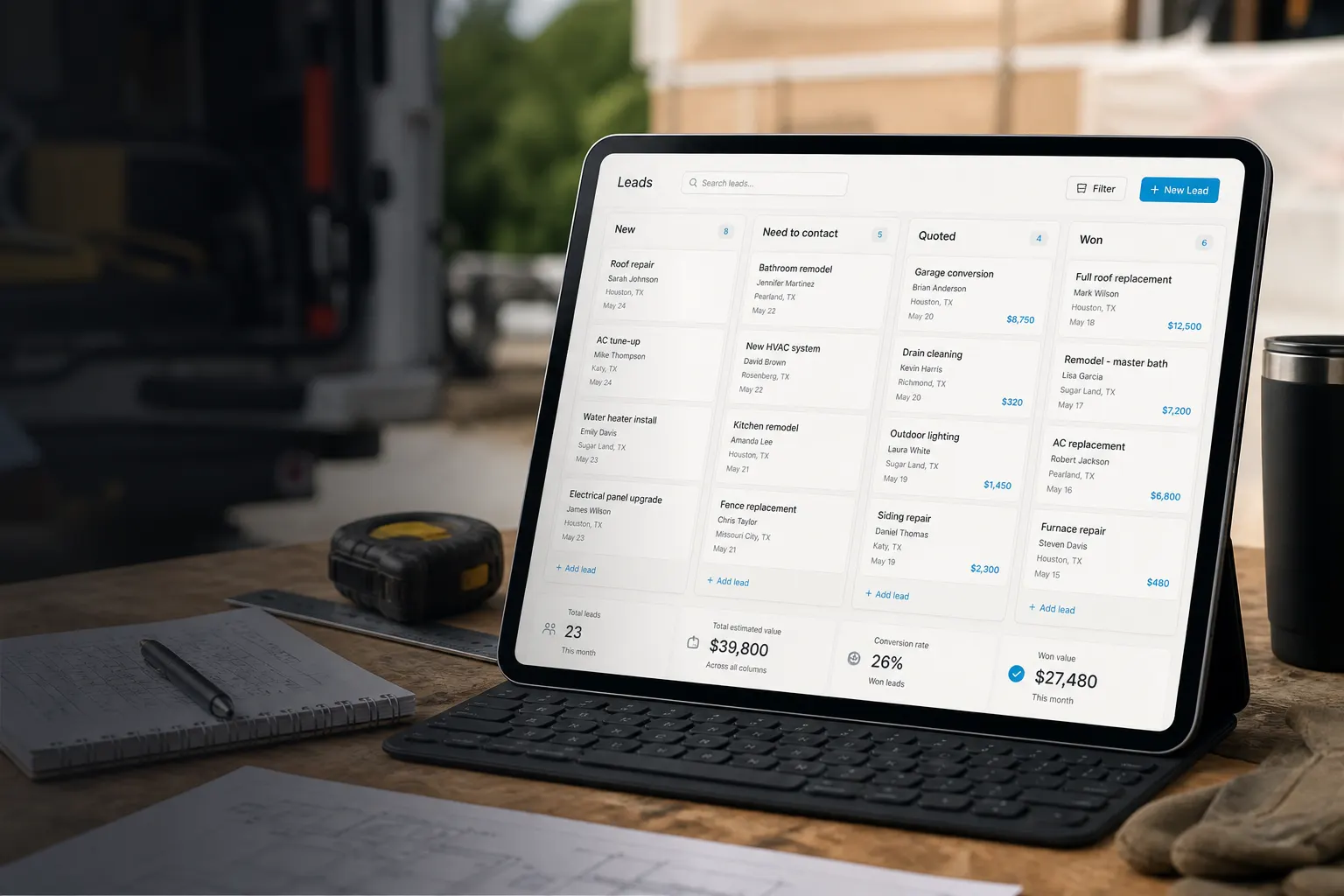
New → contact → quoted → won. Reply from the same thread before you open the estimate.
Client file follows the job
Estimate, schedule, work order, and invoice share one record — easier renewals.
Estimates clients actually open
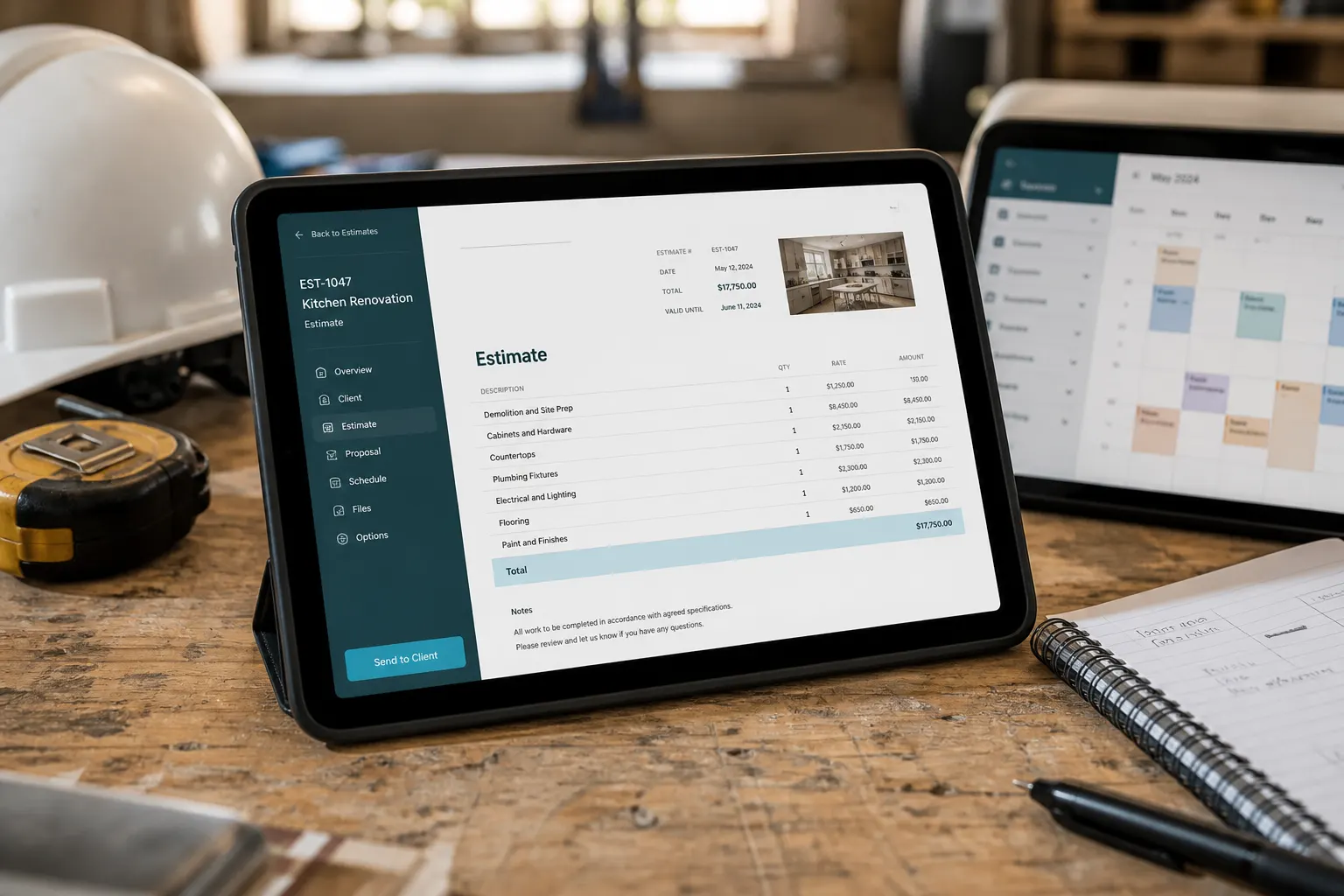
Share a live link or PDF. Line items stay clear; acceptance moves the job forward without another tool.
Line items your way
Packages, labor, materials — write it how you bill.
Proof beside the quote
Attach job photos, walkthrough video, or a live FWDLink so the number makes sense. Video plays on the public estimate; the FWDLink stays current as you add more.
Same brand when you invoice
Accepted estimate → invoice after the job — clients already know the link.
Jobs and field docs on the same file
Schedule the visit, open the work order in the field, send the invoice before you leave the driveway.
Schedule from CRM
Client prefilled from the won lead or estimate.
Work order in the truck
Scope and notes on the phone between stops.
Invoice from the field
Send pay links while the work is fresh — not “I’ll email you later.”
Pipeline, docs, and pay — one loop
Move inquiries on the board, keep the client current, share a link to approve or pay. Your page stays the brand clients forward.
Leads pipeline
New → need to contact → quoted → won or lost.
Estimates & invoices
Quote acceptance feeds the job; invoice closes cash.
Client view when you share proof
Forward a live FWDLink for job photos and video beside the estimate or invoice.
Share a client view — then close the invoice
When proof matters, attach a live FWDLink, stills, or walkthrough video on the estimate and invoice. Keep billing on the same brand clients already trust.
Browser, not another app
Clients open the link on any phone — no downloads to approve or pay.
Field invoice when done
Finish the stop, open the job, send pay before you drive off.

Phone-first between stops
Built for crews who quote, show up, and get paid without going back to a desktop.
Starter covers the core loop
Page + CRM workflow free to start. Online pay and seats on Plans.
Write it for your market
Page and messages in the language your clients use.
Start free. Upgrade when you get paid online.
Starter includes your public page and core quote-to-cash flow. See Plans for online payment fees and seats.
See Plans & feesFrequently asked questions
- What is quote to cash on FWDLink?
- Your public page captures the lead; CRM moves estimate → job → invoice → pay under the same brand — one owned link instead of separate marketing and billing tools.
- Do I need a separate website and CRM?
- No. The page is the front door; Leads, estimates, schedule, work orders, and invoices live in the same FWDLink workspace.
- Can clients pay invoices online?
- Yes, according to your plan. Starter can start the docs flow; online pay details are on Plans.
- Can I send estimates and invoices from my phone?
- Yes. Create and share links clients open in the browser — built for between-stop field use.
- How is this different from business CRM?
- This page is the quote-to-cash story: public page + money loop. Business CRM is the deeper product tour of the same rails.
Claim the link. Close the loop this week.
Put a quote form on your page, send an estimate, invoice when the job is done.