Timestamp camera app
When the warranty call asks “when?”, open the dated album
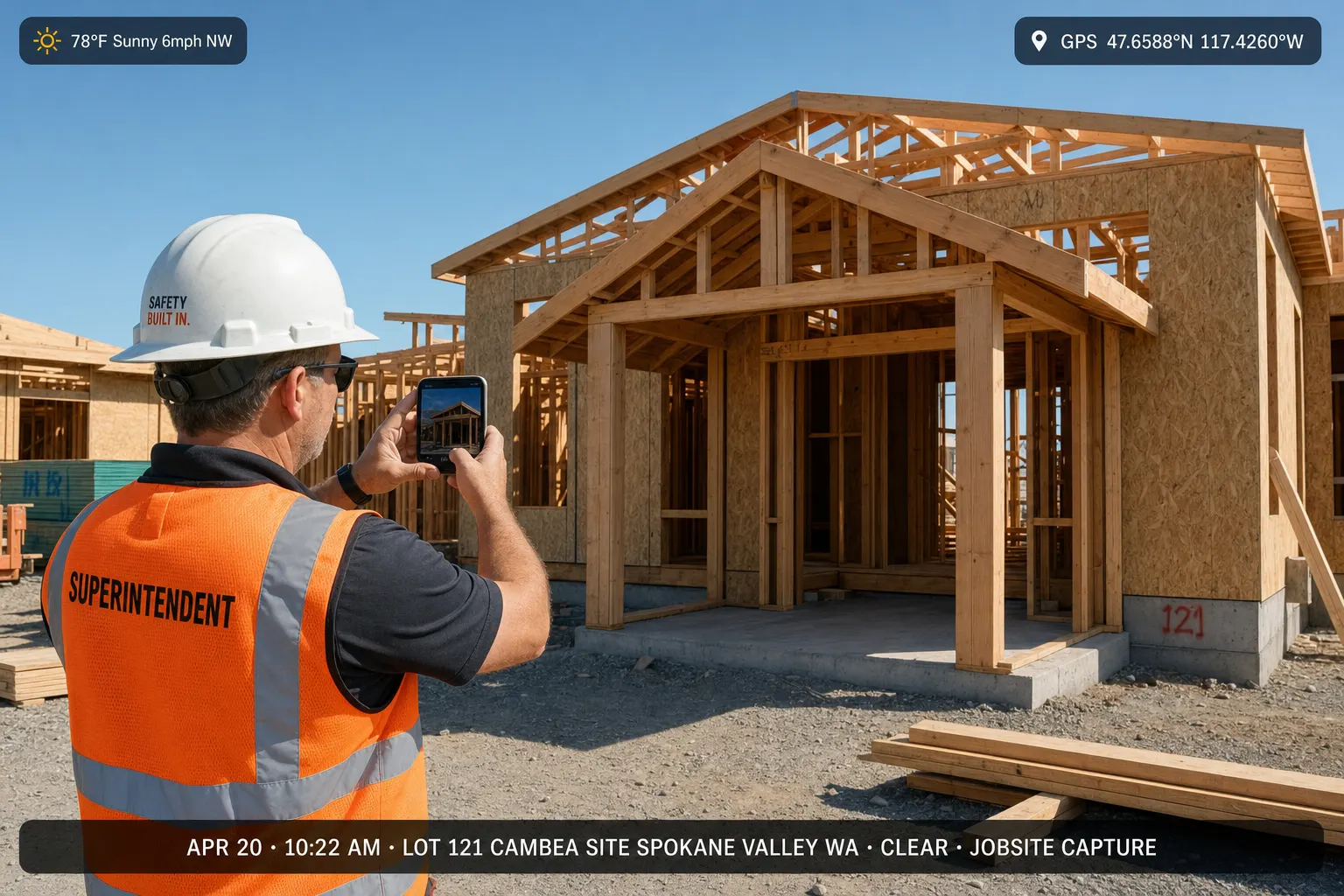
A stamp on the pixels helps. An album pinned to the address — with date context you can share and attach to the invoice — is what closes the callback.
Warranty callback
“You said you finished last Tuesday.” Prove it without scrolling Recents.
A homeowner calls about a leak under a skylight you flashed six weeks ago. They want the date you sealed it — not a guess from a camera roll full of other roofs.
- 01
Open the address, not the roll
The job album is pinned to the property. Dated stills from the flash day sit together.
- 02
Forward one link
They see the close-out set in a browser. You keep adding if a follow-up visit happens.
- 03
Same photos on the invoice trail
If billing or a GC asks, the dated set is already next to the paperwork on your page.

One job day
A day of timestamped shots that stay with the address
Not a collage of every job this month — a timeline for one site.
7:40 a.m.
Arrival conditions
Dry-in state before the crew starts — date context for “what it looked like when we got there.”
11:15 a.m.
Mid-job proof
Flashing detail and underlayment while it is still open — the shot you need later.
3:50 p.m.
Close-out set
Finished plane and clean-up. Same album. Same address. Ready to share.
Stamp vs job file
A timestamp on the image is not the same as a jobsite photo app
Stamping date and time on a JPEG is useful when you need a quick visual cue. Filing that photo by job address — with a live client link and a path onto the estimate — is how you stop hunting Recents during a warranty call.
Free browser tool
Need a stamped JPEG right now? Use the tool. Need the job file? Create your page.
Stamp in the browser, download the file, then keep the set in a FWDLink album by address when you are ready for crew uploads and invoices.
Timestamp camera app — FAQ
- What is a timestamp camera app for contractors?
- It keeps job photos with clear date context and a place to find them later. FWDLink files albums by address, shares one client link, and attaches those photos to estimates and invoices.
- Is stamping a JPEG enough?
- A stamp helps in the moment. An album by address you can share and put on an invoice is what finishes the job file.
- Can I stamp a photo for free in the browser?
- Yes — use the free timestamp photo tool, then save the set to your FWDLink page when you want the full job album.
- Does this replace insurer or legal requirements?
- No. It is a practical way to keep dated job photos findable and shareable. Keep whatever your insurer or counsel requires.
GPS photos, insurance sets, and phone-camera compares
Related pages
Start the next dated job album on FWDLink
Claim a free page, capture on site, and stop guessing the date from Recents. Starter is free — see Plans for storage, seats, and online payment fees.