For creators
One place for all your content.
Your videos, clips, stills, audio, and files deserve a home you can actually find. Keep them in a private content library, pull them again when you need them, and send a live link when someone asks for the set.
Free to start. Private until you send a link. The same link stays current as you add more.




Sound familiar?
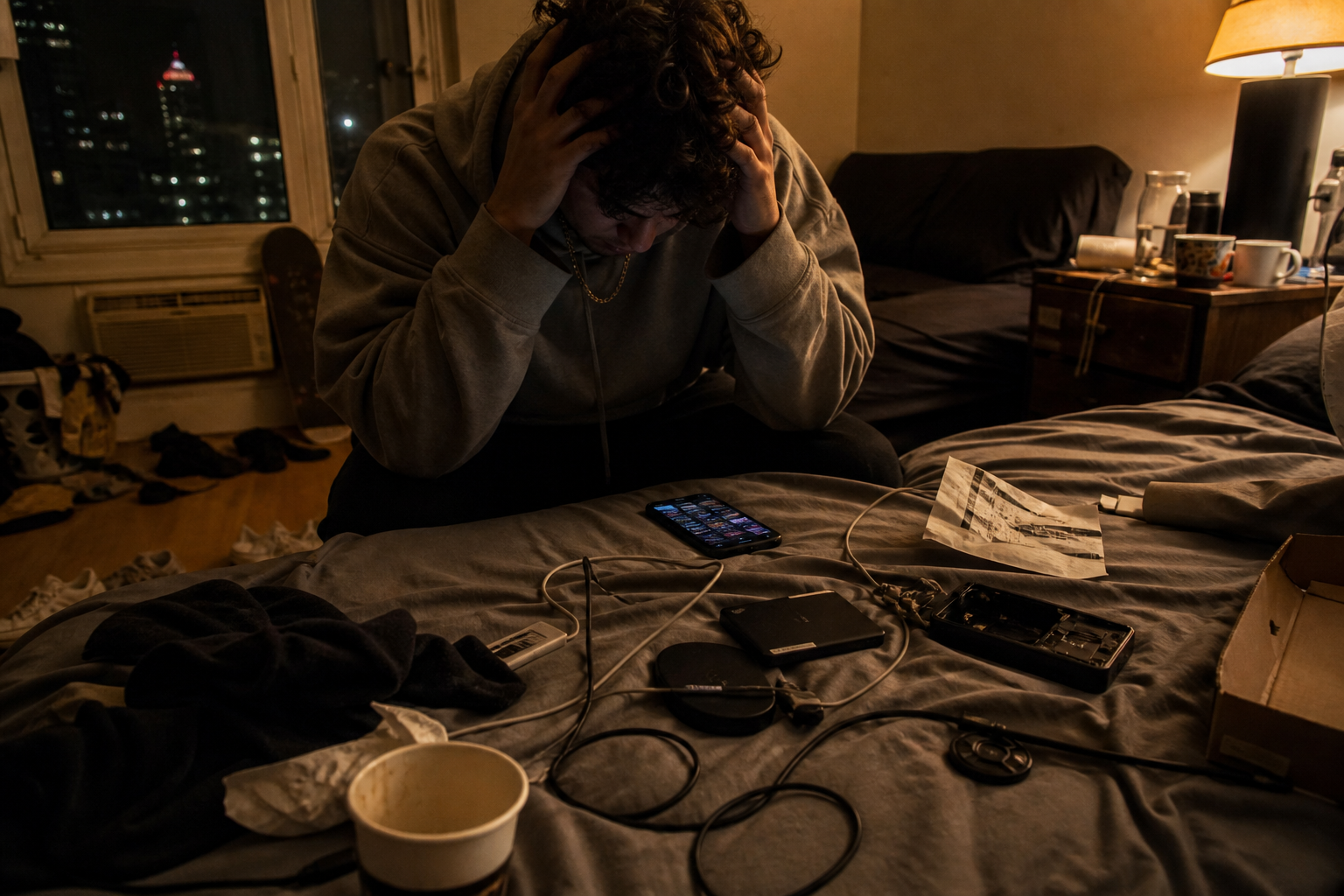
Recents, hard drives, and DMs aren’t a library.
The clips live in Recents. The BTS is on a drive named “final2.” Voice notes are in another app, and the brief is in a third folder. When an editor, a brand, or last month’s collab asks for the set, you hunt. They wanted the drop, and you’re staring at a pile.
A quieter way
Put the drop in an album you’ll find next month.
Upload the video next to the stills, the audio next to the brief, the LUT next to the BTS. It’s a simple album grid — everything for one drop in one place.

Use it again
Last week’s BTS can be next week’s post — if you can find it.
The clip you almost posted, the still a brand asks for six weeks later — if it lives in your library, you can pull it without starting the hunt over.
When they ask
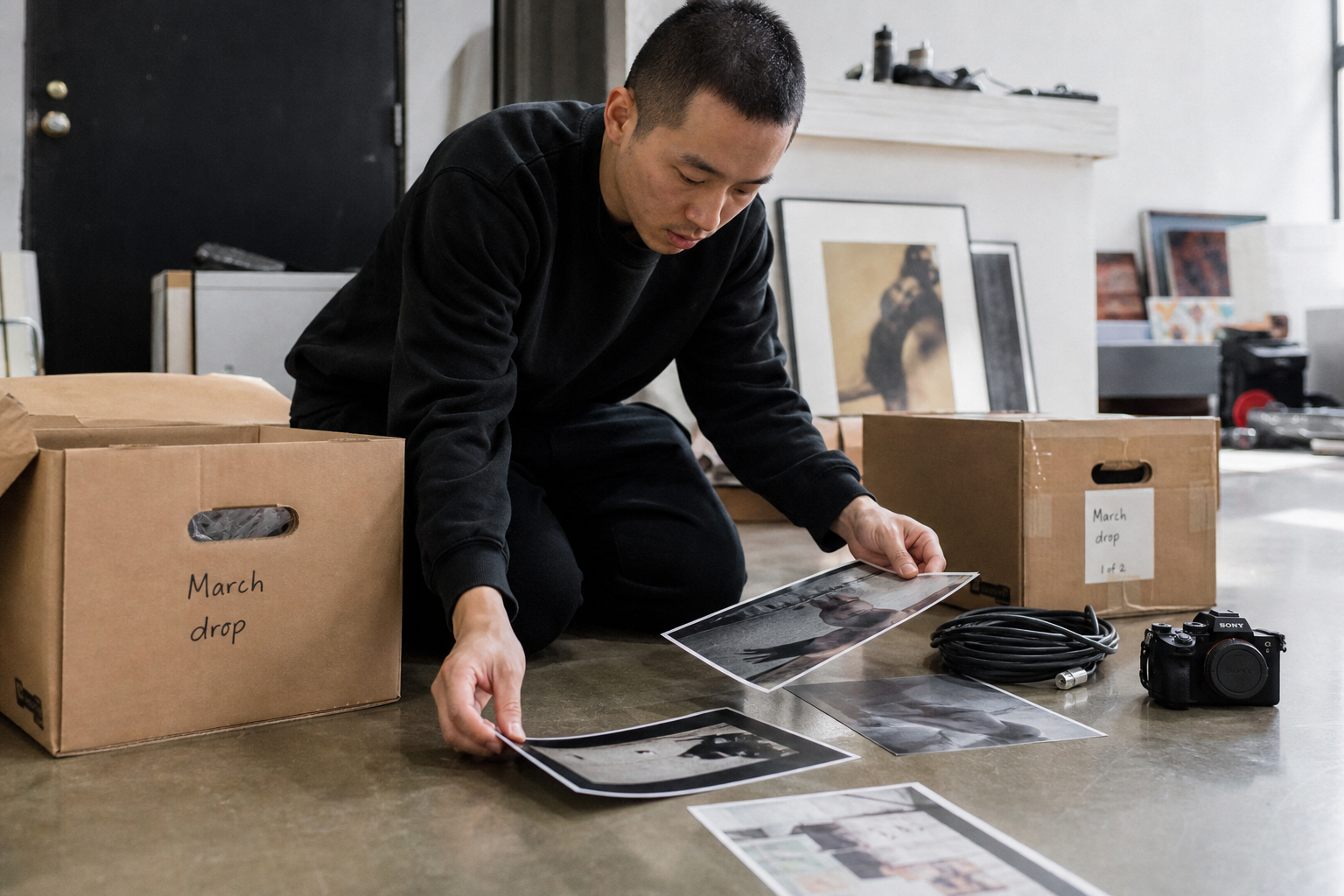
Send the set they asked for, not the chaos behind it.
Maybe an editor needs the selects, a brand wants the look, or a collab is asking for last night’s clips. You send a live link, and they open only what you chose — not Recents, not a 4GB chat. You can keep adding, and the URL stays the same.

Your library stays yours
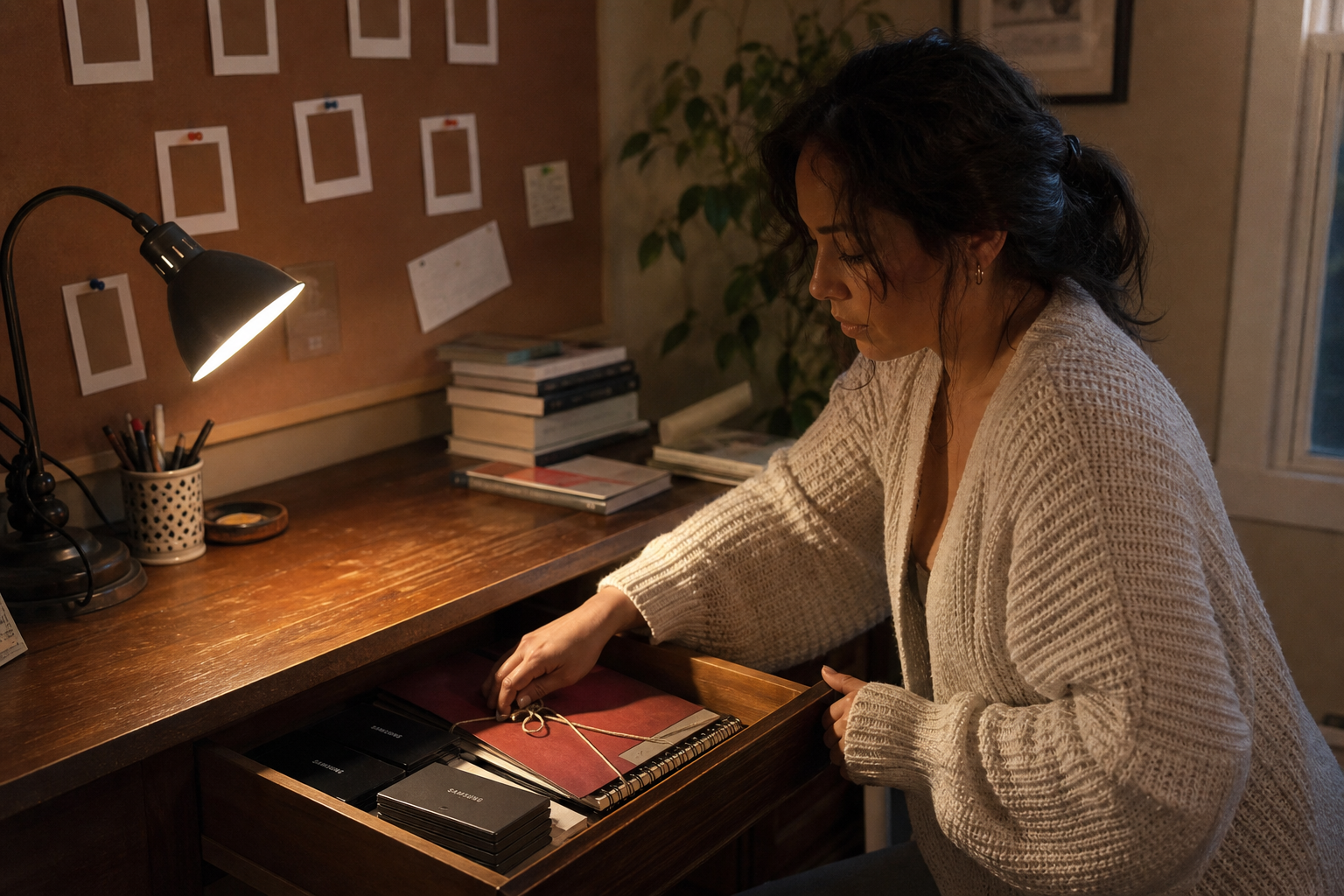
People only see what you choose to send.
Raw stays private. Outtakes stay outtakes. A live link is a choice you make, and you can turn it off whenever you want.
Whenever you’re ready
Getting paid can wait until the content has a home.
Get your content library sorted first. Tips, memberships, and bookings are all waiting when you want them — none of it is required to start.
How it works
From your camera roll to a live link, in four steps.
You choose where each file lives. Nothing leaves your library until you send it.
01
Upload your media
Bring videos, clips, stills, audio, and files from your phone or your drive. You pick what goes in.
02
Give it an album
Name it like a drop, a project, or a collab — something you’ll actually remember next month.
03
Keep it, then reuse it
When the next post needs a clip, open the album instead of hunting Recents again.
04
Send a live link
FWD the set to an editor, a brand, a collab, or a fan. They see what you chose.
A few questions people ask
- Is my creator library public?
- No. Everything stays private until you send a live link or pin a set on your public page. You choose what leaves.
- Where should creators store raw footage and BTS?
- Most creators split it up: SSD for active edits, NAS or HDD for archives, cloud for handoffs. FWDLink is for what you send — organize raw, BTS, and finished sets in a private album by drop or project, then FWD a live link to an editor, brand, or collab without exposing your whole content library.
- How is FWDLink different from Google Drive for creators?
- Drive stores files in folders. FWDLink organizes media into albums you forward — live links that open in a browser, a public page for featured sets, and the same files on invoices when you get paid. Drive is the locker. FWDLink is organize, share, and monetize.
- How do I get videos and files into FWDLink?
- Upload them into an album from your phone or computer. You choose the home. FWDLink doesn’t auto-file from Recents or a share sheet.
- Can I send a set to an editor or a brand?
- Yes. FWD a live album link and they can open it in a browser — they don’t need a FWDLink account to see what you sent. Keep adding, and the URL stays the same.
- Can I reuse content later?
- That’s the point of the library. Keep the drop, pull a clip or a still for the next post, and send a new set when someone asks.
- Where do tips and memberships live?
- On Monetize with FWDLink. Store your work, reuse it, and send a link first — turn on tips and memberships whenever you want to.
- Is it free to start?
- Yes. You can claim your username, store media in albums, and send live links on the free plan. Upgrade when you need more storage — take a look at Plans.
Give every clip a home you can actually find.
Start free, upload the next drop into an album, and send a live link when someone needs it. One place for all your content.