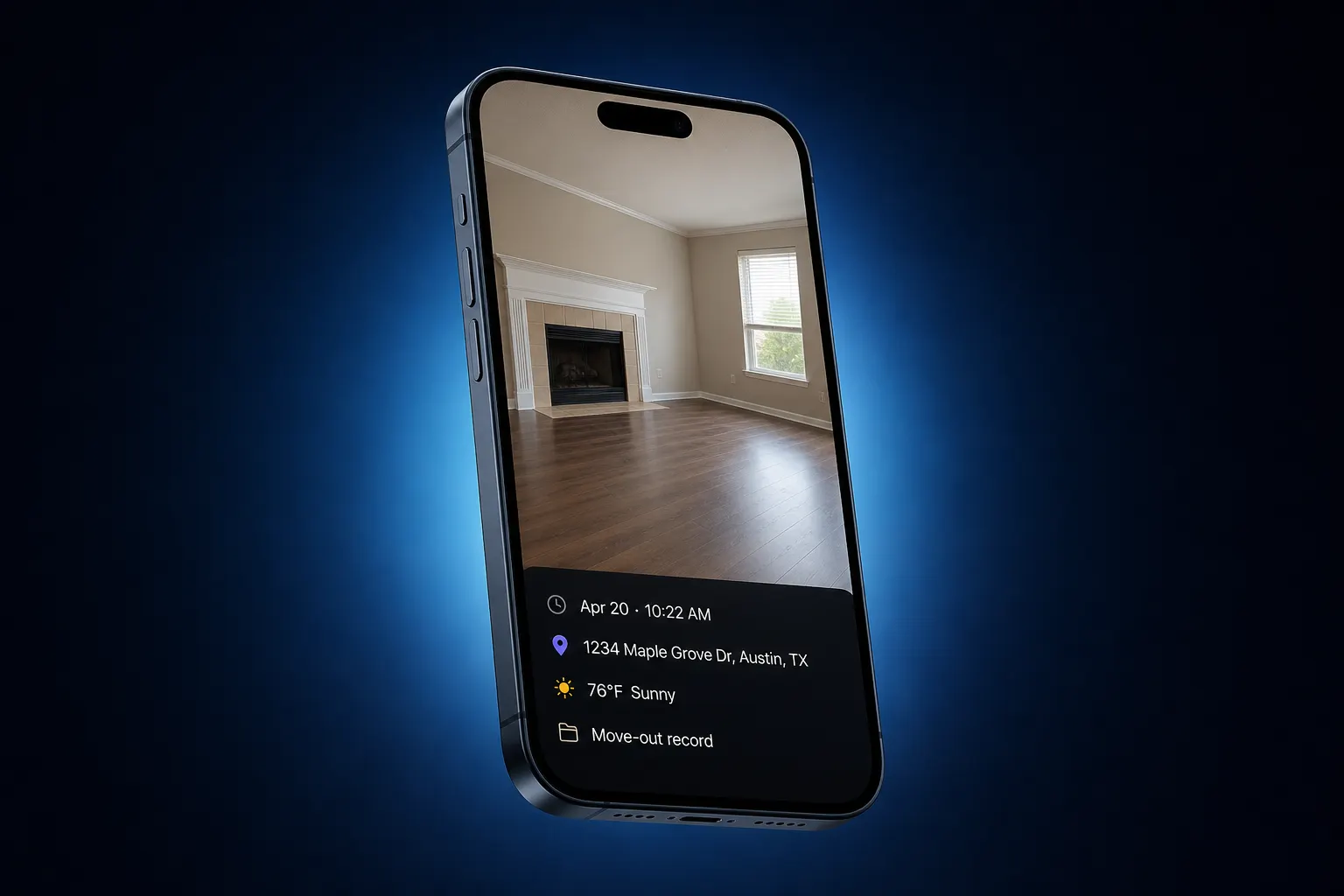
CRM · photos on the job
CRM with photo upload — pictures live on the client, not in a notes dump
Shoot the before, the mess, the finish. FWDLink keeps those stills on the client and the job you are already quoting — then you attach them to the estimate or invoice instead of pasting “see pics” in a note.
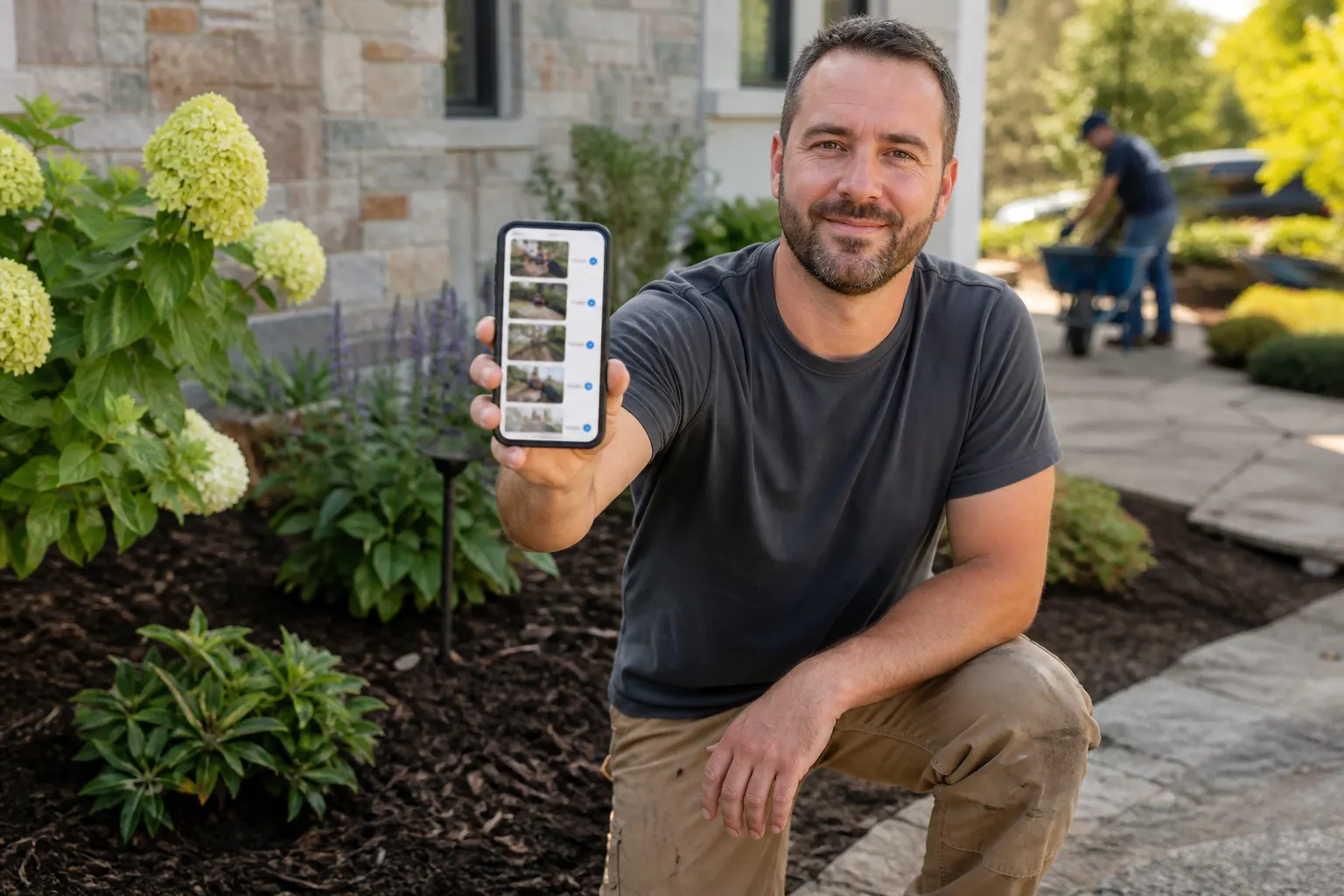
On the client, not in notes
The album belongs to that person and that stop. Callbacks six months later still make sense.
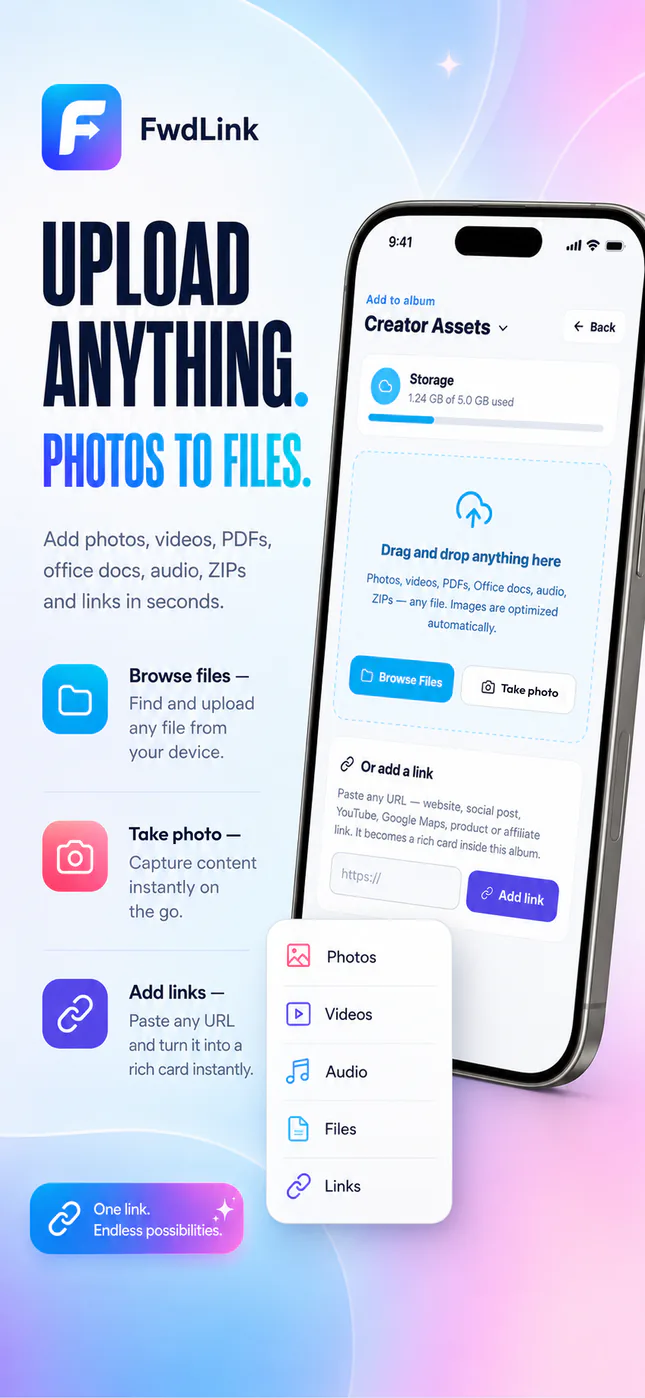
Capture on the phone
You already have the camera. Upload while you are on the driveway — not after you forget which house it was.
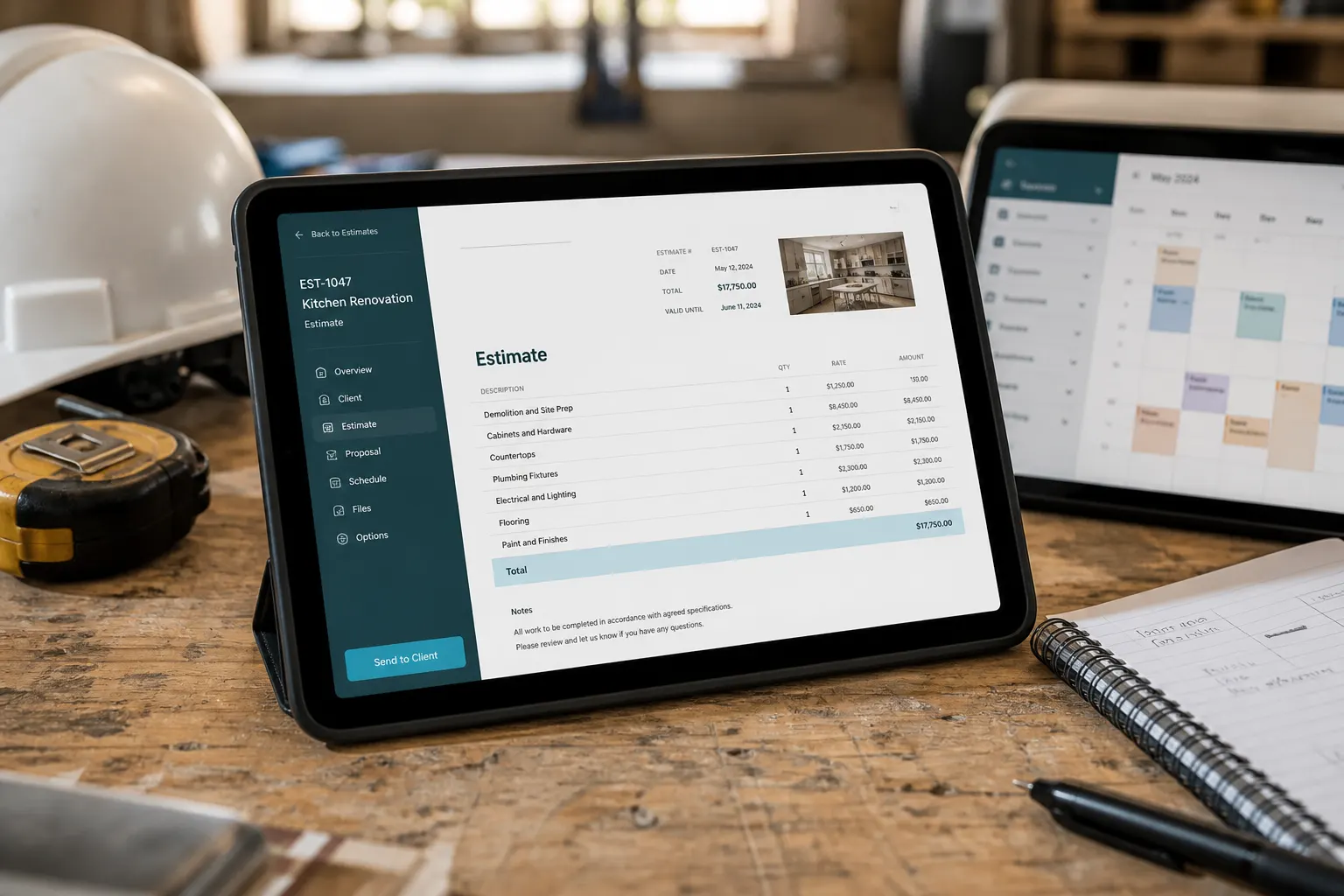
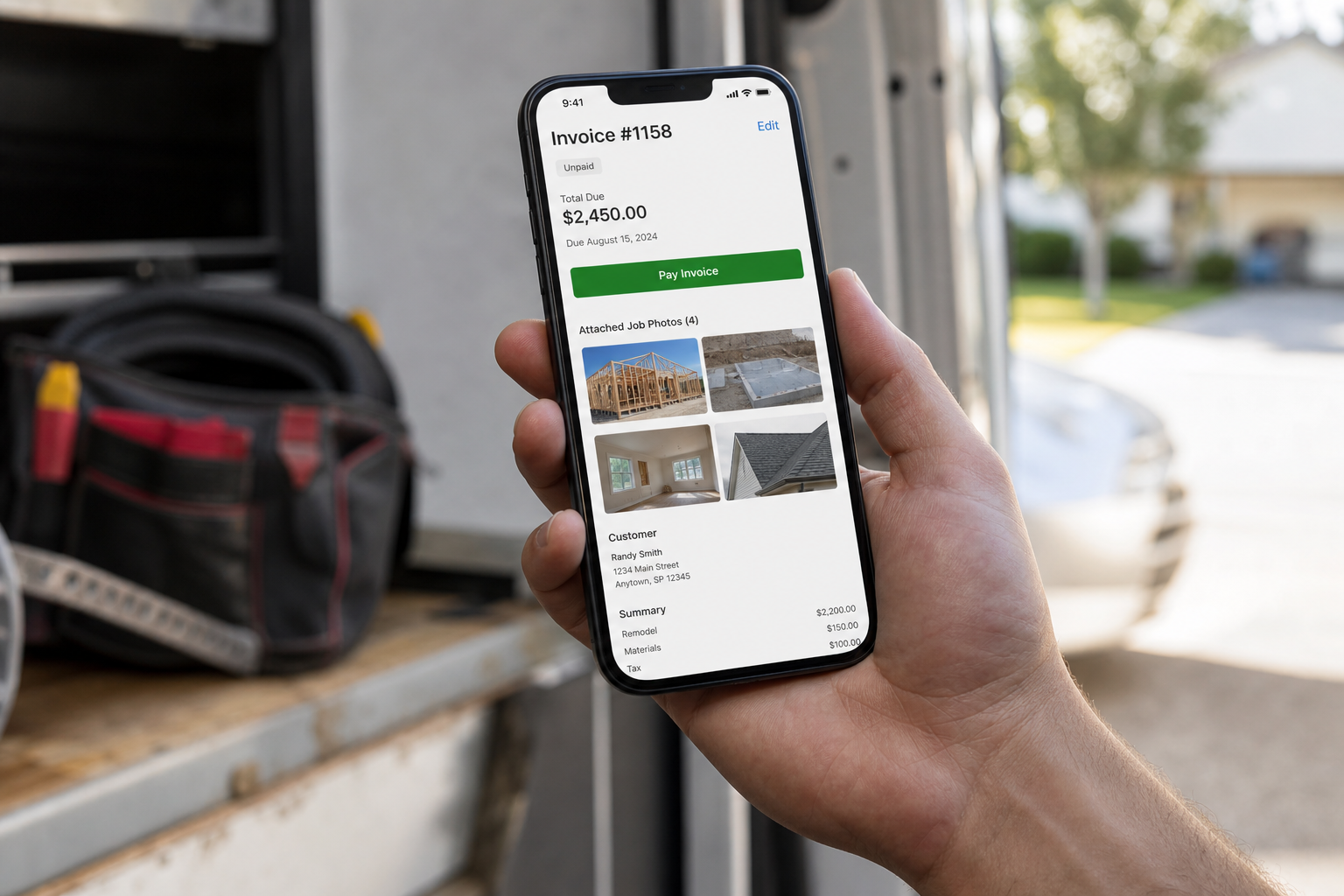
Proof on the paperwork
Attach stills or a live link to the estimate and invoice so the price has a face.
How it works
- 1
Open the client or job
Start from the person or stop you are already quoting — not a camera roll dump with no name on it.
- 2
Shoot from the phone
Before, during, after. The photos save on that client file while you are still on site.
- 3
Keep adding to the same record
Day two stills land next to day one. You are not hunting last Tuesday in Messages.
- 4
Put them on the estimate or invoice
Attach stills or a live FWDLink to the paperwork. Send the link. They see the work, then the number.
Notes are not a photo library
A CRM that “supports photos” in a comment is still a dump. You need the set on the client: named, addable, shareable. When they ask “what did you see last visit?”, you open the job — you do not scroll a chat.
The same stills on the estimate
Quote with proof already attached. Line items plus the photos from that visit — or a live FWDLink that stays current if you add a shot after you hit send.
Schedule and invoice without switching apps
Leads from your public page, the estimate, the calendar, the work order, the invoice — one client file. Photos ride along so the office and the truck see the same job.
Your page is the front door
fwdlink.com/you collects the inquiry. The CRM is where the photos, the quote, and the invoice live after that. One brand from the first tap to paid.
Frequently asked questions
What is a CRM with photo upload on FWDLink?
A workspace where photos sit on the client and job — not in a notes field, a chat thread, or a folder named “final2”. You shoot from the phone, keep adding, then attach the same set to an estimate or invoice.
Do photos live on the client, or in a general album?
On the client / job. Name the stop, pin the address if you want, and the set stays with that file when you quote, schedule, or invoice.
Can I capture from my phone in the field?
Yes. That is the point. Upload from the truck or the porch. You do not wait until you are back at a desktop to “file the photos.”
Can I attach photos to estimates and invoices?
Yes. Put stills or a live FWDLink on the estimate or invoice so the customer sees proof next to the line items.
Can the customer open the photos without an app?
Yes. You send a link. They open it in a browser on whatever phone they already have.
Is this only for construction?
No. Any service that bills from proof — lawn, cleaning, trades, home visits — can keep photos on the client file. Construction crews often start on the jobsite photo pages if that is their whole day.
Related
More FWDLink pages
- From page lead to paid job — one flow
- CRM with video upload
- CRM with photos and videos
- Field service CRM
- Jobsite photo app
- Photographer client gallery — experience over download dumps
- Photographer CRM
- Photographer CRM
- Photo sharing for photographers
- Jobsite photos on your page — trust first, then the close
- Plans & pricing