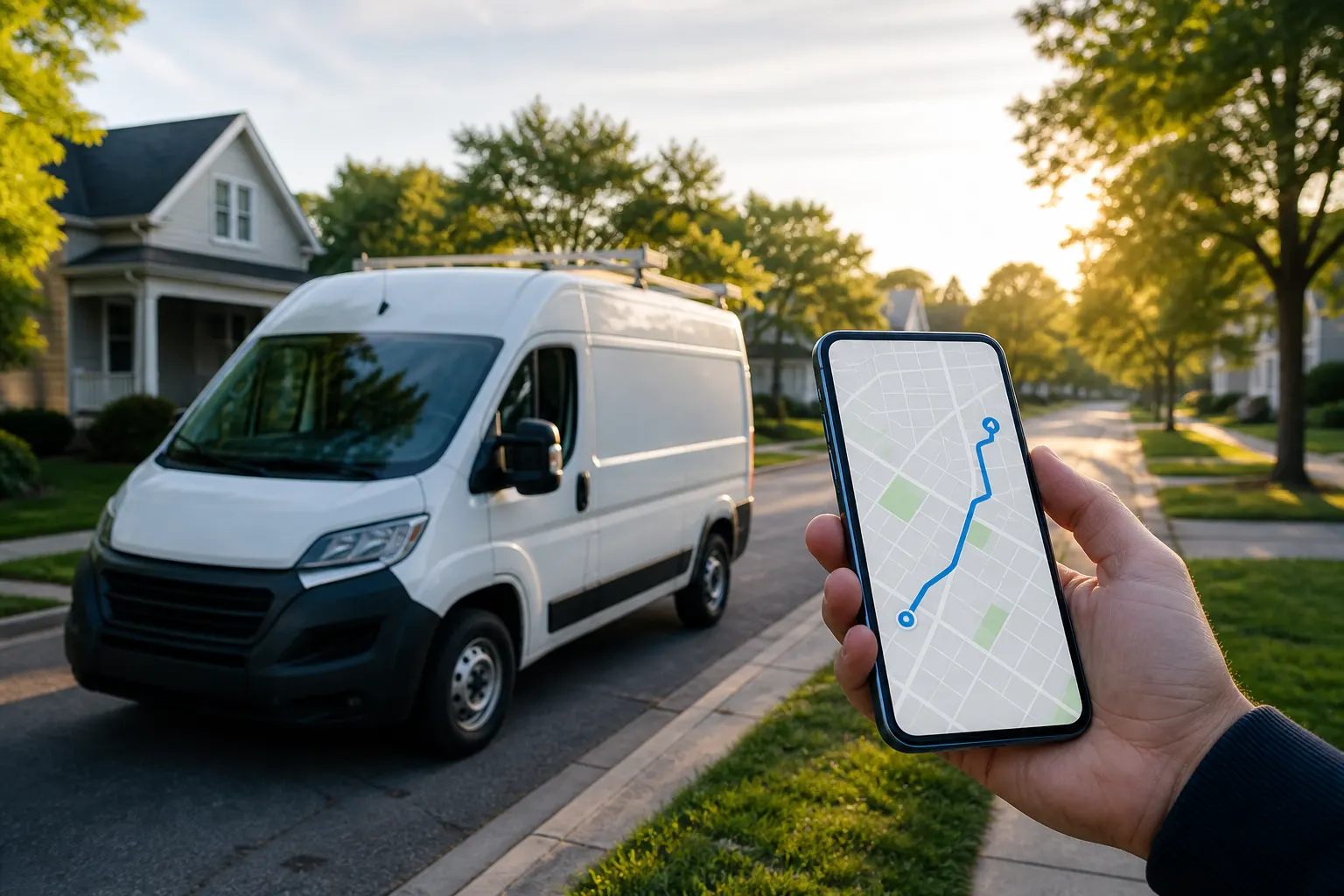
CRM with route planning for field days
Your public page and CRM close the job. Route Planner addon maps today’s stops so crews drive a clearer order.

How it works
01
Capture & quote in CRM
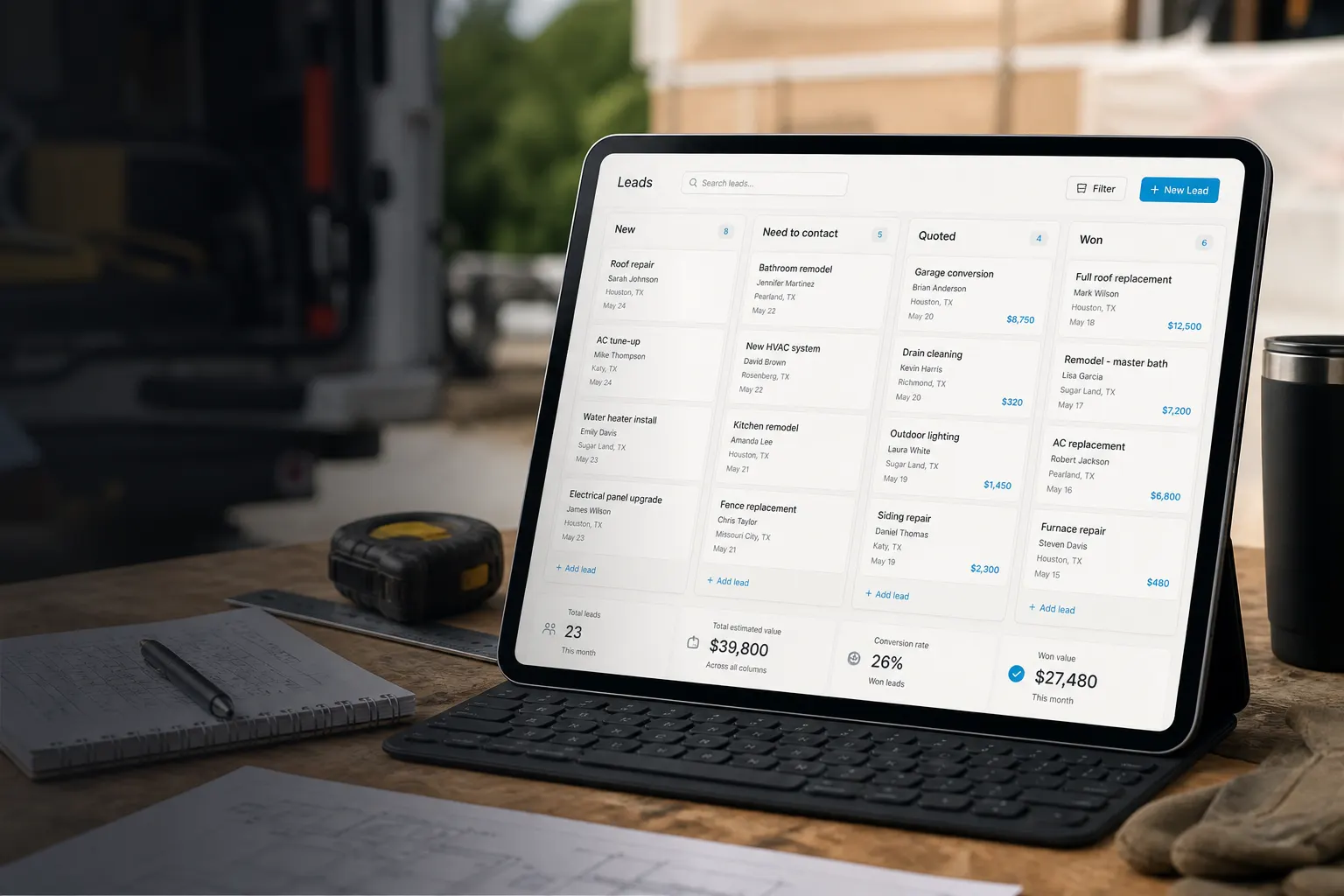
Leads land from your public page. Send estimates, schedule the visit, keep work orders on the same client file.

02
Build today’s stop list
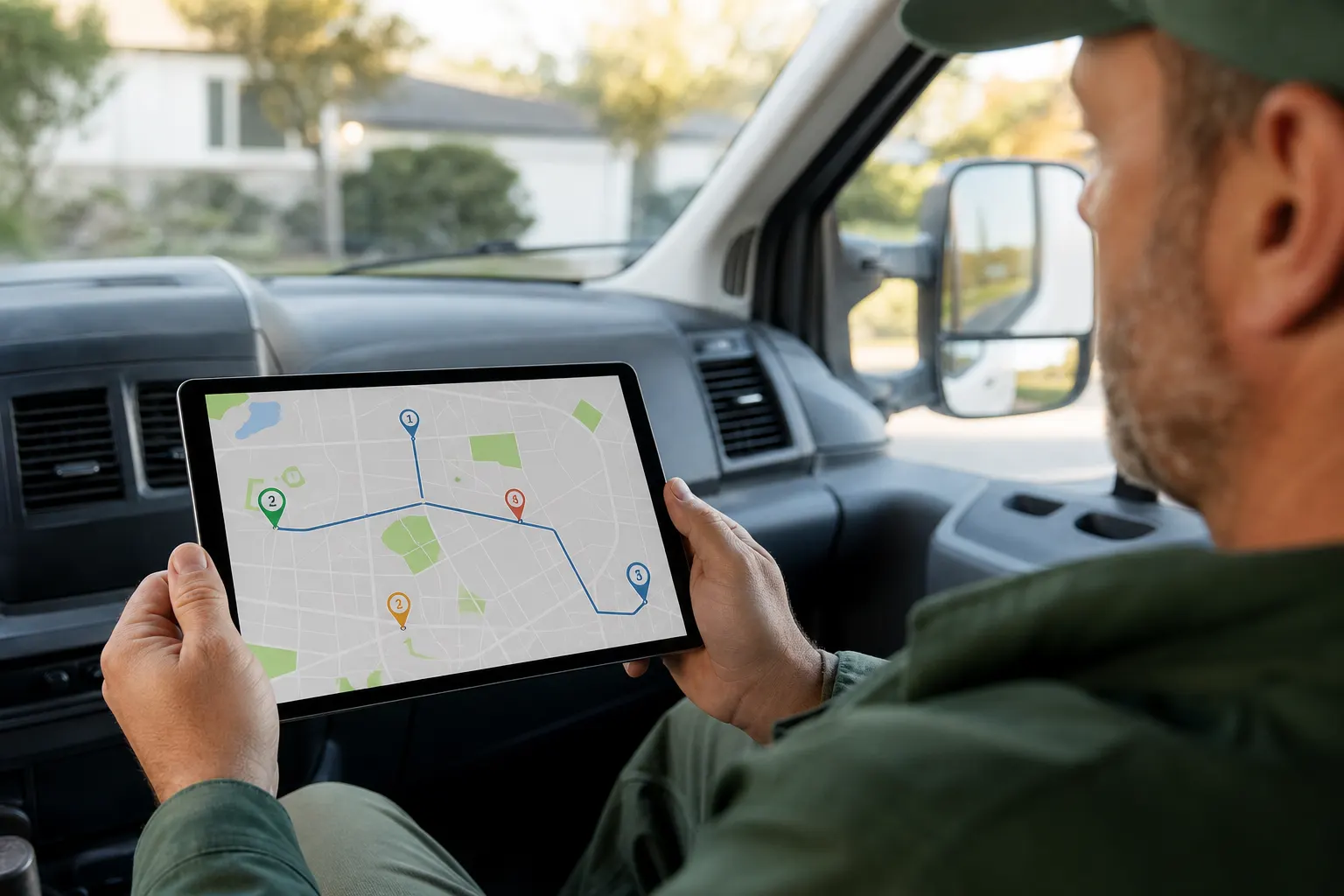
Open Route Planner (Business → Route Planner, or Schedule → Map). Add stops with label, address, and notes — or import from Schedule and addressed work orders.
03
Order, optimize, navigate
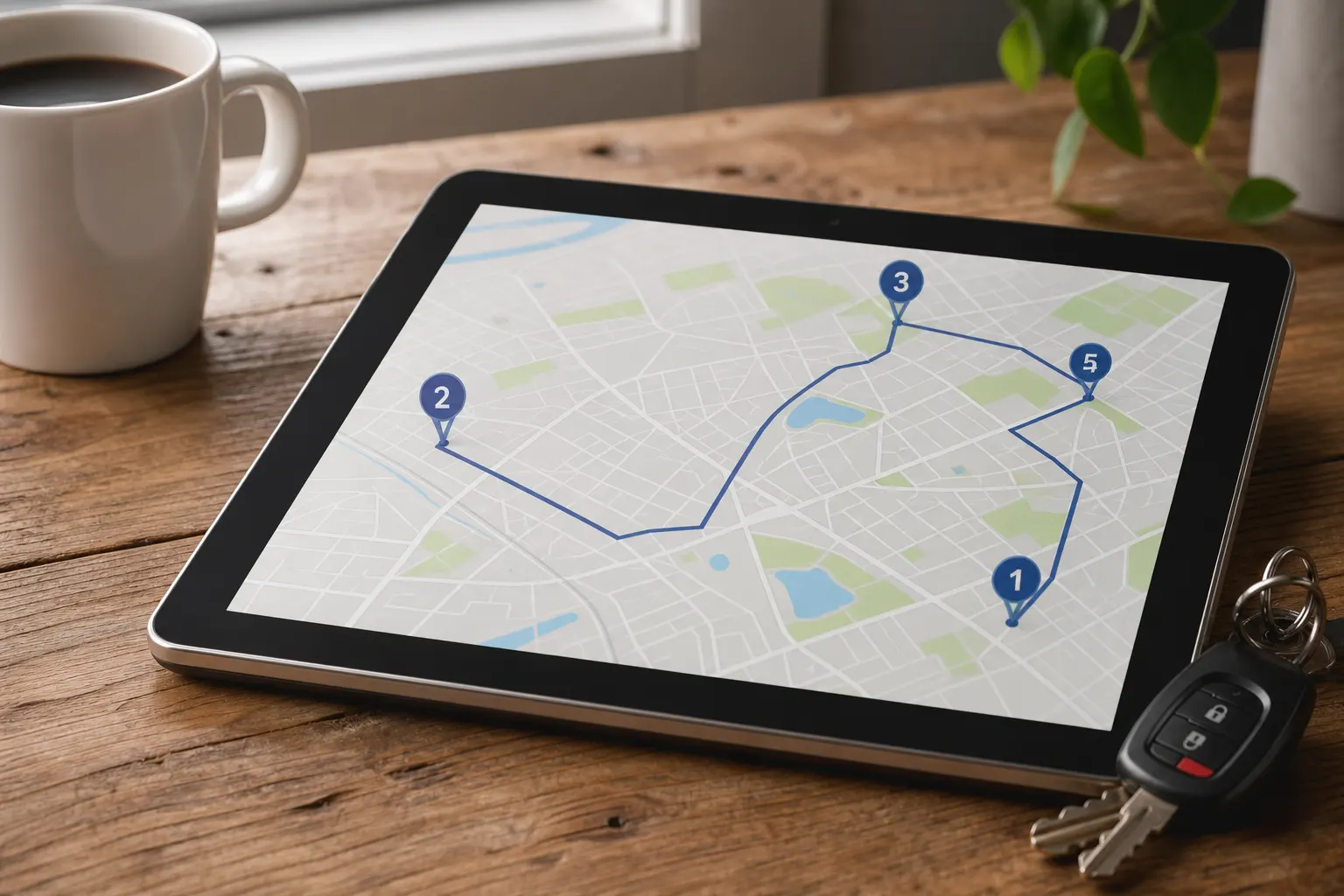
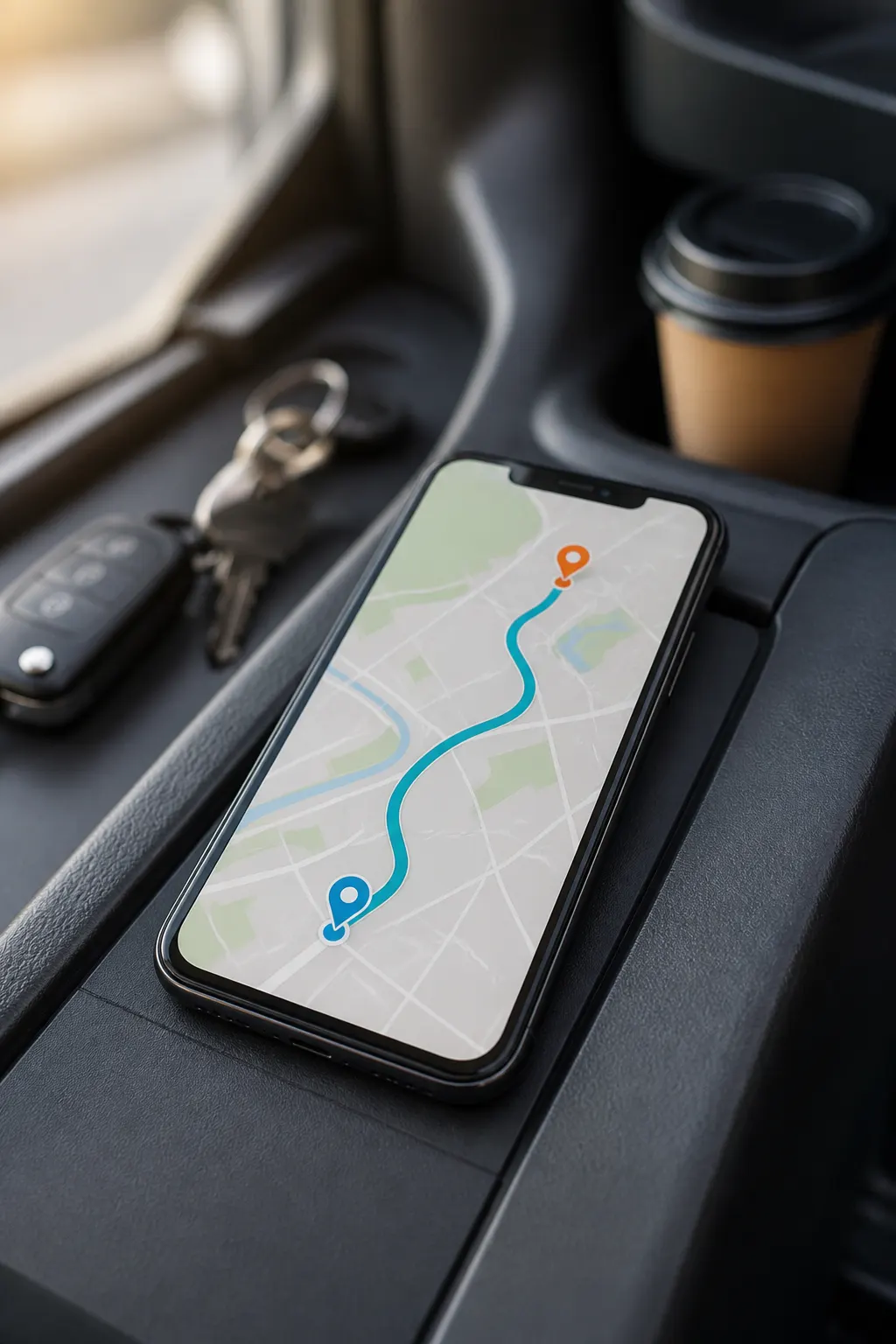
Reorder stops by hand, pin start and end, or run Optimize (Mapbox Optimized Trips, up to 12 stops). Open Google Maps, Apple Maps, or Waze when you drive.
04
Close the job in CRM
Between stops, open the work order and invoice from the same workspace — route planning doesn’t replace the CRM loop.
A sales CRM that still fits the truck
FWDLink starts as the page clients open. Inside: pipeline, estimates, schedule, work orders, and invoices — built for lawn, cleaning, and trades crews who bill from the field.
Route Planner addon — map the day
Paid add-on at $19/mo (plan key route_planner). Enable under Business → Add-ons, open /business/route-planner, or use the Schedule → Map tab upsell. Not included in Pro or Business base plans.
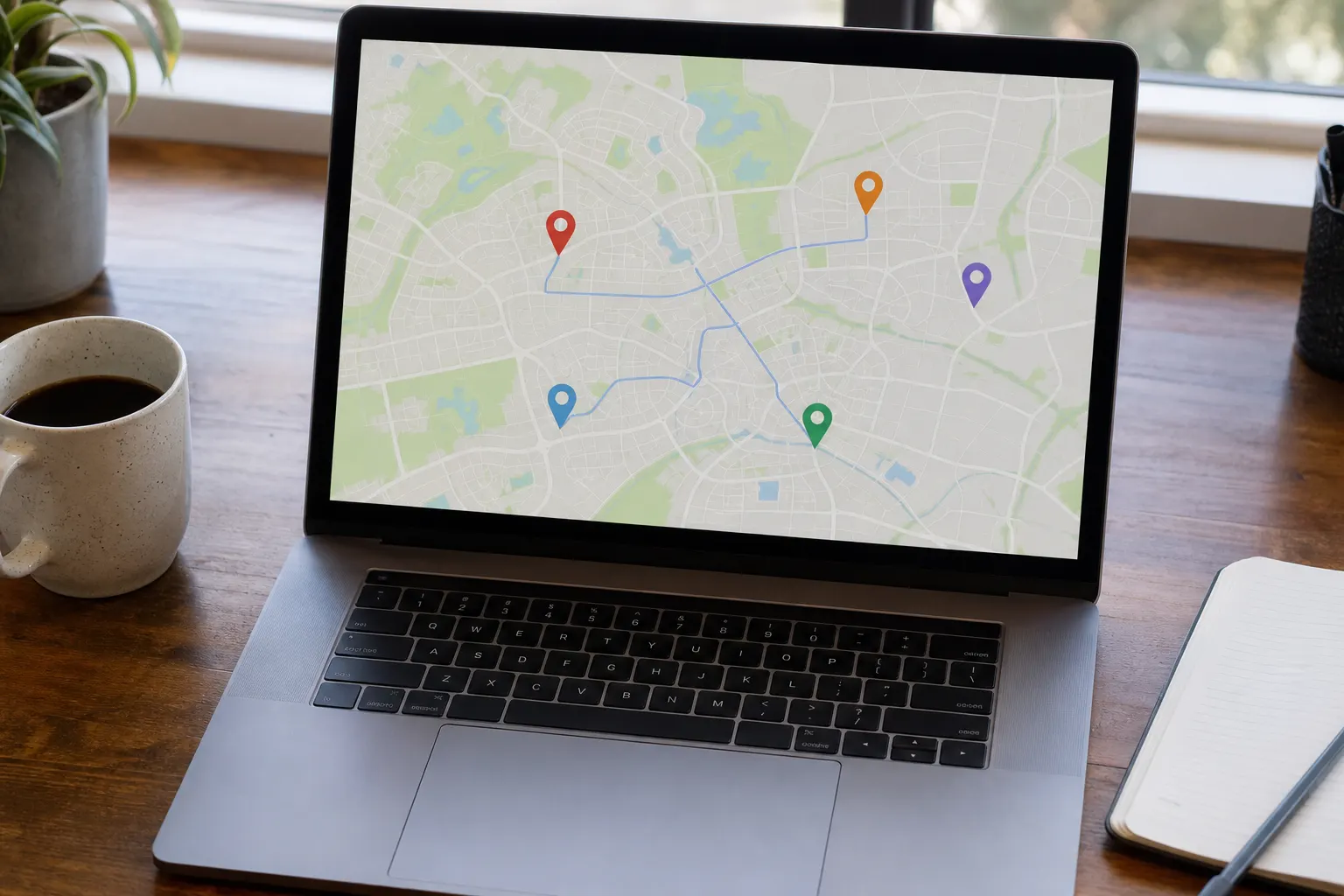
Reorder by hand. Optimize when it helps.
Drag the stop order that fits your crew. Pin start and end. Optimize uses Mapbox Optimized Trips — up to 12 stops, with first and last kept fixed when possible. Beyond 12, plan and reorder manually.
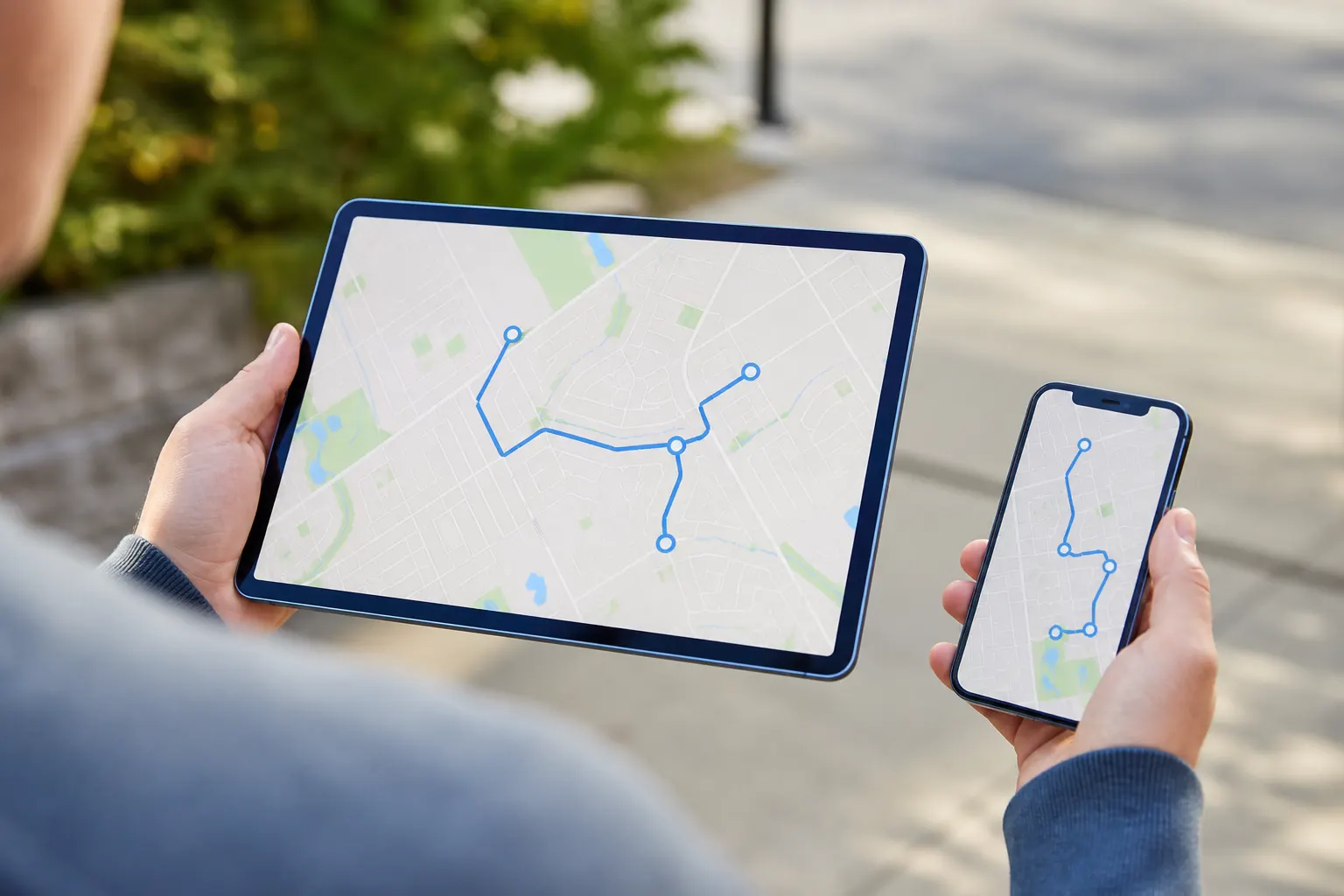
Save the route. Share the link. Filter for crew.
Route Records save the day’s plan. Share a public link when someone else needs the stop list. Crew roles can see assigned stops — not a live dispatch board or GPS tracking.

Built into CRM Schedule → Map
Plan routes where you already schedule jobs. Without the add-on, the Map tab shows the Route Planner upsell; with it active, you plan stops beside the calendar.
For lawn, cleaning, and trade crews
Multi-stop mornings are the point — not a fleet command center. Pair Route Planner with landscaping or cleaning invoice flows when you bill the same day.

Route planning sits beside the money docs
After you arrive, the CRM still owns estimates, work orders, and invoices — Route Planner only ordered the drive.
Frequently asked questions
What is a CRM with route planning on FWDLink?
Your FWDLink page and CRM handle leads, quotes, jobs, and invoices. Route Planner is an optional $19/mo add-on that maps the day’s stops, lets you reorder or optimize (up to 12), and opens Google Maps, Apple Maps, or Waze for navigation.
Is Route Planner included in Pro or Business?
No. It is a separate add-on (plan key route_planner). Buy it under Business → Add-ons, from /business/route-planner, or via the Schedule → Map upsell.
Does FWDLink do live GPS tracking or multi-vehicle dispatch?
No. Route Planner is day stop planning: list, map, reorder/optimize (≤12), save, share, and hand off to an external maps app. It is not a live dispatch board, GPS tracker, or multi-vehicle router.
How does optimize work?
Optimize calls Mapbox Optimized Trips for up to 12 stops and keeps first/last fixed when possible. For more stops, reorder manually. Turn-by-turn stays in Google Maps, Apple Maps, or Waze.
Where is the thinner feature page?
Product feature notes live at /features/route-planner. This page is the full CRM + route planning SEO guide.