CRM · walkthroughs on the job
CRM with video upload — walkthroughs belong on the job, not in Recents
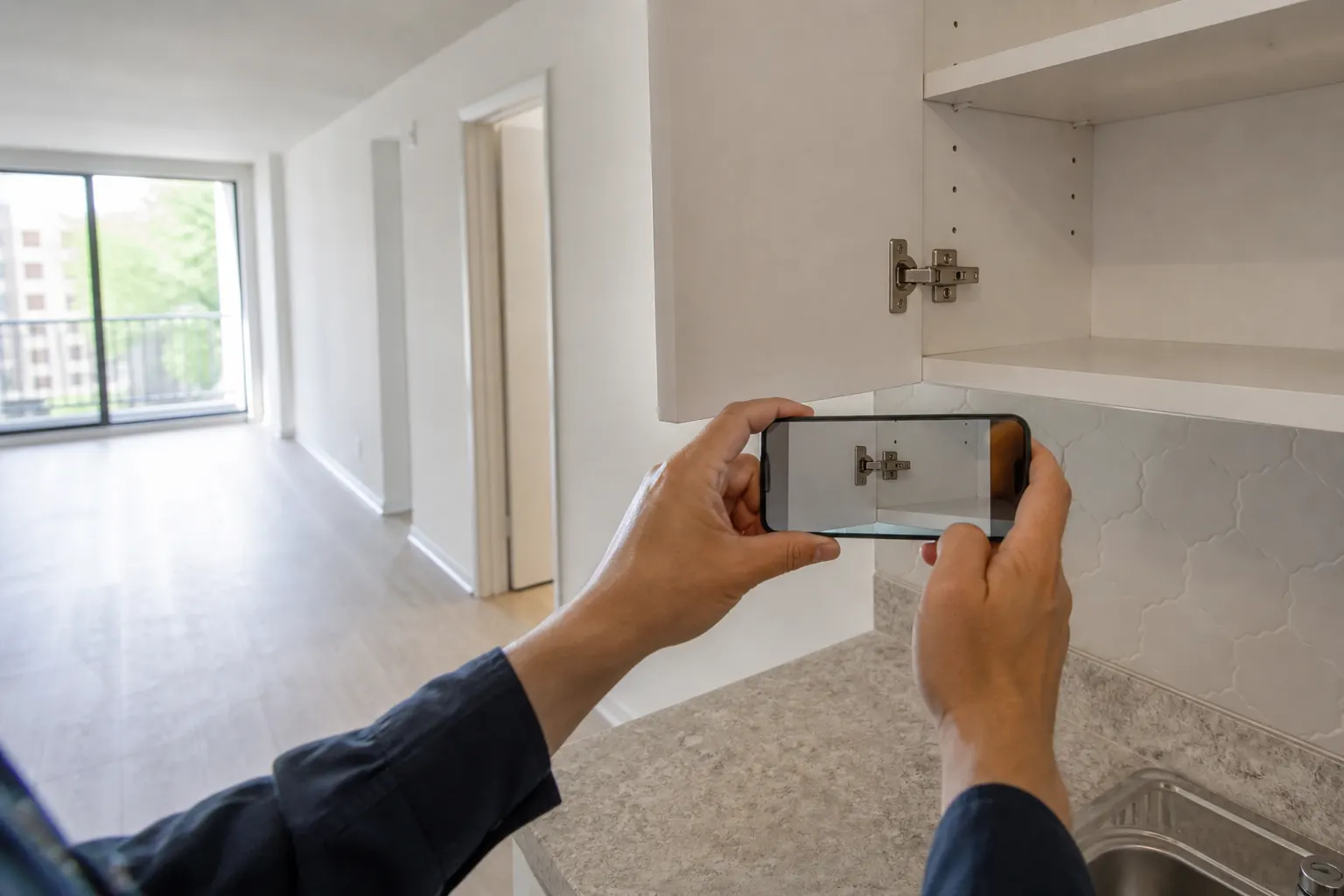
A leak, a roof, a unit that will not start — they need to see it move. Record on the phone, park the clip on that client, and send it with the estimate. Not a mystery file in a text thread.

Clip on the job file
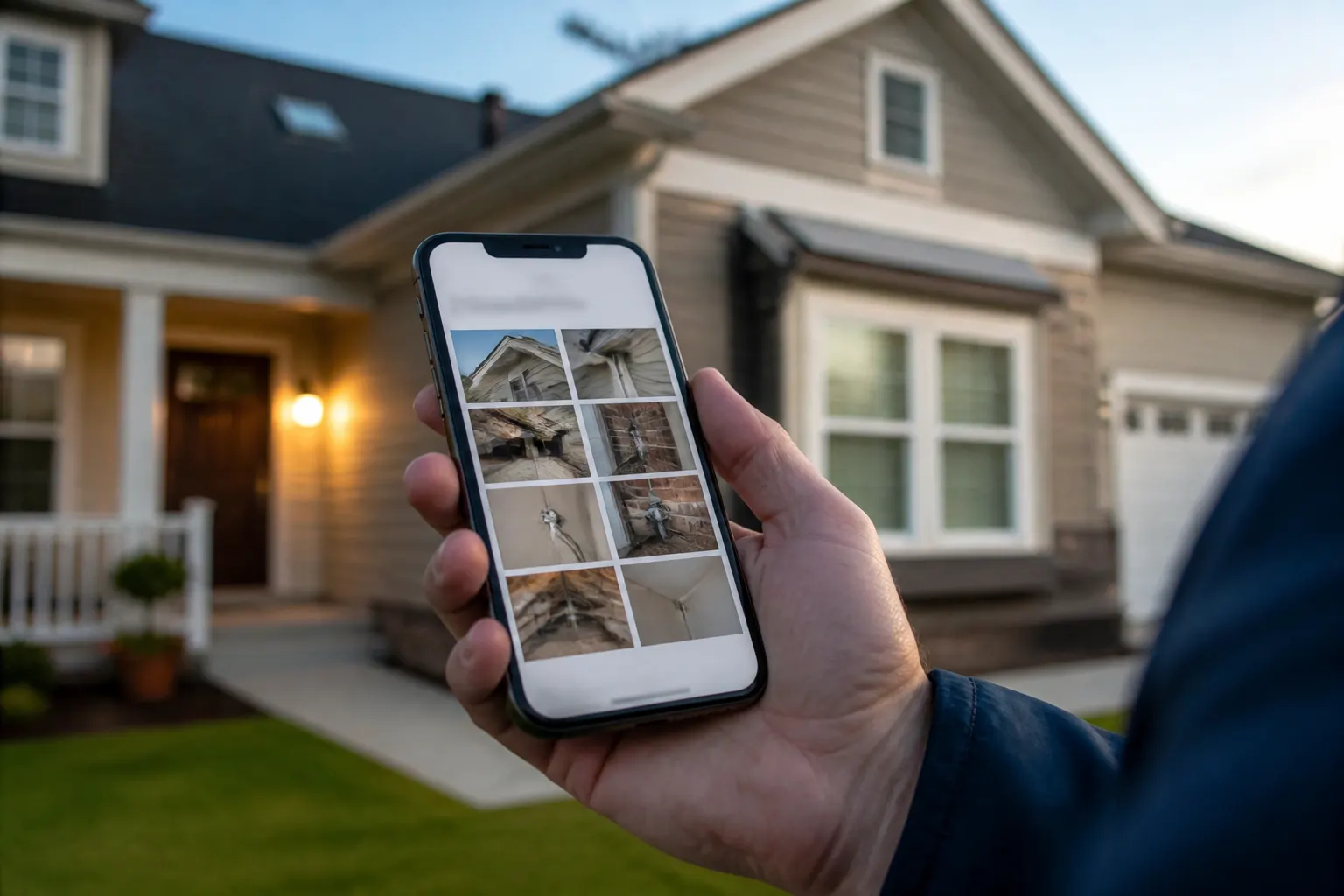
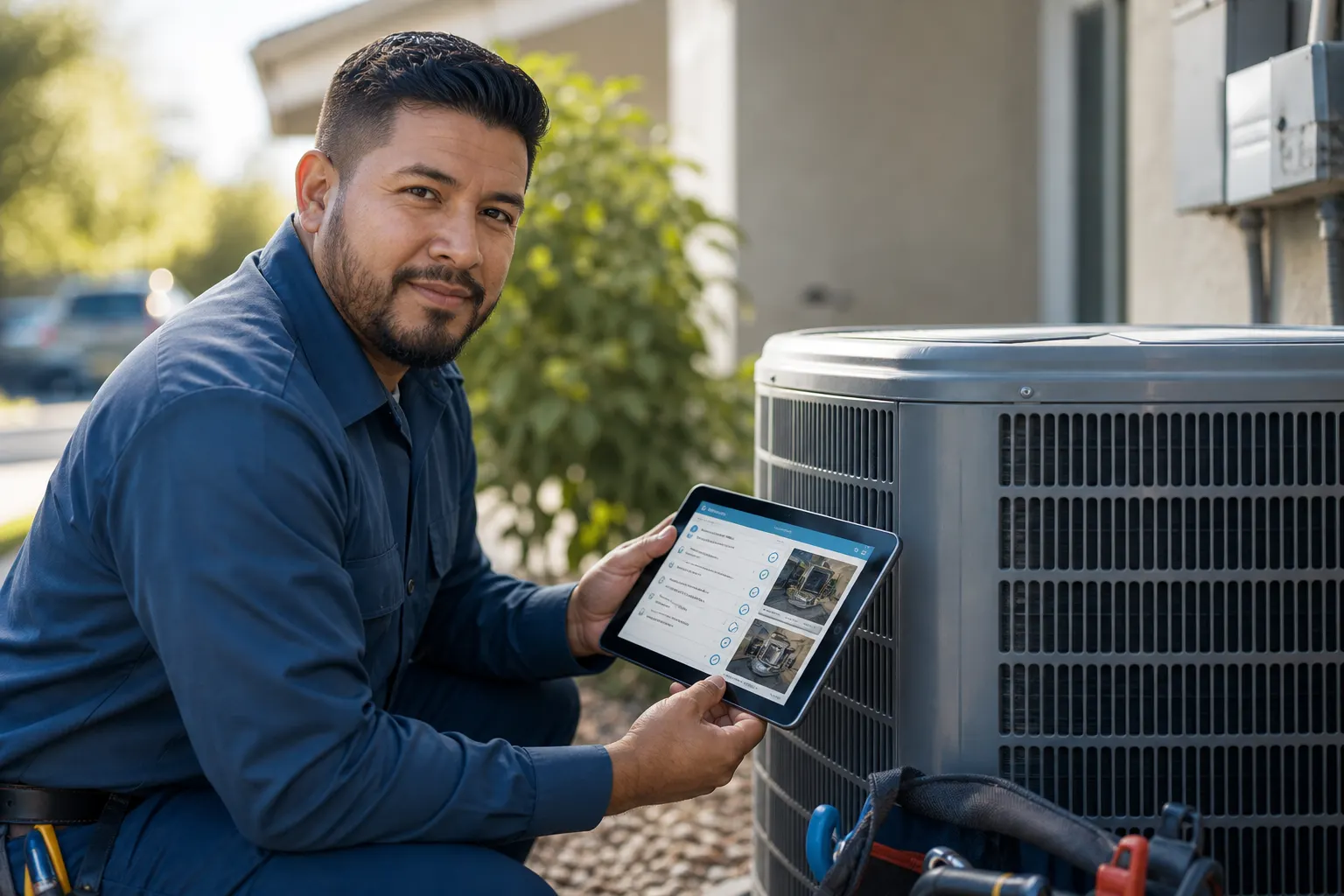
The walkthrough sits with the client you will invoice — not in a camera roll named after the date.
Play in the browser
They tap the link. No app install to watch a 40-second leak.
Quote with the proof playing
Attach the clip or a live FWDLink to the estimate and invoice.
How it works
- 1
Open the job you are standing on
The walkthrough belongs on that stop — not in Recents next to a birthday video.
- 2
Record the walkthrough
Roof, leak, yard, unit, room-by-room. A short clip beats twenty stills when they need to see motion or space.
- 3
Upload to the same client file
Add a second clip after lunch. Same record. You are not mailing a new Drive folder every time.
- 4
Send the link on the quote
They press play in a browser. Then they see the estimate or invoice attached to the same job.
A walkthrough is part of the job, not a side file
If the video lives in Recents, it is not in the CRM. FWDLink keeps the clip on the same client you schedule and bill — so the office can open the stop without asking the tech to resend.
One link they can actually watch
Compressed texts kill quality. A live link plays in the browser. You can add the after-repair clip later — same URL.
They watch. Then they approve the number.
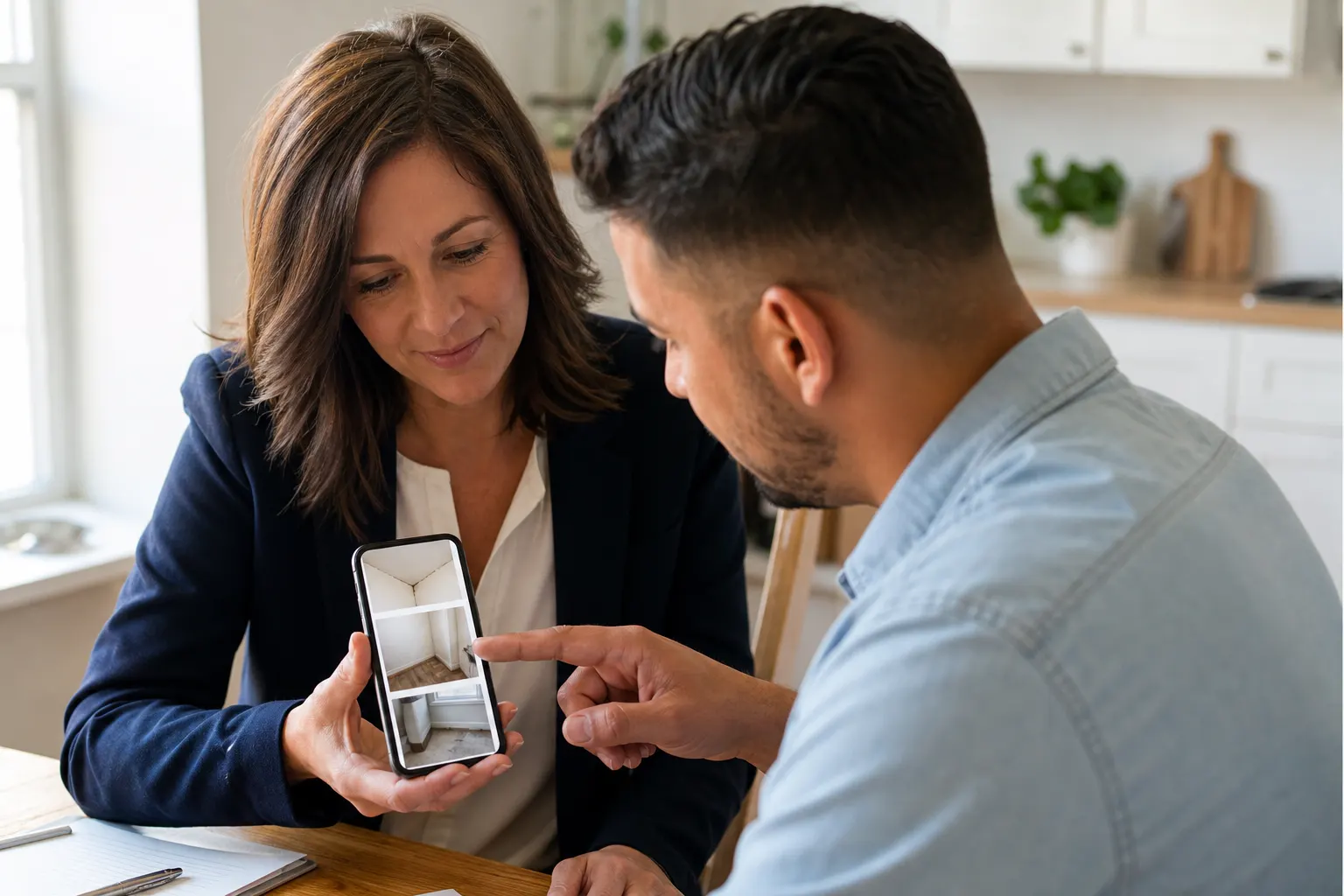
Homeowners and property managers understand a leak they can hear. Put the walkthrough on the estimate so the line items are not abstract.
Work order in the same place as the clip
The CRM still runs schedule, work order, and invoice. Video is documentation on that loop — not a second product you log into after the job.
Frequently asked questions
What is a CRM with video upload on FWDLink?
Walkthroughs and clips live on the client and job, next to the estimate and invoice — not in a camera roll or a file named “walkthrough_final”. Capture on the phone, share a link, keep adding.
Can I send a walkthrough with the estimate?
Yes. Attach the clip or a live FWDLink so they watch the issue, then read the number. Same client file.
Do customers need an app to watch?
No. They open the link in a browser. You keep the CRM; they just press play.
Can I add another clip later on the same link?
Yes. After photos, after the repair, a start-up clip — same job, same URL.
Is this a video editor or a review tool?
No. It is the job file: capture, store, share, attach to the quote. Edit wherever you already edit if you need a cut. FWDLink is where the client and the money docs live.
Can I mix a clip with stills on the same job?
Yes. Many crews send a walkthrough plus a few stills. If you want the combined story, see CRM with photos and videos.
Related
More FWDLink pages