Compare
Compare · jobsite photos vs phone camera
Your phone camera is fine. Recents is not a jobsite photo app.
Same hardware. Different home for the shots. See what changes when every still lands in an album by address instead of a mixed camera roll.
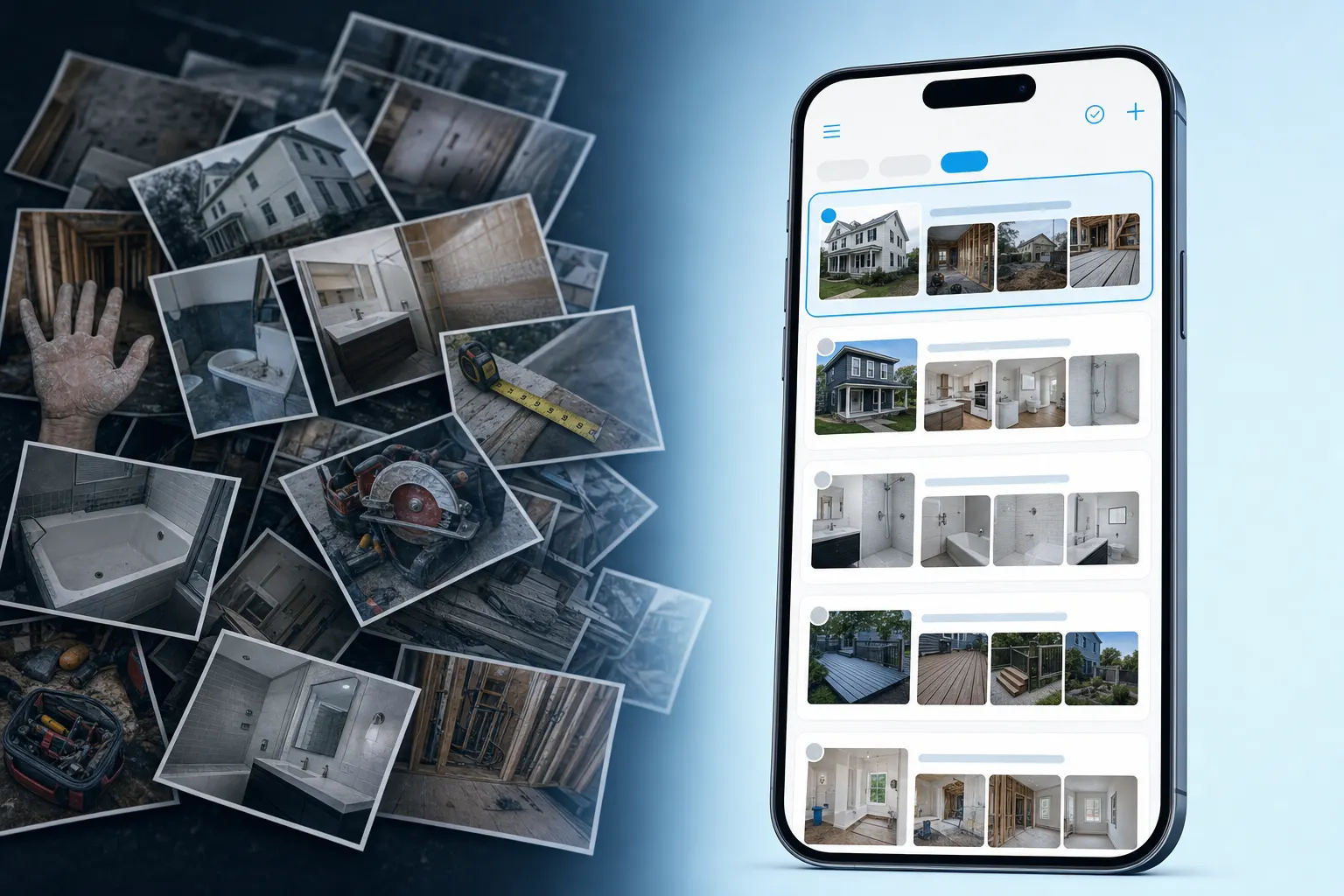
Side by side
Phone camera vs jobsite photo app
The camera takes the picture. The jobsite photo app keeps the picture with the job.
Callback Friday
Ten similar roofs in Recents. One client asking for “their” pitch.
You shot three tear-offs this week. The homeowner wants the before shots from Tuesday. Pinch-zooming Recents is how afternoons disappear.
- 01
Keep the phone
No second camera. Capture into the album for that address.
- 02
Open the address
Tuesday’s pitch lives with Tuesday’s job — not next to Saturday’s kids photos.
- 03
Send the link
They scroll the set. You get back to the next site.
No new hardware
Move the next job out of Recents — same phone in your pouch
Claim a free page, pin the next address, and use timestamp or GPS tools when date and place matter. Get found nearby on Local Pages with the photos you already take.
Jobsite photos vs phone camera — FAQ
- Do I still use my phone camera?
- Yes. FWDLink is where those shots live after you take them — by job address, ready to share and invoice.
- Why not just use Albums on the phone?
- Phone albums do not give a clean client link, crew upload, or invoice attach the way a jobsite photo app does.
- Can the crew add photos without my phone?
- Yes. Invite upload access to the job album from their phones.
Drive, email, WhatsApp, and timestamp workflows
Related pages
Keep the phone. Leave Recents behind.
Start free on FWDLink. Starter is free — see Plans for storage, seats, and online payment fees.