Get paid
Monetize with FWDLink
Tips, memberships, bookings, and invoices can live on the same page people already open from your bio. One link they can save — and a way to actually pay you without bouncing through a pile of other apps.


How it works
01
Save the work
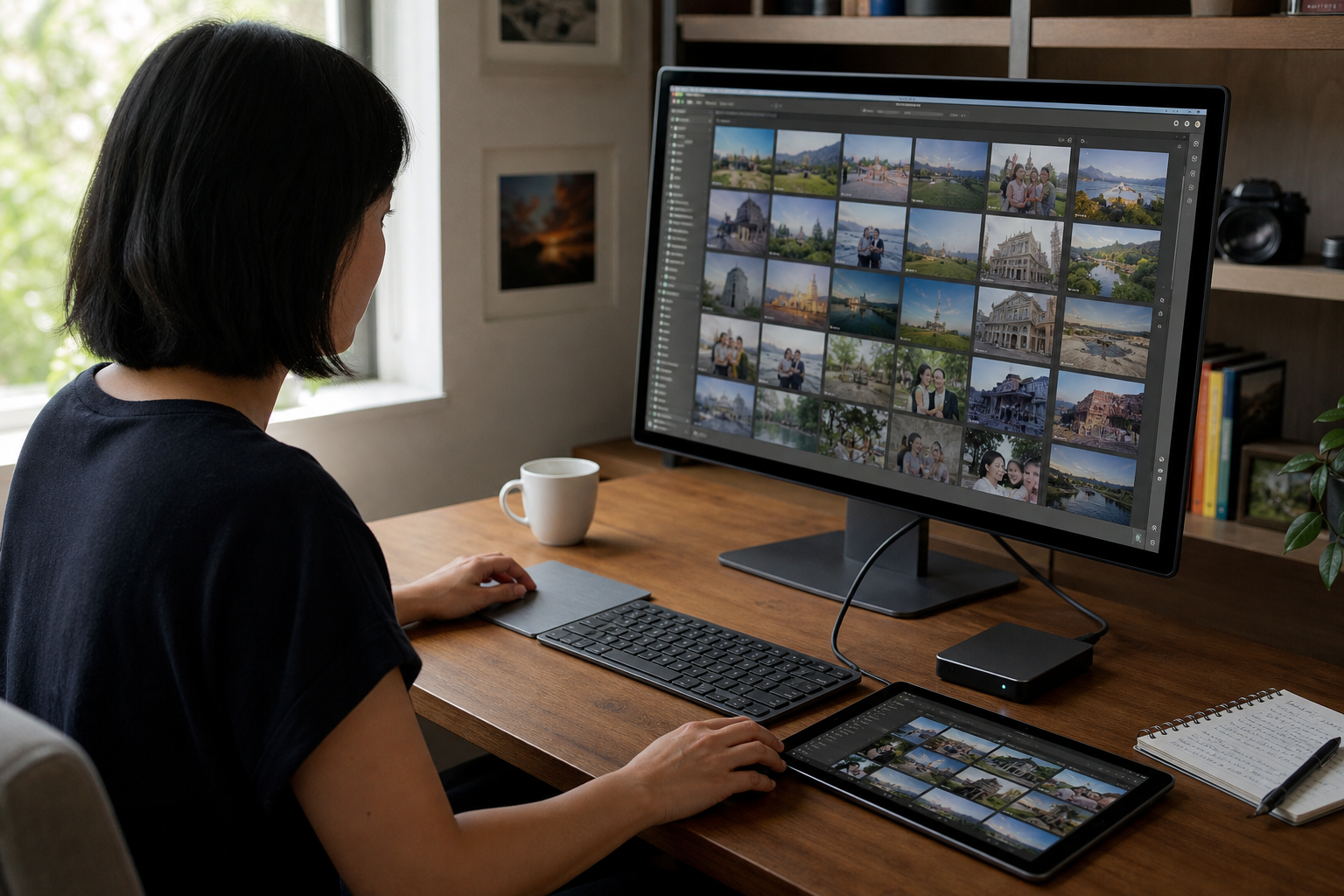
Photos, videos, and files stay private in your library until you choose to share, FWD, or attach them to a bill.
02
FWD or publish
Send a live album link, or feature the set on your public page — the one people already tap.
03
Choose how to get paid
Turn on tips, unlocks, memberships, products, booking, estimates, or invoices — only the ones you actually need.
04
Get paid
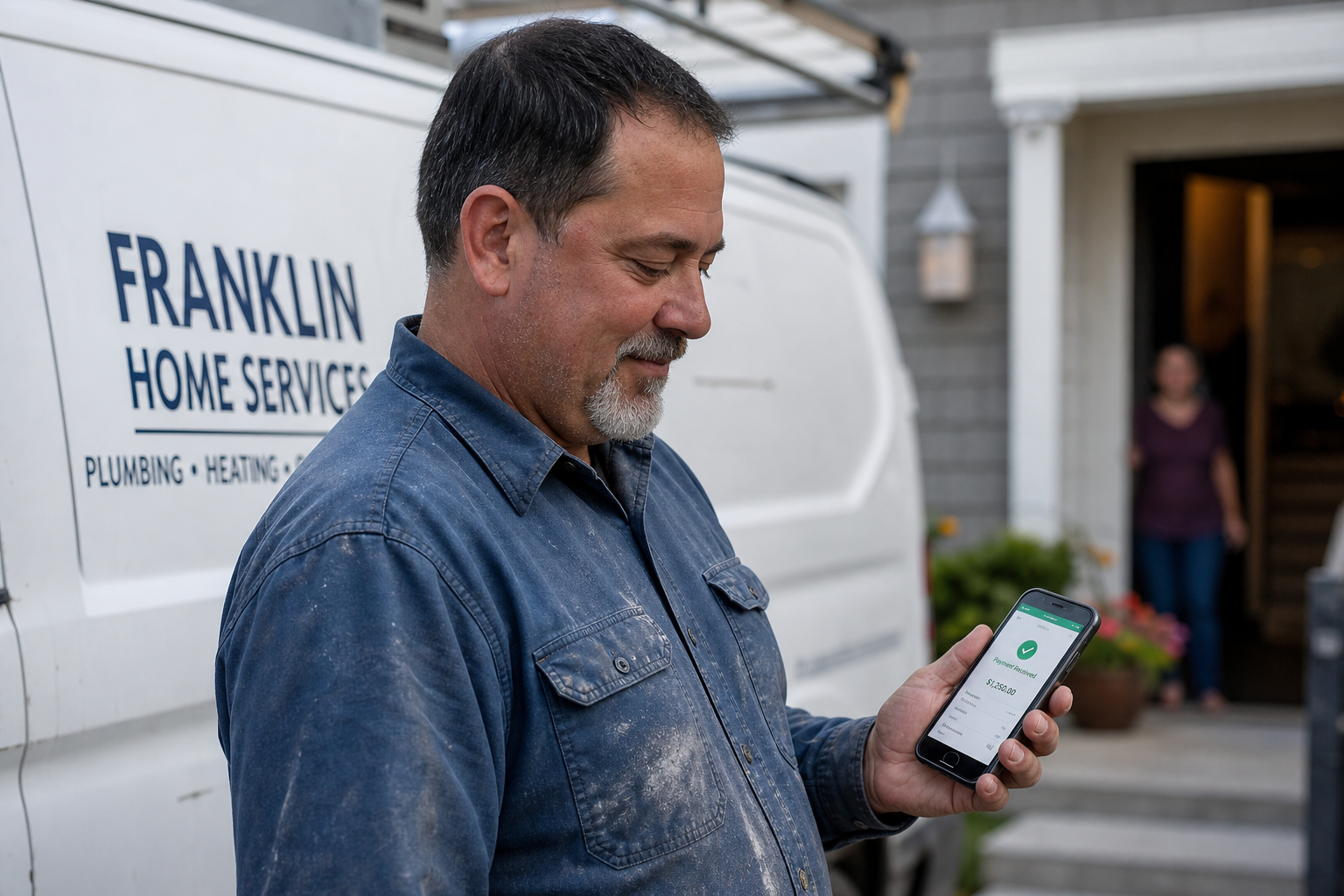
Fans and clients pay on your page or from an invoice link. You pay fees when someone actually pays you — the current rates are on Plans.
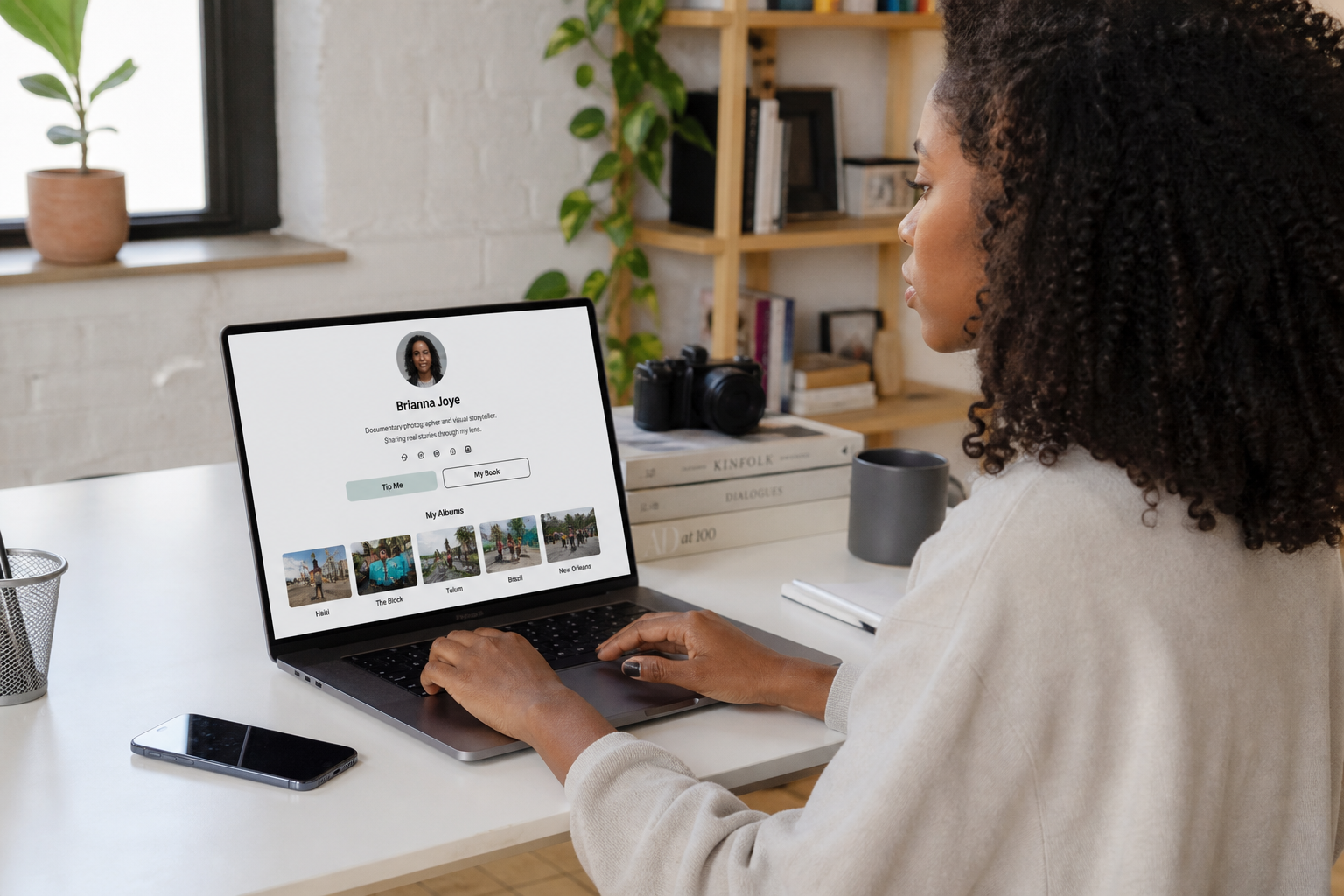
Your public page is already the place they open — now they can pay you there too
Your public page is somewhere to look around — albums, services, forms, and offers — not a wall of buttons that sends people away. When someone opens your link from Instagram, TikTok, Google, a text, or the QR on the truck, they can look through the work and pay you in the same visit: tip, book, unlock, or request a quote, without bouncing out to five other apps.
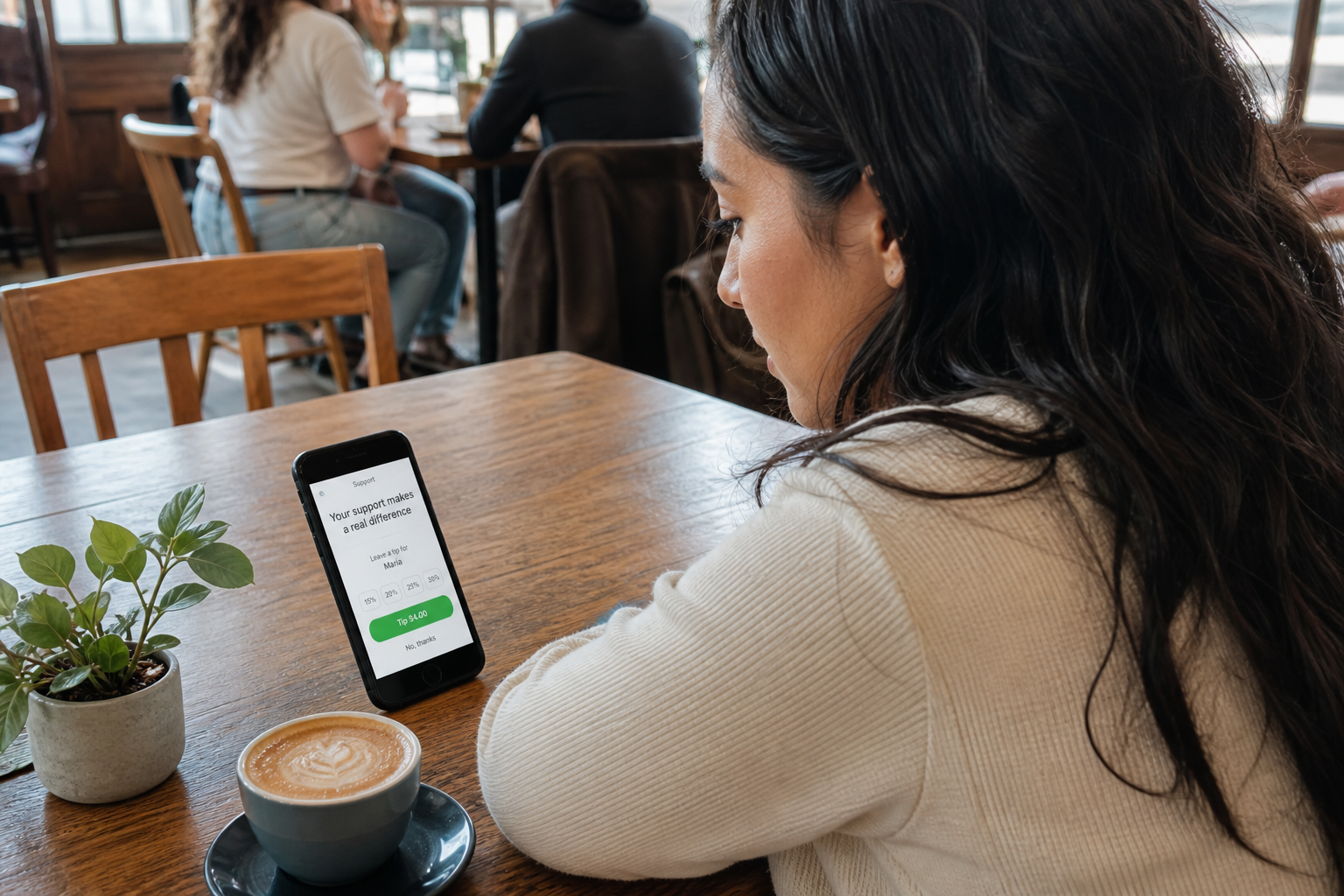
Tips — the easiest way a fan can support you
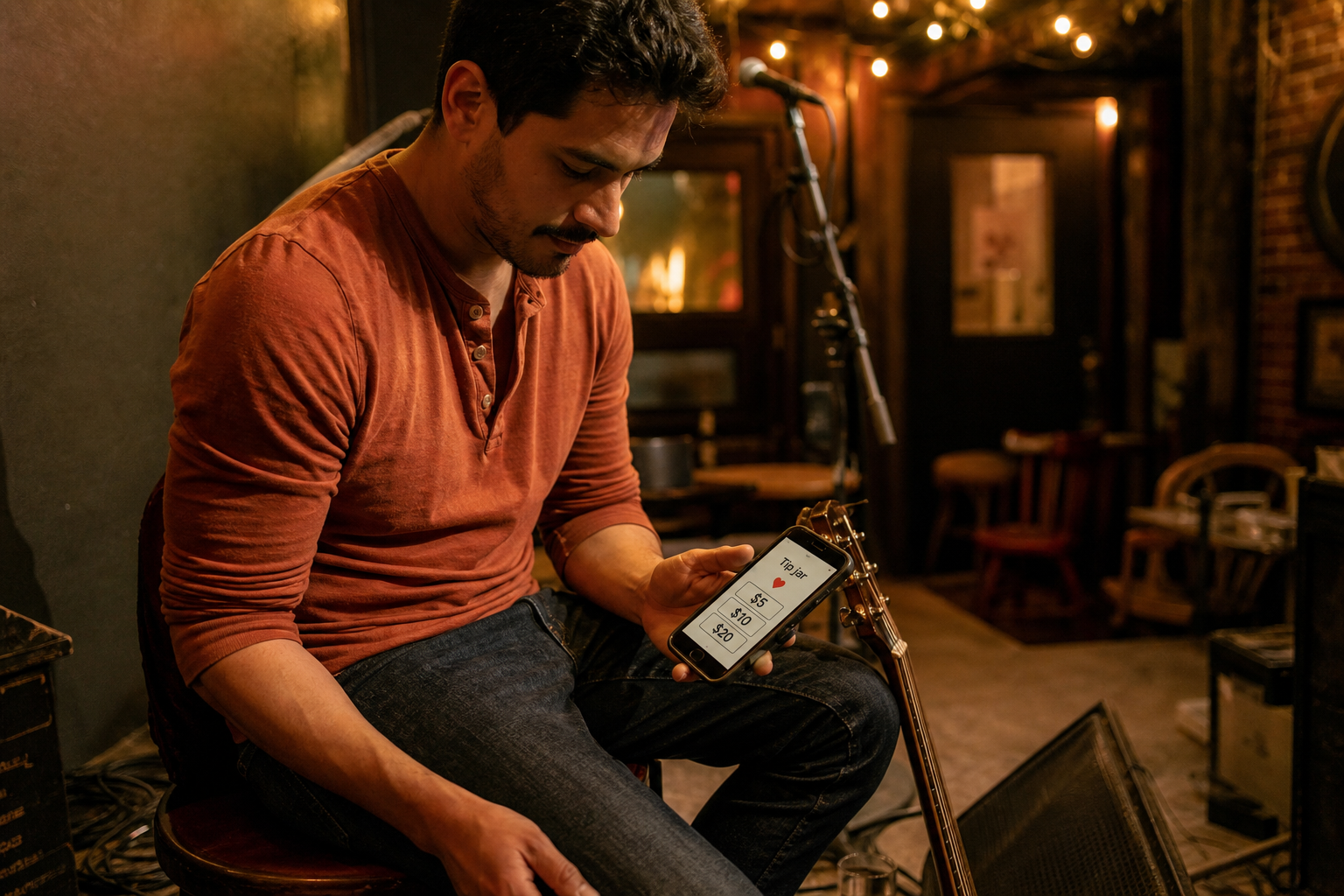
A tip jar on your page sits next to the work that earned the trust. There’s no hard pitch — just a heart, a tap, and support that actually reaches you.
Paid messages — when a serious note should cost something
You can charge people to message you when DMs have become noise — so a collab, a booking, or a fan letter means they meant it.

Memberships that renew on the page fans already open
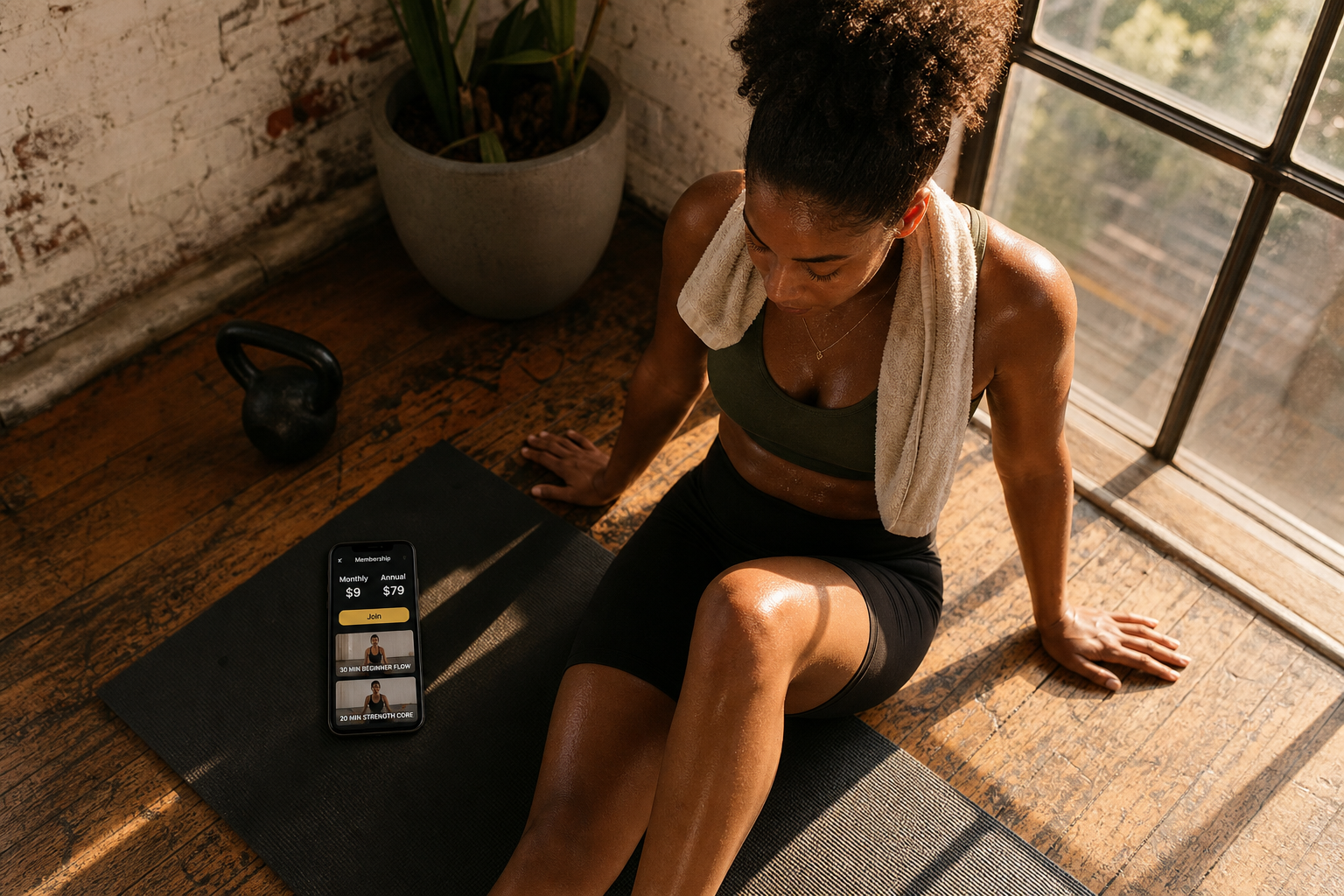
You can offer monthly or annual. Exclusive drops, a course library, early access — income that can fund the next month of work. They join from the same bio link they already tap.
Paid access — unlock the rest after checkout
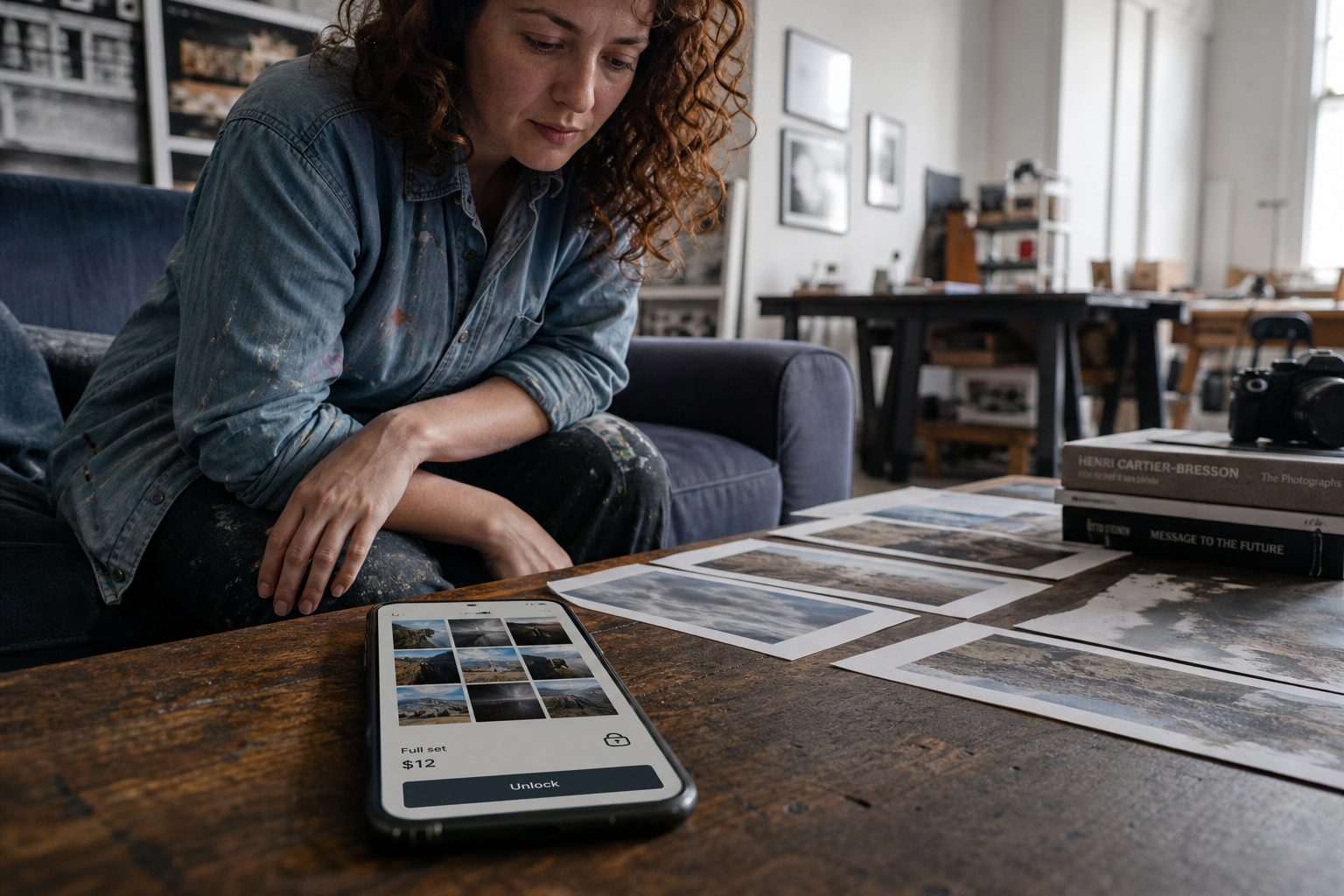
You can gate an album, video pack, or file set, and preview enough to earn trust. Fans unlock on your FWDLink — the same page as your free work.
Digital products — sell the download without a full shop
Guides, presets, photo packs, PDFs — list the offer next to the work fans already browse. They get the download after checkout, and you can expand later if you need a bigger catalog.
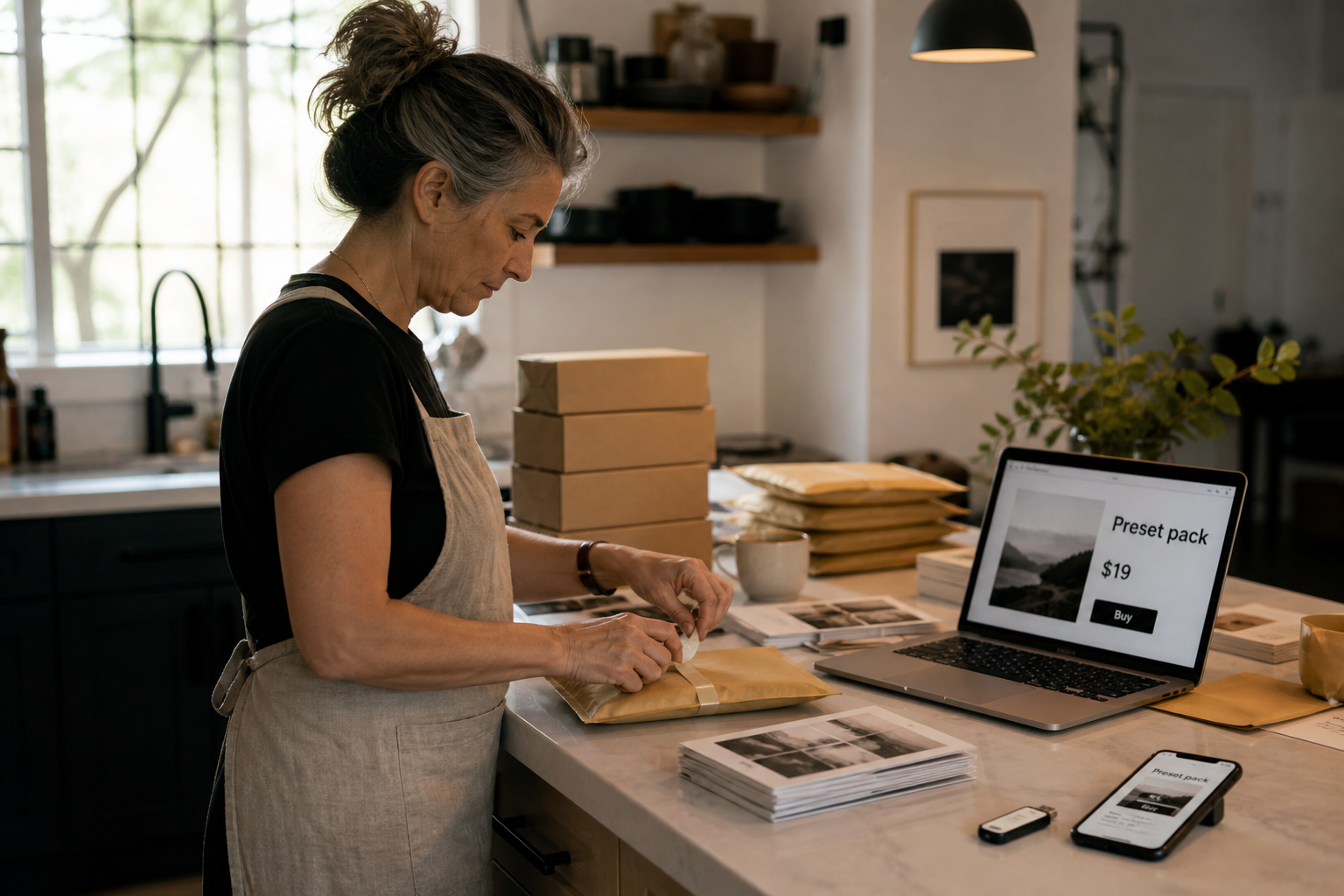
Bookings on the same page as your proof
Let people pick a time next to the work that sold them, then confirm from your workspace. The client file can continue into CRM when the visit becomes a job.
Estimates clients actually open, so the job can move forward
Quote with line items, and attach photos, video, files, or a live FWDLink from the same library so the number makes sense. Acceptance moves the job forward without another tool.
Invoices with media — send proof with the bill
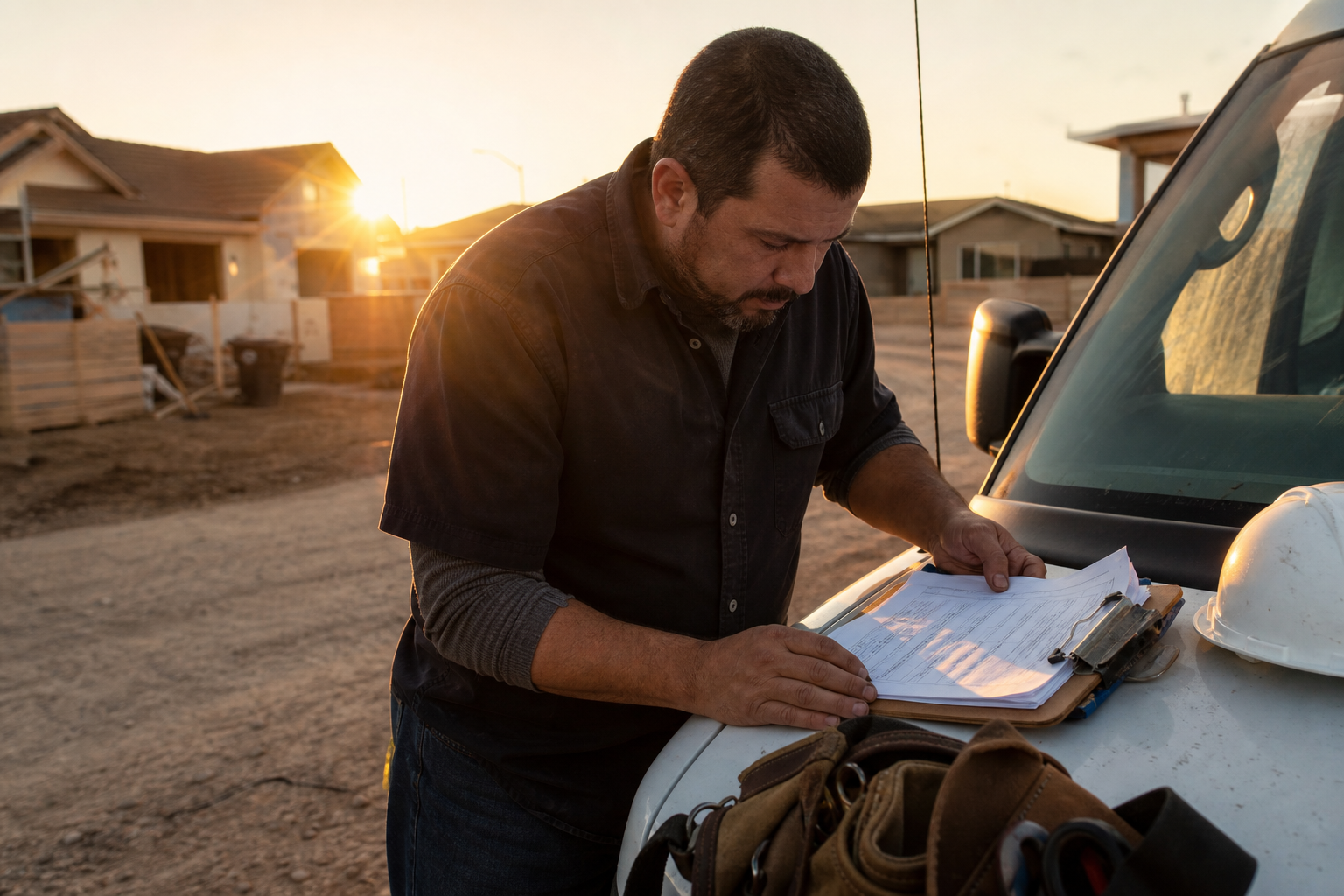
Pull job photos, walkthrough video, files, or a live FWDLink from your library onto the invoice. Clients watch the proof on the page, then pay from the link — often before you leave the driveway.
From a lead to a paid job in the same workspace
When you’re doing client jobs — landscaping, cleaning, beauty, repairs — the page captures the inquiry. Leads moves it New → Quoted → Won. Then you can schedule, send a work order, invoice, and get paid. Same link, same workspace — a pipeline you can actually see, and cash that actually shows up.
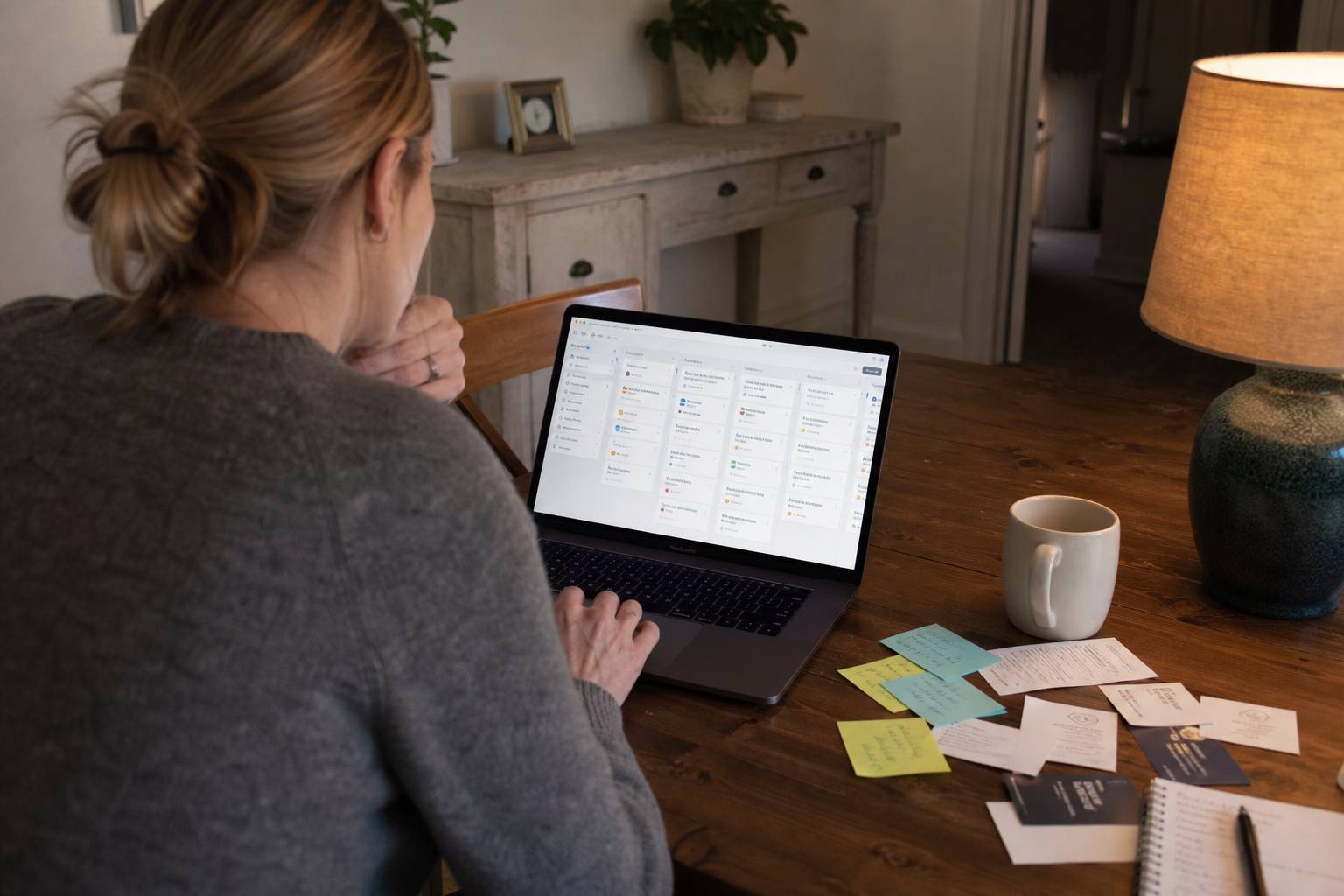
One home for the work and the money
Keep all your videos, clips, and files in one private library.
Frequently asked questions
What are the real ways to monetize with FWDLink?
On your public page: tips, paid messages, memberships, paid access (unlocks), digital products, and booking. In CRM: estimates/quotes, invoices (including photos, video, files, and a live FWDLink from the client album), and the lead → job → pay loop. Your library stays private until you FWD an album, feature it on the page, or attach it to a document.
Can I store the work and get paid in one place?
Yes. Keep videos, clips, BTS, stills, audio, and files in your private library. Tips, memberships, unlocks, products, bookings, estimates, and invoices all run from the same FWDLink.
Is this for creators or for small businesses?
Both. Creators use tips, memberships, unlocks, and products on the bio link. Service businesses use the public page plus CRM estimates, jobs, and invoices. Plenty of people mix both on the same link.
Can I attach photos, video, or a FWDLink to an invoice or estimate?
Yes. Pull photos, video, audio, and files from the same private library, or attach a live FWDLink so the album stays current. Clients can play video on the public invoice or estimate page, then pay from the link.
Do I have to turn on every monetize tool?
No. Start with one: a tip jar, a booking block, one unlock, or your first estimate. Add more when you have demand.
What’s free, and when are there fees?
Creator offers are free until you earn — see current fees on Plans. CRM and booking online payment fees depend on your plan — see current rates on Plans. Starter includes your public page and core CRM flow. Current rates live on Plans.
Is my library public when I monetize?
No. The library is private by default. You choose what to FWD, what to feature on the public page, and what to attach to an estimate or invoice.
Can I see which link actually made money?
Yes. Tagged share links and money-by-source in Analytics show whether it was Instagram, a QR, or the bio. You can read more on the money attribution page.
Related
More FWDLink pages
- Forward link
- FWDLink for creators
- Get paid where your followers already land
- Accept tips from the link in your bio
- Memberships that renew on the page fans already open
- Gate exclusive content behind one link fans already open
- Sell digital content from the link in your bio
- Let them pick a time on the page you already share
- Quote to cash — your page plus the CRM that closes it
- From page lead to paid job — one flow
- One public page. Your library stays private.
- Content library
- Which click made you money?
- Plans & pricing