For salons & stylists
Salon before-and-after photos your client can reopen next visit
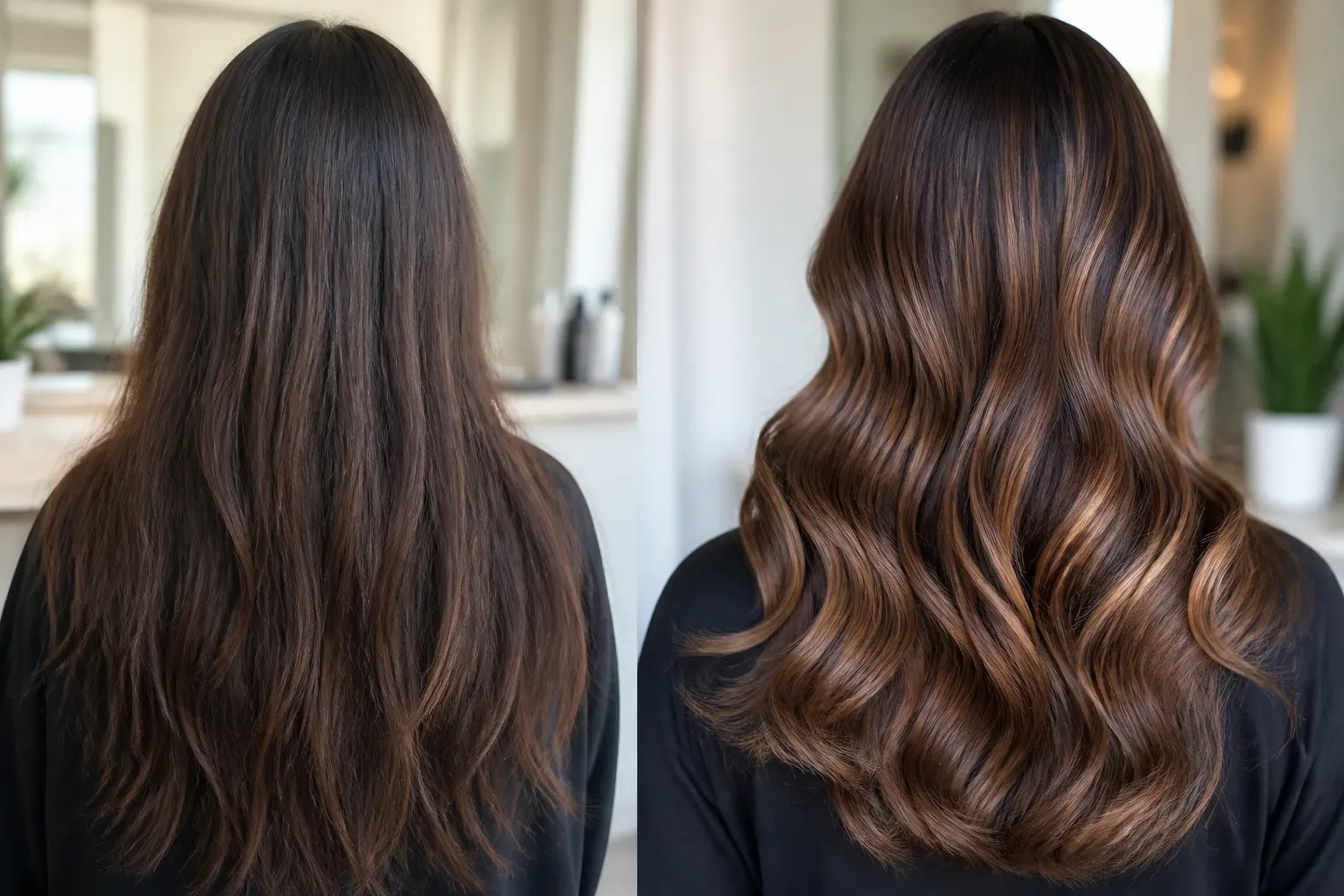
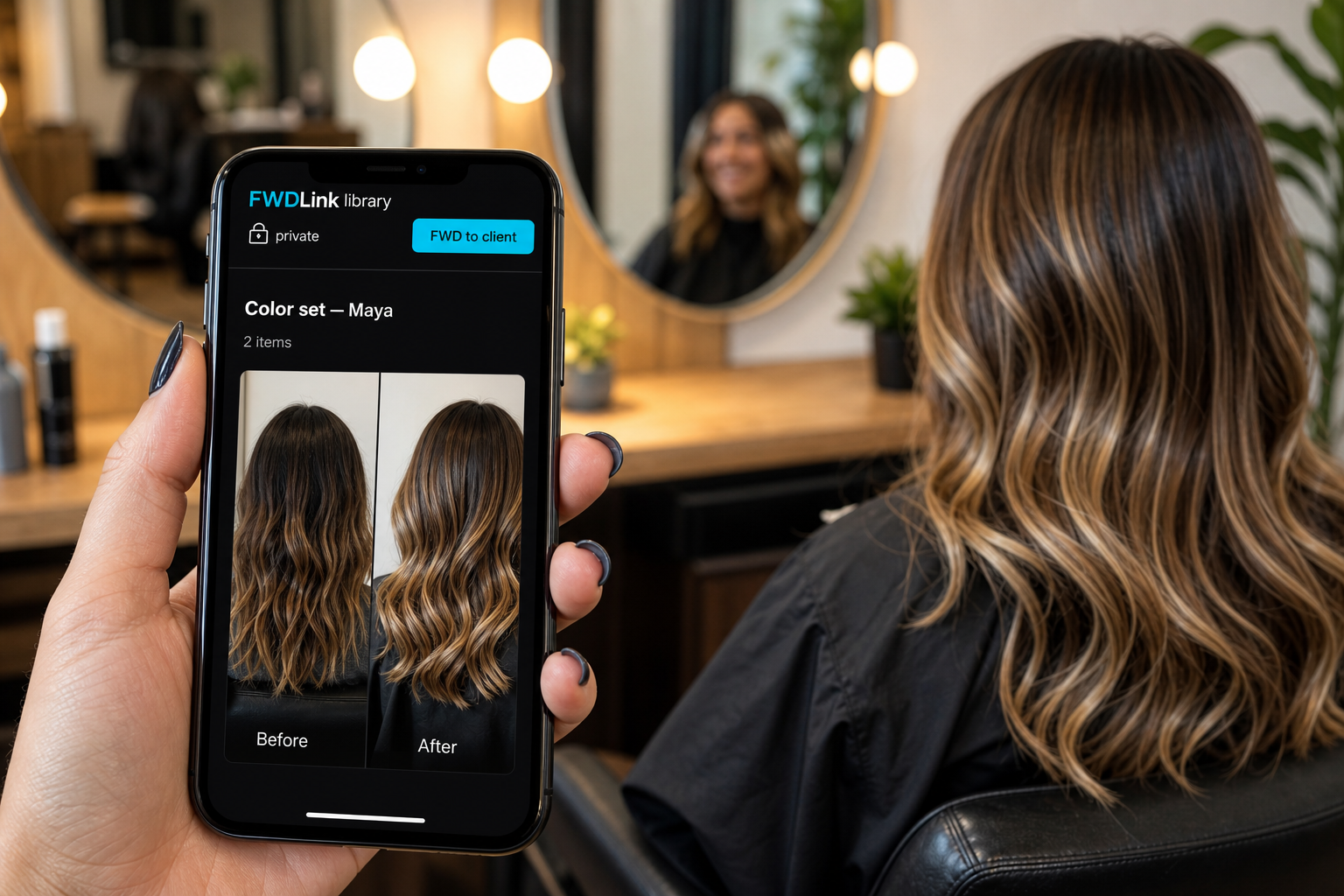
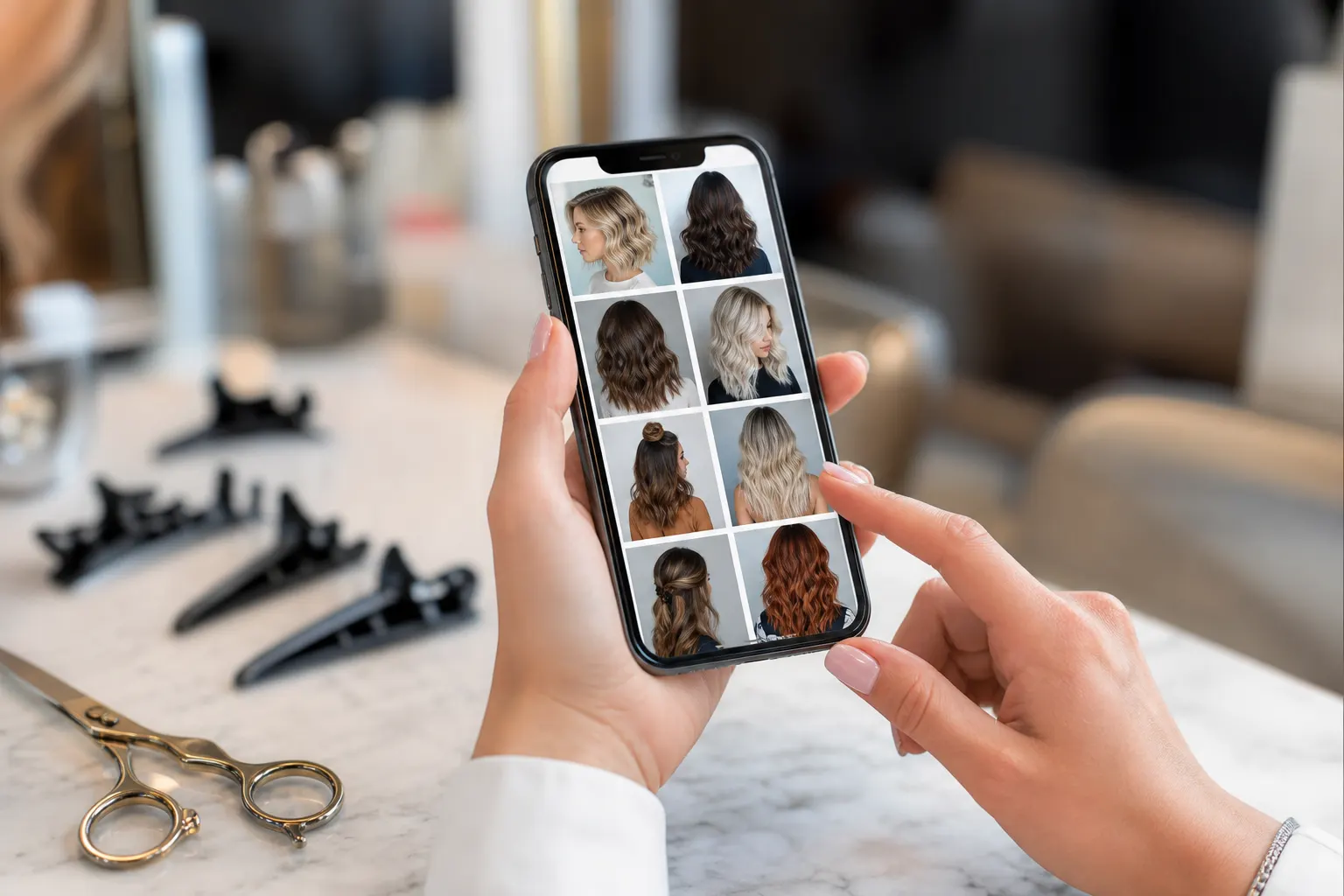
Color, cut, gloss, extensions — shoot the before at the sink and the finish in the chair. Save both to a client album, often pinned to the suite. Share one link so they stop asking you to hunt Instagram. Add formulas and the next request on the same page if you want.
Chair-side capture
Shoot now, save to the client album before the next guest sits.
Same look next time
They open last visit’s finish instead of describing a caramel from March.
Page when you are ready
Portfolio, requests, estimates, and pay can live beside the albums.
How it works
01
Photograph the before
Wet hair, roots, old color — get it before you start.
02
File the client album
One album per guest, pinned to your suite or chair.
03
Add the finish
Blowout photos go in the same album. The link they already have updates.
04
Send one link
They forward it to a friend who wants the same color.
This is not a construction jobsite album
Salons need pretty finishes and a client history, not punch-list evidence. Same product idea — take the photo, save it, share a link — in a voice that fits the chair.
Formulas live with the photos
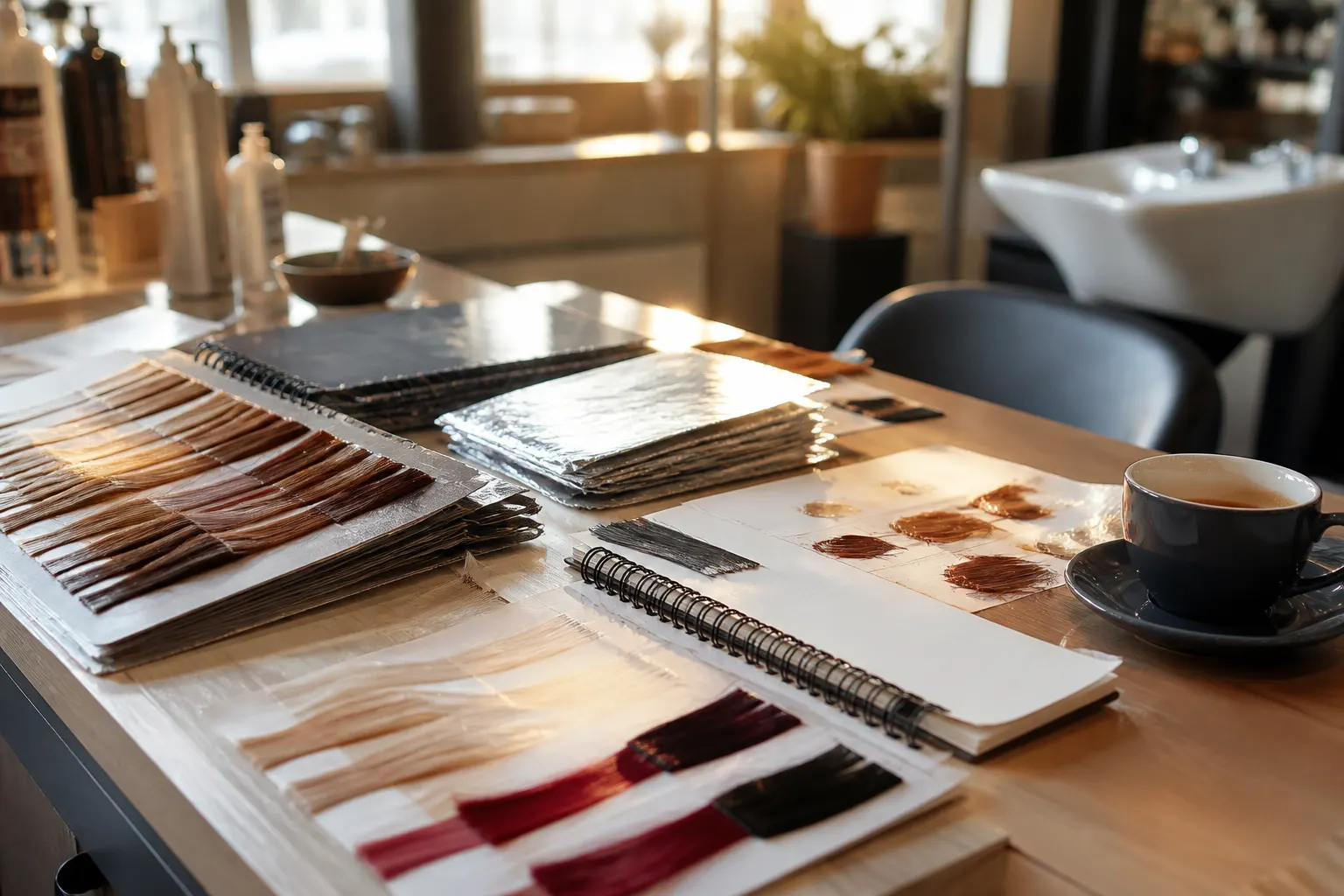
A note on the visit sits next to the after shot. Next time you are not reconstructing the recipe from a faded screenshot.
From the look to the next booking
Pin a few public looks on your page. Keep client albums private. Send a cotización for a full head of highlights from the same workspace.
Frequently asked questions
Can each salon client have their own album?
Yes — one album per person, or per service family if you prefer.
Do clients need an app to see before-and-afters?
No. They open the link in a browser on any phone.
Can I keep some looks public and some private?
Yes. Feature portfolio shots on your page. Client visits stay behind the link you send.
Can I send an estimate after they see the photos?
Yes. Estimates, deposits, and invoices can sit on the same FWDLink as the album.
Is this only for hair salons?
Hair is the focus here. Lash, nail, brow, barber, and makeup pages live nearby if that is your chair.
What if they want the same color six months later?
Open the album. The finish photo and your note are still there.