
FWDLink
Use job photos to get more work
You already shoot the before-and-afters. That pride doesn’t have to sit in your camera roll. Put the work on your Page, share it on Local, and let a neighbor who recognizes good craft be the one who texts you next.
How it goes
Photos. Your Page. Local. Then the phone lights up.
Nothing flashy — just the work you already did, where people nearby can see it and ask for the same.
01
Gather the shots
Pull a few from a project, the tray, or right off the camera — the ones that make you proud when you scroll past them.
02
Keep them on your Page
Your Page is home base — a quiet place that says “this is my work” when someone opens your listing.
03
Show up on Local
Post with the photos up front. Neighbors browsing nearby see the craft before they see a pitch.
04
Hear from people who care
They message in Local chat, or call and text if you’ve turned those on — because something in the photos felt right.
01 · The shots you already have
You’re not starting over — you’re choosing what to show
Those progress shots and walk-away photos? That’s the story. Grab them from a project, the tray, or the camera. You’re not inventing a portfolio for ads — you’re letting finished work speak for the next job.
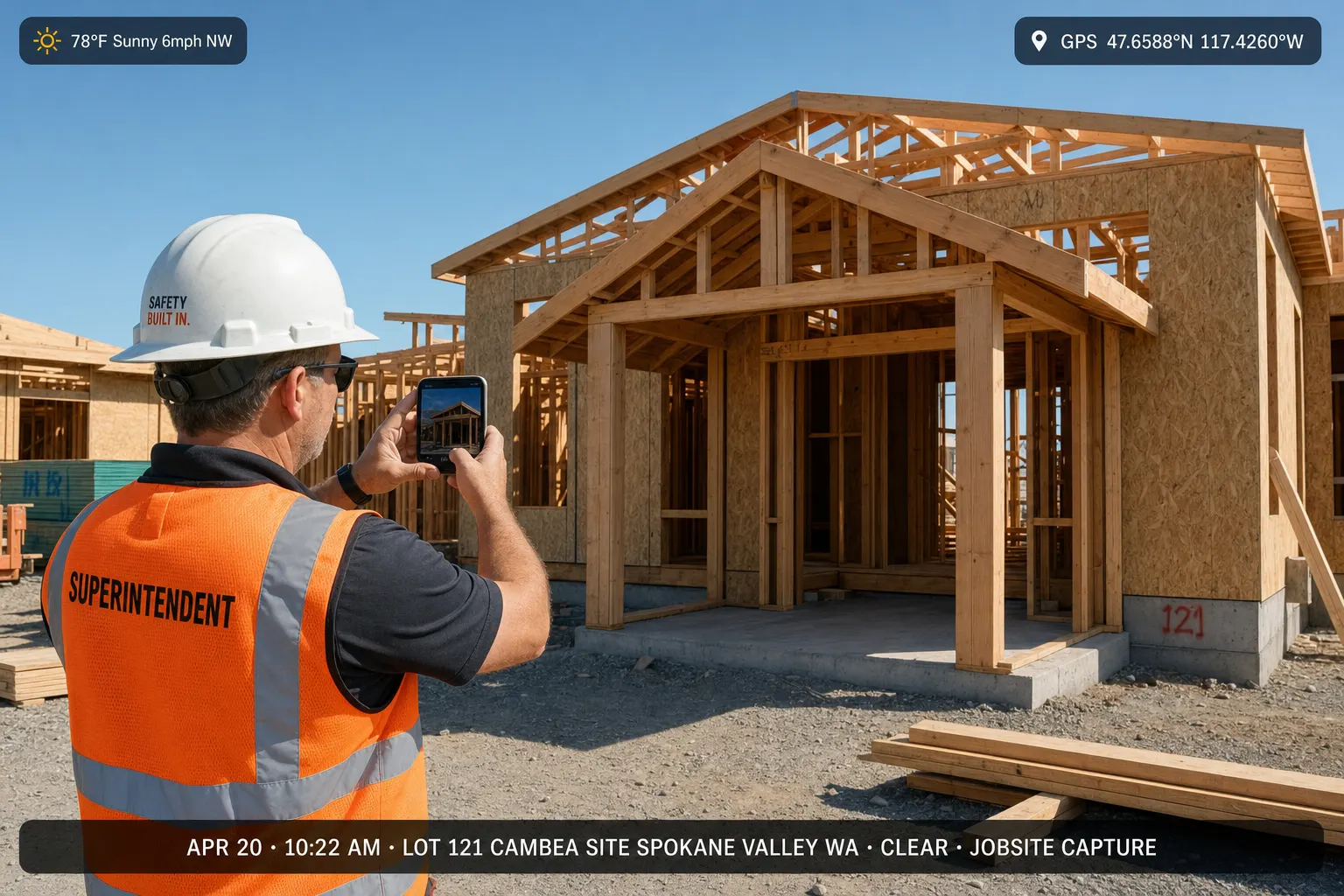 Contractor capturing jobsite photos on a phone
02 · Your Page
A place that feels like you when they dig deeper
Every Local listing comes from a real Page. When someone likes what they see, they can open yours — more jobs, more before-and-afters, a sense of who shows up on their driveway.
 FWDLink Page showing a library of work photos
03 · FWDLink Local
Neighbors scrolling for help — and spotting your craft
Local is where people nearby look for services. Lead with the photos. Someone who’s lived with a cracked patio or a tired roof will recognize the feeling of a job done right — and know you’re close.
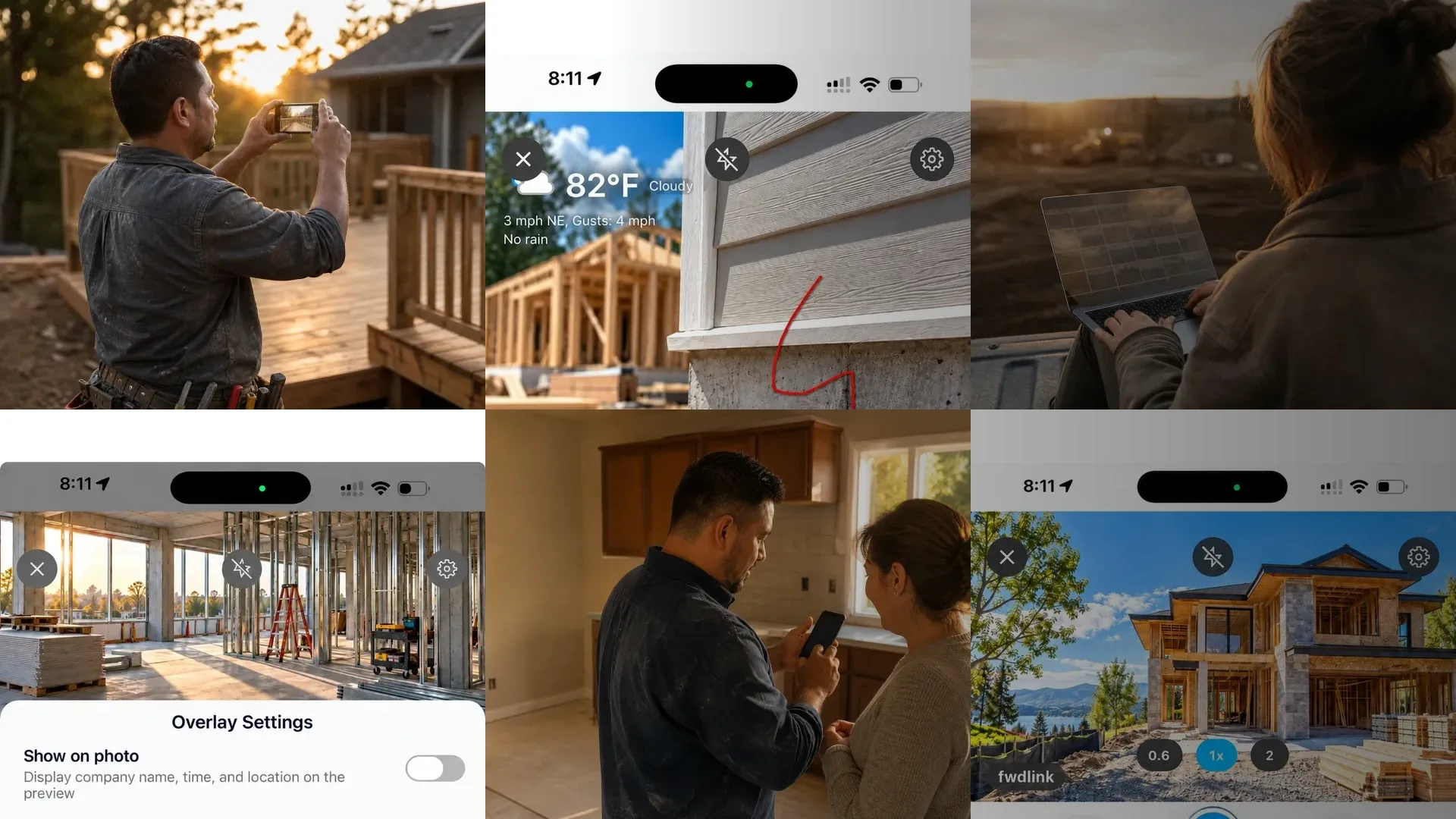 FWDLink Local marketplace with nearby service listings
04 · When they reach out
That little ping because someone saw the work
Messages land in your Inbox from Local chat. If you want, turn on Call and Text from your Page contact — so the neighbor who liked the deck photos can reach you the way that feels natural to them.
 Neighbor viewing job photos and contacting a local pro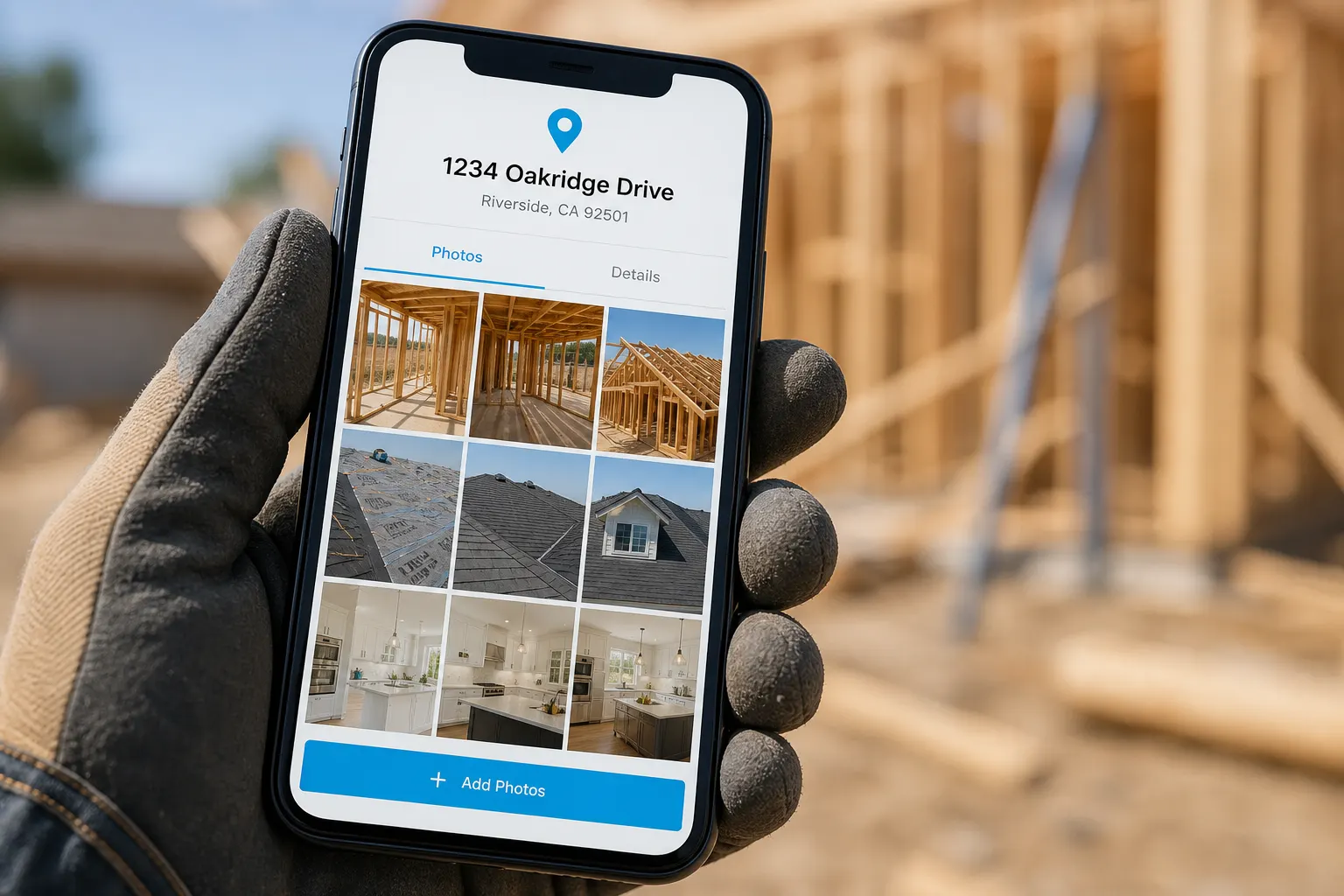
If you already keep job photos here
From the jobs you’ve documented to a Local post
Been saving shots in projects or the tray? Pick the ones that tell the story and take them into a Local listing. No extra fuss — photos in, listing out, neighbors can see the work.
A few common questions
- How do job photos turn into more work?
- You put finished-job photos on your Page and post them on FWDLink Local. Neighbors nearby see the craft, open your Page if they want more, and message you — or call and text if you’ve turned those on. The photos do the introducing.
- Do I need a special album just for Local?
- No. Use the shots you already have — from projects, the tray, or the camera — and put them on a Local listing. It’s photos to a post, nothing more complicated than that.
- What is FWDLink Local, in plain terms?
- It’s the neighborhood board on FWDLink — people posting services, help wanted, jobs, and community stuff from real Pages. Pros share work photos so folks nearby can see the craft and get in touch.
- How will neighbors get hold of me?
- Through Local chat into your Inbox. Call and Text show up if you turn them on in your Page contact settings — your choice.
- I’m new — what’s the easy start?
- Make a free account, claim your Page, drop in a few job photos you like, then post to Local. You can start at signup or go straight to Post when you’re ready.
Let the work you’ve already done bring the next job
A few photos you’re proud of. Your Page. A Local post. Then wait for the neighbor who saw the craft — not another cold ad.
Related
Other ways folks in the trades use FWDLink