
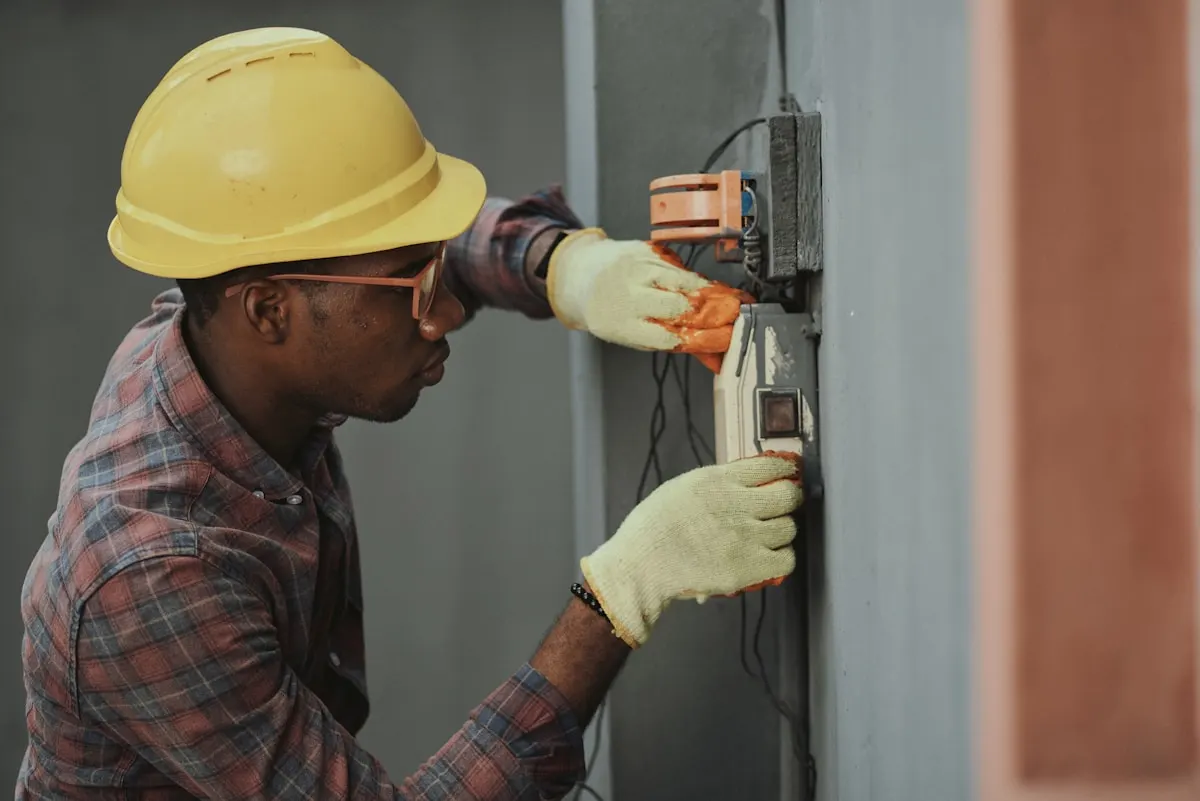
Renovation timeline
Home renovation progress photos in one album pinned to your address
Track demolition day through final touch-ups in a dated album pinned to your home. Share one FWDLink with your contractor, designer, or insurance adjuster — keep adding as walls go up.
Pin the property
Kitchen reno at home, rental flip across town — each project gets its place.
Before / during / after
Every phase in order — easy to show what changed and when.
Hand off to pros
Contractors and designers open one link instead of chasing texts.
How it works
- 1
Shoot day-one photos
Every room angle before demo — you will thank yourself later.
- 2
Create a reno album
Pin your home address so this project stays separate from other jobs.
- 3
Add photos at each milestone
Framing, rough-in, tile, paint — upload while you are on site.
- 4
Share with your team
Send the album link to GC, designer, or spouse — same URL through completion.
DIY homeowners and hired crews
Whether you are managing the project yourself or hiring a general contractor, a photo timeline protects everyone. Document conditions before work starts, capture change-order moments, and keep a visual record for warranty claims later.
Related: contractor job albums
If you are the pro sharing progress with clients, see our job-photo pages — same one-link idea, tuned for client handoffs and field documentation.
Frequently asked questions
Can I share renovation photos with my contractor?
Yes. Send the album share link — they view in a browser and see new photos as you add them.
Should I take photos before renovation starts?
Always. Day-one shots are your baseline for before/after comparisons and insurance documentation.
Is this the same as CompanyCam?
CompanyCam is built for contractor teams in the field. FWDLink works for homeowners, DIYers, and pros who want a simple share link for any album — renovation, fitness, or family.
Explore more
Related FWDLink pages
- Progress journey photos — document anything that changes over time
- Share job photos with clients in one link
- Organize all your content — then share it later with one link
- One share link for every album — just FwdLink it
- Place-pinned albums — organize work and life by where it happened
- Family album share links that relatives can open anytime
- Link in bio with status update — post news without changing your URL
- How to make a bio page that opens real content — not just a link list