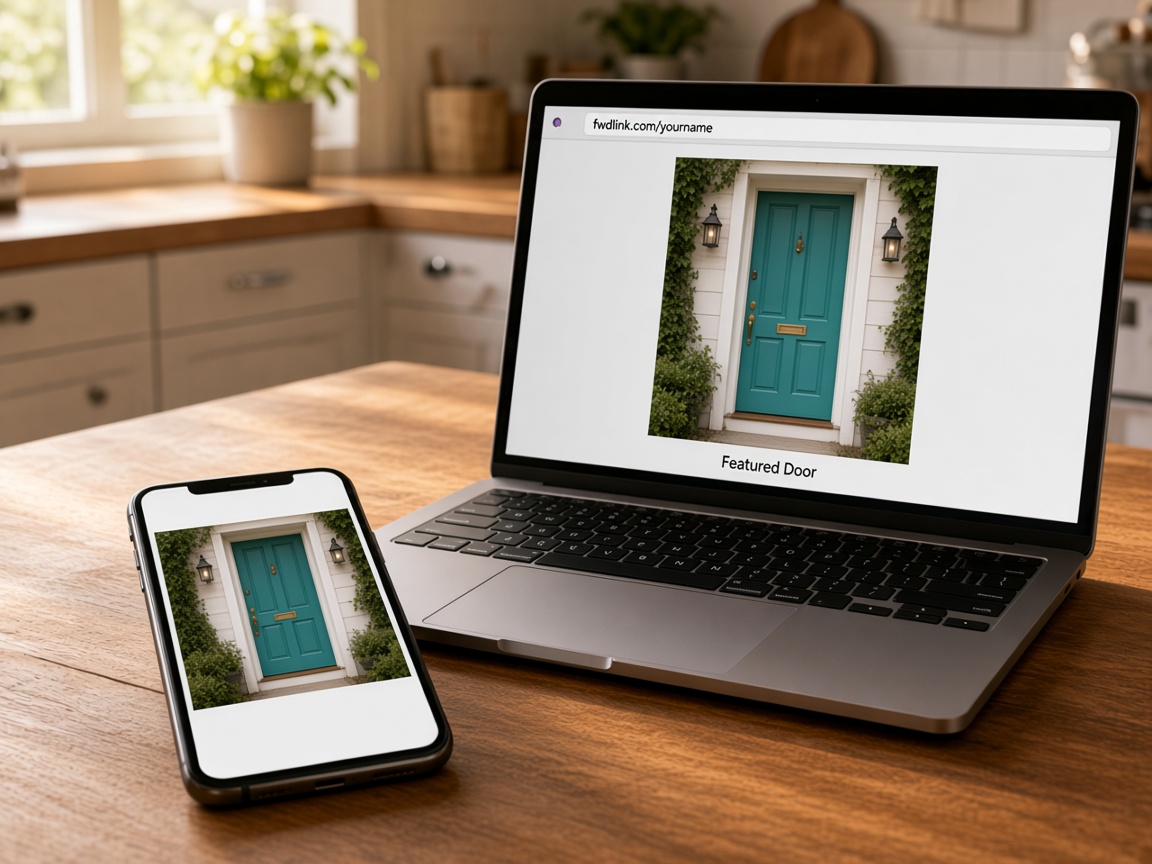
It lives at your name
fwdlink.com/yourname is the page. You are not sending people to a pile of random links.
One address
Your page
It lives at your name. Your work is on it, a visit request lands in your leads, and one link is enough for the bio.
Start free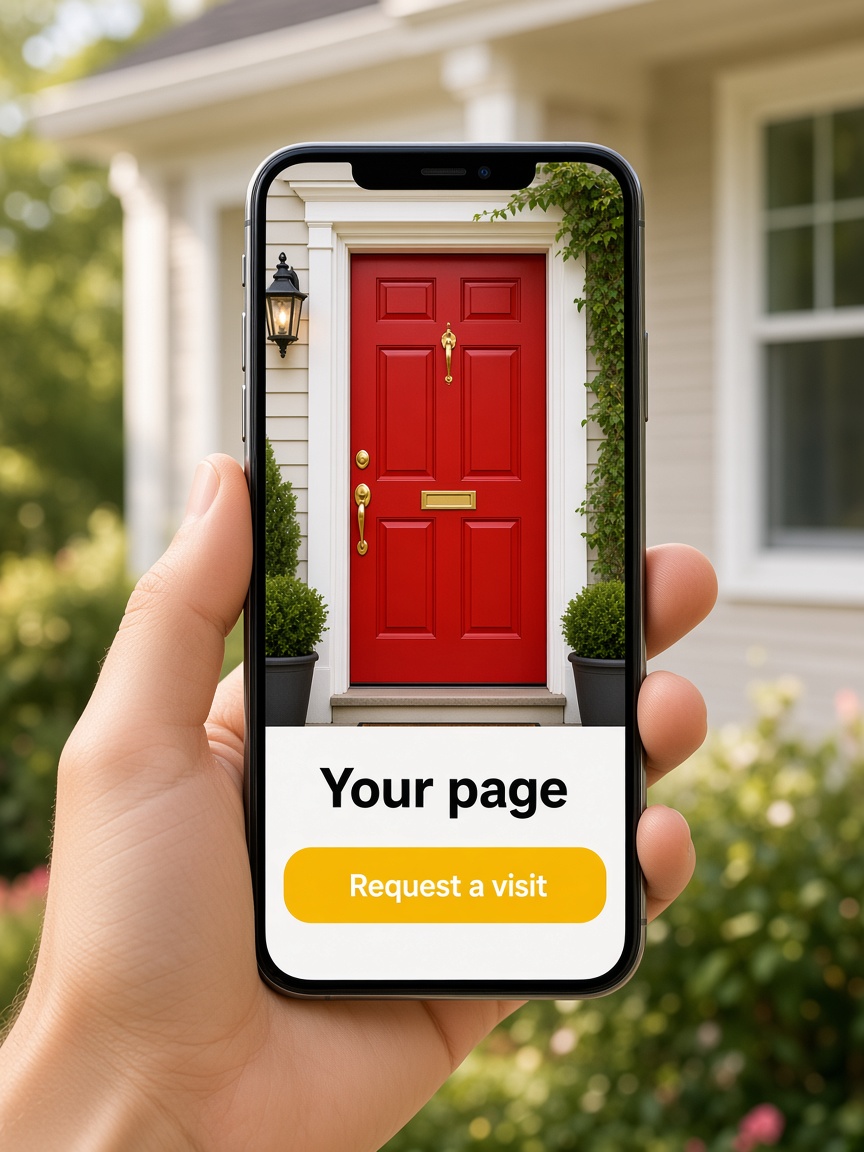
fwdlink.com/yourname is the page. You are not sending people to a pile of random links.
One address
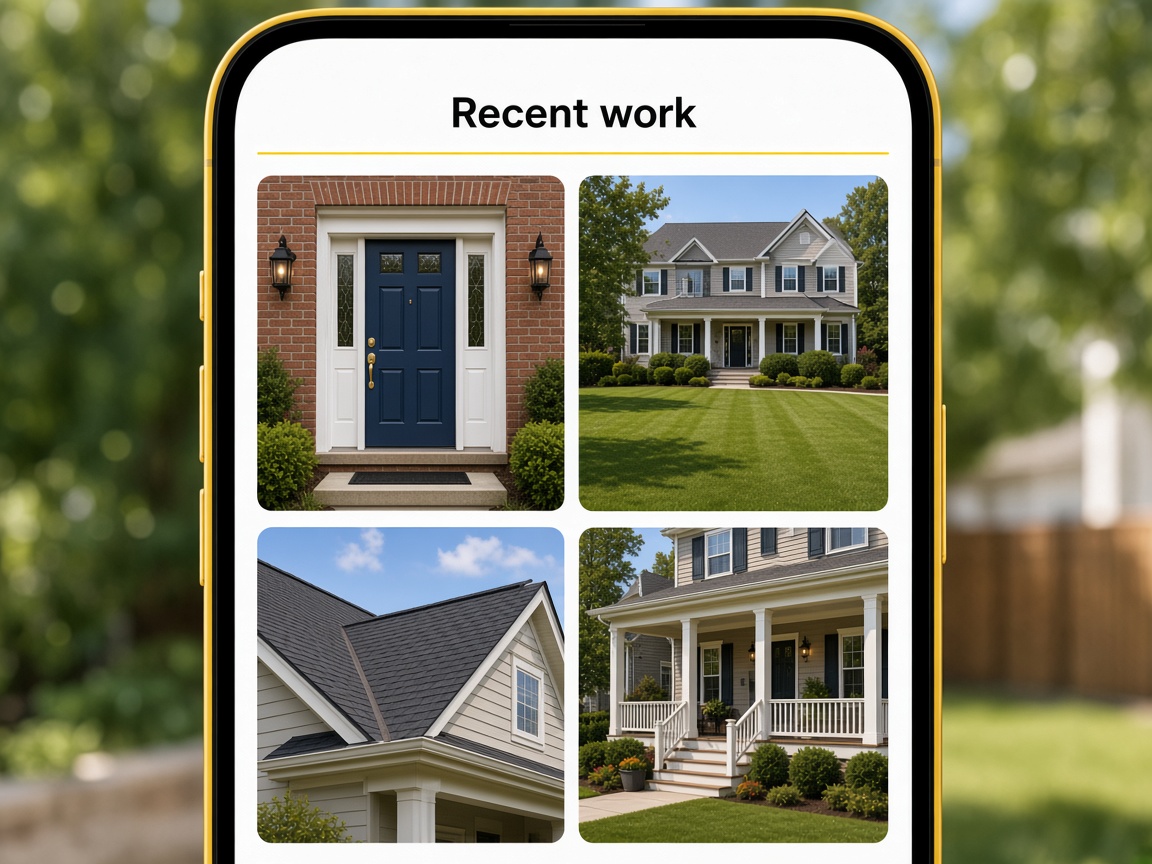
Recent jobs sit where a new client can see them. The proof is the page, not a camera roll they will never get.
Show the work
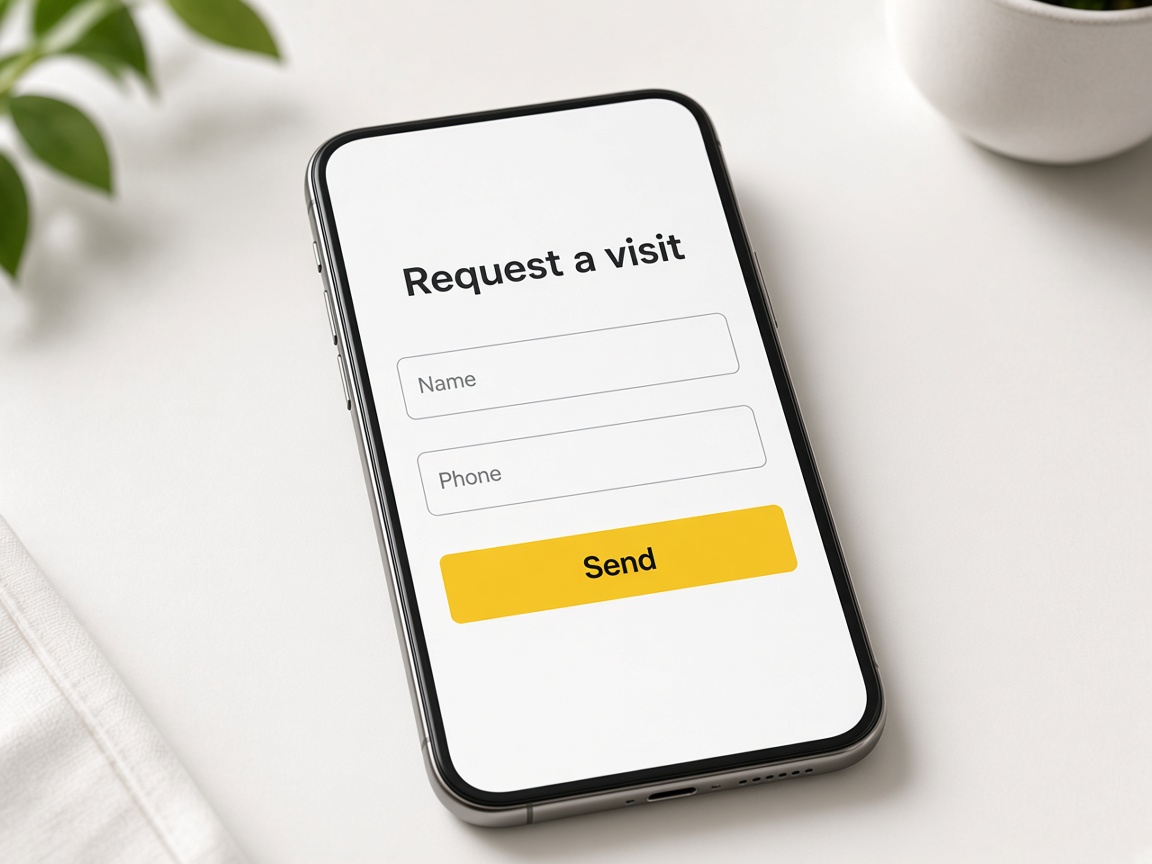
Name, phone, and what they need. It shows up as a lead you can quote — not a DM you lose.
Into the pipeline
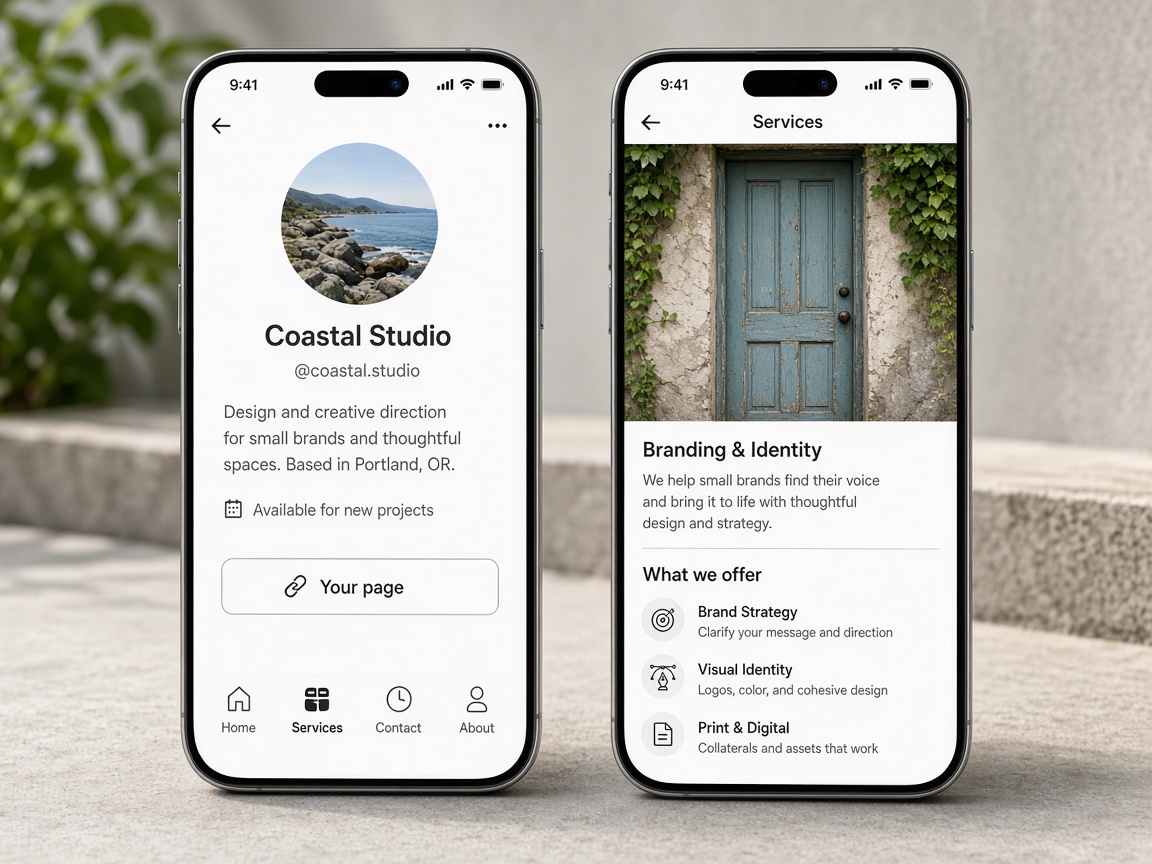
Put the page where people already find you. That single link is the work, the request, and the way back to you.
One link
Your Page is the branded front door at fwdlink.com/yourname. Instead of a bio full of broken links, you get one shareable URL with blocks you control — recent work, text, and calls to action. Job photos come from the same albums you build in the jobsite photo app; visitors see proof before they ask. Customize layout and publish when ready — getting started walks through account basics.
Photos on Your Page are not a separate upload bucket. Surface albums and FWD live galleries using guidance in Your Page albums and FWD. Mark shots with photo annotations or add sketch canvas layouts on the job, then let the public page show the finished story. When someone needs a private handoff, send a share link — sharing an album covers link types clients open without an app.
Every inquiry should land in your workspace, not a DM. Add lead capture forms so name, phone, and job type become a New card on the CRM pipeline. Reply from the field and send an estimate with the same photos they saw on your page. Invite shared albums lets crew add uploads while you own the public face and billing.
Automations greet visitors while you are on a ladder. Turn on automations paths that start when someone opens Your Page or asks for a quote — Tell me in the app, send email, or show chat helper on the page. Pair that with Local Pages when you want to show up by city and trade for nearby hires.
Starter is free — Your Page, albums, and CRM ship together. Compare paid tiers on Plans when you need more storage, teammates, or online payments; plans and storage overview lists what is included on day one.
See the full product map on features and the end-to-end story on how it works. Your Page is where marketing meets the same job card you use to invoice — one link in, documented work out.
Forms on Your Page that become pipeline cards.
Albums that feed the photos on your public page.
Live galleries you FWD from the same albums.
Show marked-up proof on blocks you publish.
Quote visitors without leaving the job card.
Track every ask from New through Won.
Greet opens and quote requests automatically.
Get found by city and trade nearby.
Everything behind your one public link.
Sign up and reserve fwdlink.com/yourname before someone else takes it.
Pull recent jobsite photos from albums — not one-off camera-roll uploads.
Add the request form so submissions land in CRM as New leads.
Put the URL in bio, QR codes, trucks, and ads — one destination for every campaign.
Send estimates with attached photos and FWD share links from the pipeline.
Yes. Starter includes a public page, albums, and CRM so you can claim a username and catch leads.
Into your CRM pipeline as New lead cards you can quote and book from the same workspace.
Yes. Surface albums and FWD links from the jobs you already document — see Help on Your Page albums and FWD.
No. Your Page is public in the browser. Share links for private galleries are separate URLs you control.
Yes. That is the point — one memorable URL that always opens your current blocks and offers.
You document on the job with annotations and albums, then choose which proof appears on the public page.
Yes. Start a When→Then path on page visits — notify yourself, email the visitor, or show chat helper.
Local Pages help neighbors find you by city and trade when you want more work nearby — same account as Your Page.
Yes. Open the lead card and send an estimate with job photos attached from the same pipeline.
Starter covers the page itself. Plans adds storage, teammates, payments, and other blocks — see Plans for current tiers.
The features crews use every day — photos, markup, quotes, and the page that brings the next lead in.
Explore core features →The page is the front door. The lead, the photos, and the quote are behind it.
The form on the page lands in your leads.
The work you choose to show.
A private gallery when the public page is not the handoff.
Start free. One page for the work and the next lead.
Start free