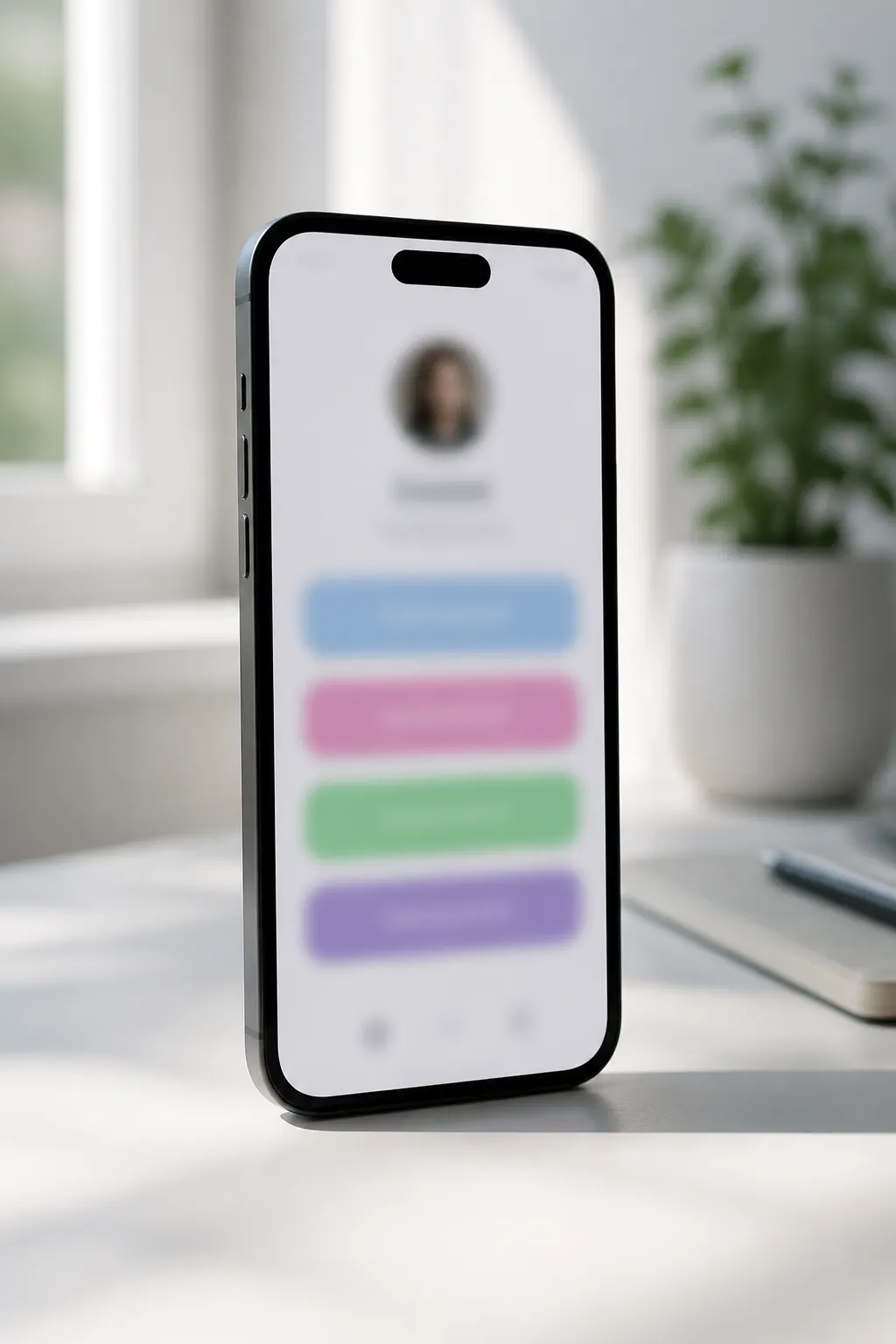
Status updates on your bio
Link in bio with status update — post news without changing your URL
Stop editing your Instagram website field every time something new drops. On FWDLink, Updates live on your page as a stories-style rail — followers open the same fwdlink.com/handle and see what’s new.
Same bio URL forever
Paste once. Post Updates anytime — no more swapping links in Edit profile.
Stories rail on your page
Photo status posts show up as an Updates rail visitors tap through on your public profile.
Built for Instagram bios
One link in bio still works for TikTok, YouTube, and email — status lives on the page, not in the URL.
How it works
- 1
Claim your FWDLink
Sign up free and choose a handle like fwdlink.com/yourname — this becomes the only URL you put in your bio.
- 2
Paste the link in Instagram
Open Profile → Edit profile → Website, paste your FWDLink, and save. You will not need to change it again for status posts.
- 3
Post an Update
From your dashboard, create an Update with a photo and short caption. It appears on your public page as a stories-style rail.
- 4
Keep posting — URL stays put
Drop new Updates whenever you have news, drops, or behind-the-scenes. Followers still open the same link in bio.
What does “link in bio with status update” mean?
Most link-in-bio tools are static lists: to announce something new you either edit a button or change the URL in Instagram. A link in bio with status update means the news lives on the page — as posts or a stories rail — while the bio URL stays fixed.
How to open a link in bio (and see Updates)
On Instagram, tap the blue link under someone’s bio. That opens their bio page. On FWDLink, look for the Updates / stories rail near the top — tap through recent status posts without leaving the page for a different URL.
How to update your link in bio without changing the URL
With FWDLink you do not “update the link” — you update the page. Post an Update, feature a new album, or edit outbound buttons. The Instagram website field stays the same, so you never lose clicks while chasing a new short link.
Status update for Instagram vs. changing the bio link
Changing the bio URL every week trains followers to ignore the link and breaks bookmarks. Posting status on your FWDLink keeps Instagram simple: one permanent link, fresh Updates on the page whenever you have something to say.
Frequently asked questions
What does link in bio mean?
It is the single website URL many platforms allow on your profile. A bio page turns that one link into a mini-site with albums, Updates, contact, and more.
How do I open a link in bio?
On Instagram or TikTok, tap the link under the profile name or in the bio. It opens in the in-app browser or your phone’s browser — that is the person’s bio page.
How do I update my link in bio?
On FWDLink, post an Update or edit albums and buttons on your page. Leave the Instagram Website field alone unless you are switching tools — status belongs on the page, not in a new URL.
Can I post a status update for Instagram without changing my bio URL?
Yes. Create an Update on FWDLink; it shows as a stories-style rail on your public page. Followers still tap the same fwdlink.com/handle in your Instagram bio.
Is a link in bio with status update better than Linktree buttons?
Button lists are fine for destinations. Status Updates are better when you want news, drops, or behind-the-scenes to feel current — without rewriting the bio link every time.
Explore more
Related FWDLink pages
- How to make a bio page that opens real content — not just a link list
- Link in bio social network — your profile, not just buttons
- Create a backup social media plan — spare account or one link you own
- Redirect followers to new socials — one Update, one link you control
- Thousands of followers, then a ban — one Update to reach everyone who saved your link
- A link in bio builder where the link opens real content
- Organize all your content — then share it later with one link
- Creator link in bio that opens your albums — and your other platforms
- A Linktree alternative where your link opens your content
- Link analytics