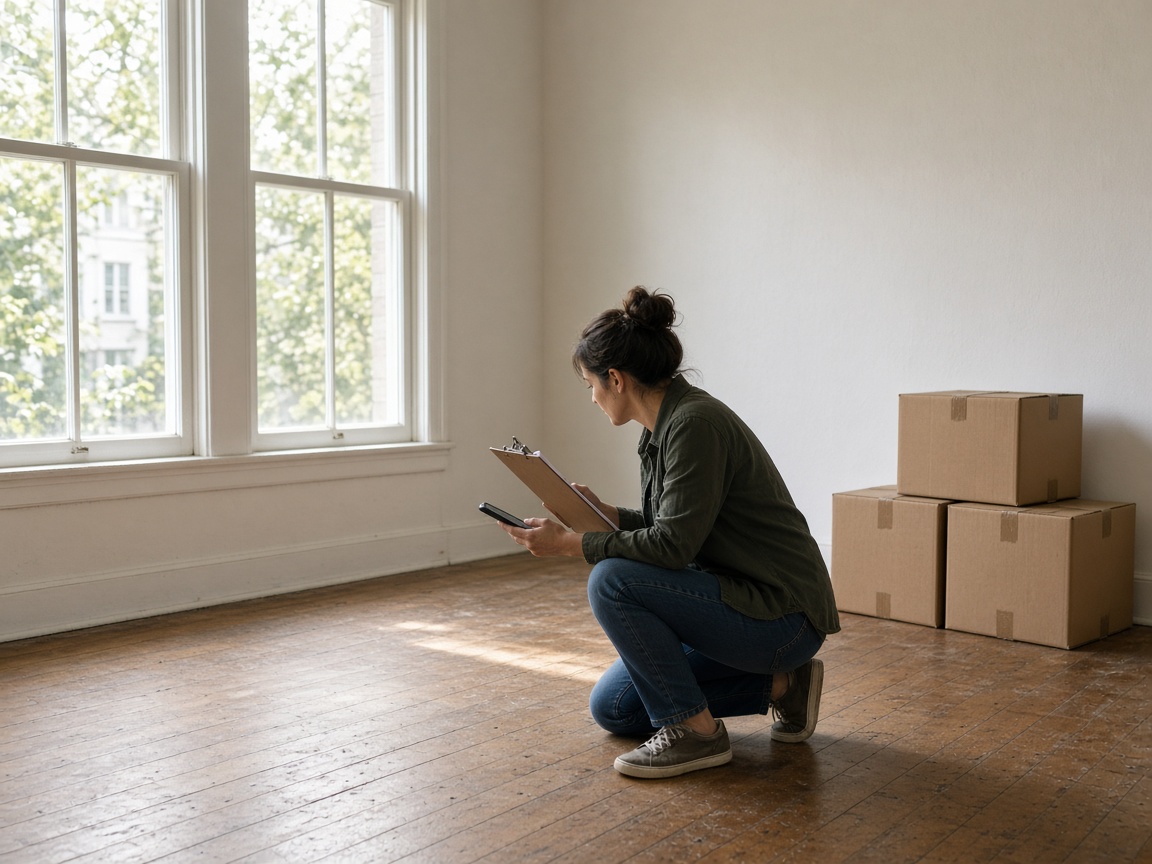
Unit photos stay on the address
Name the album for the community, the building, or the unit. HOA walk-through photos and apartment turnover photos open under that address instead of sinking into one camera roll.
Album per address
Property photo app · HOAs, buildings, and communities
A property management photo app for the walk-through in front of you. Unit photos, building photos, violation photos, and maintenance photos stay on that address — including apartment move-in and move-out.
Get the app for iPhone and Android


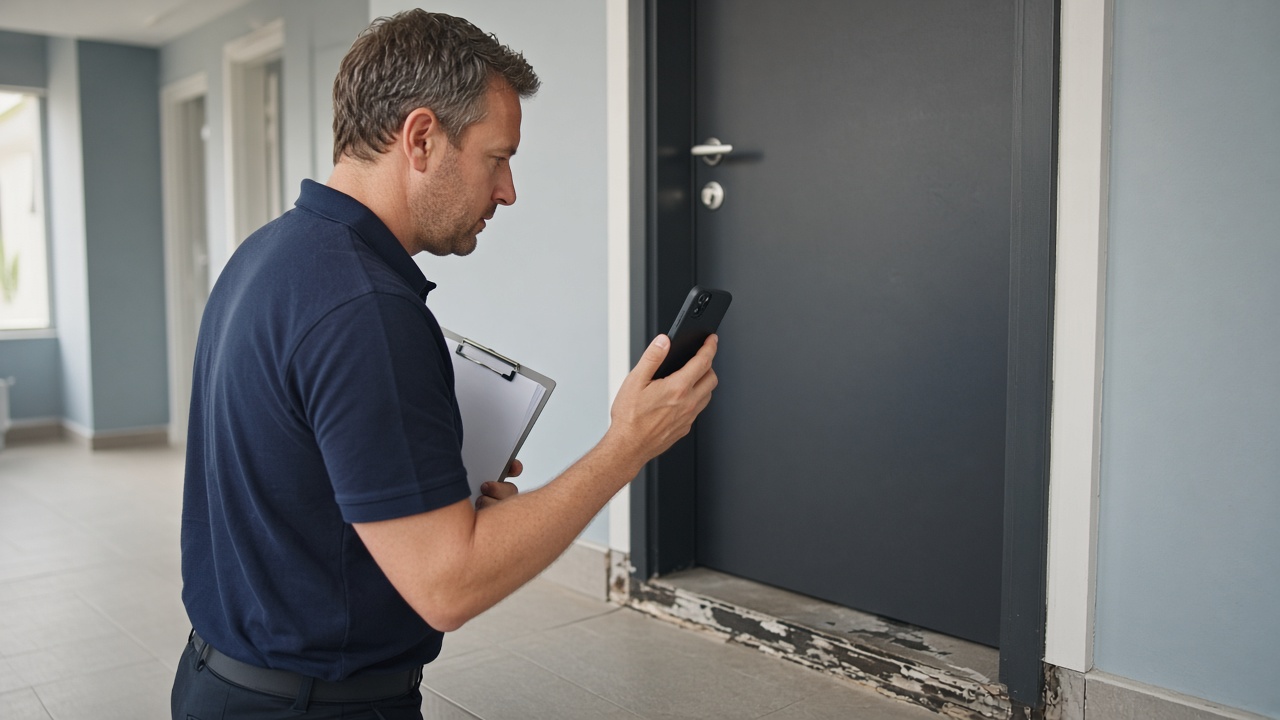
Name the album for the community, the building, or the unit. HOA walk-through photos and apartment turnover photos open under that address instead of sinking into one camera roll.
Album per address
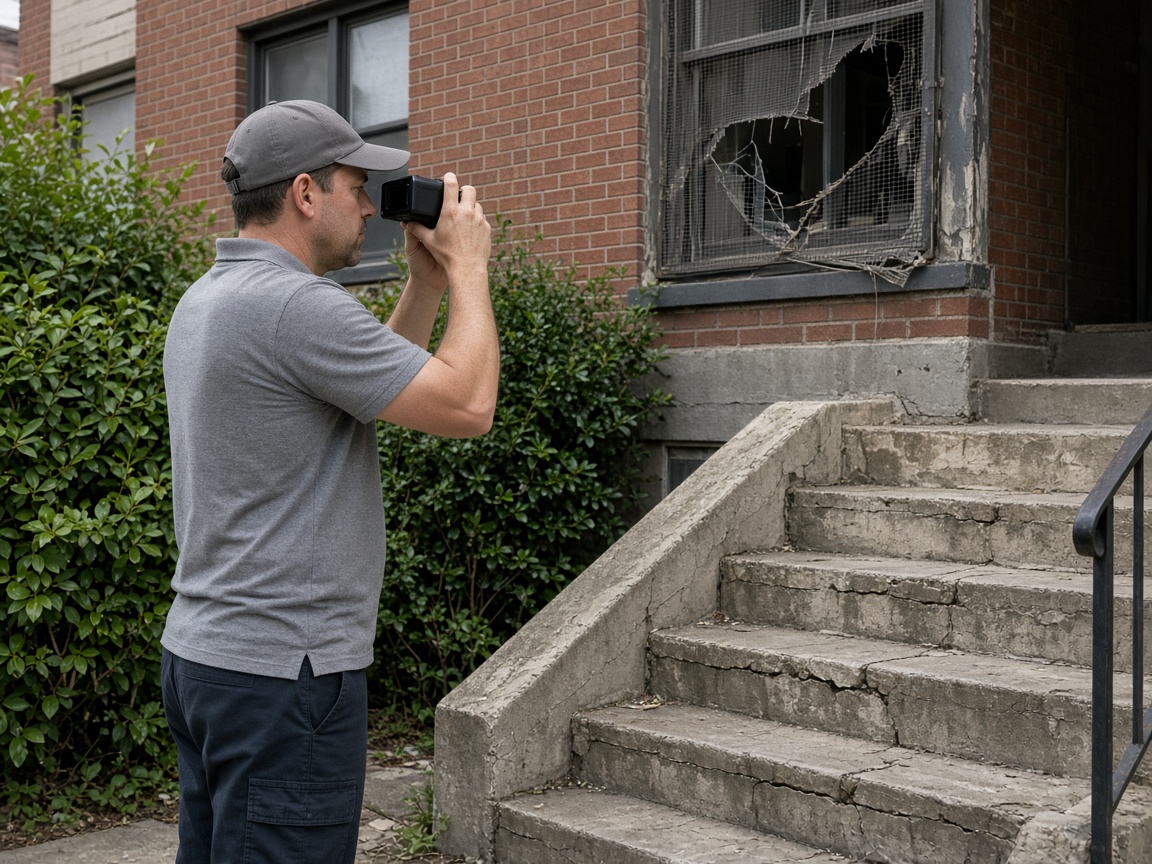
A cracked stair, a missing screen, a work order. Inspection photos keep time, weather, and place on the picture when the board, the resident, or the vendor opens the link.
Burned into the photo
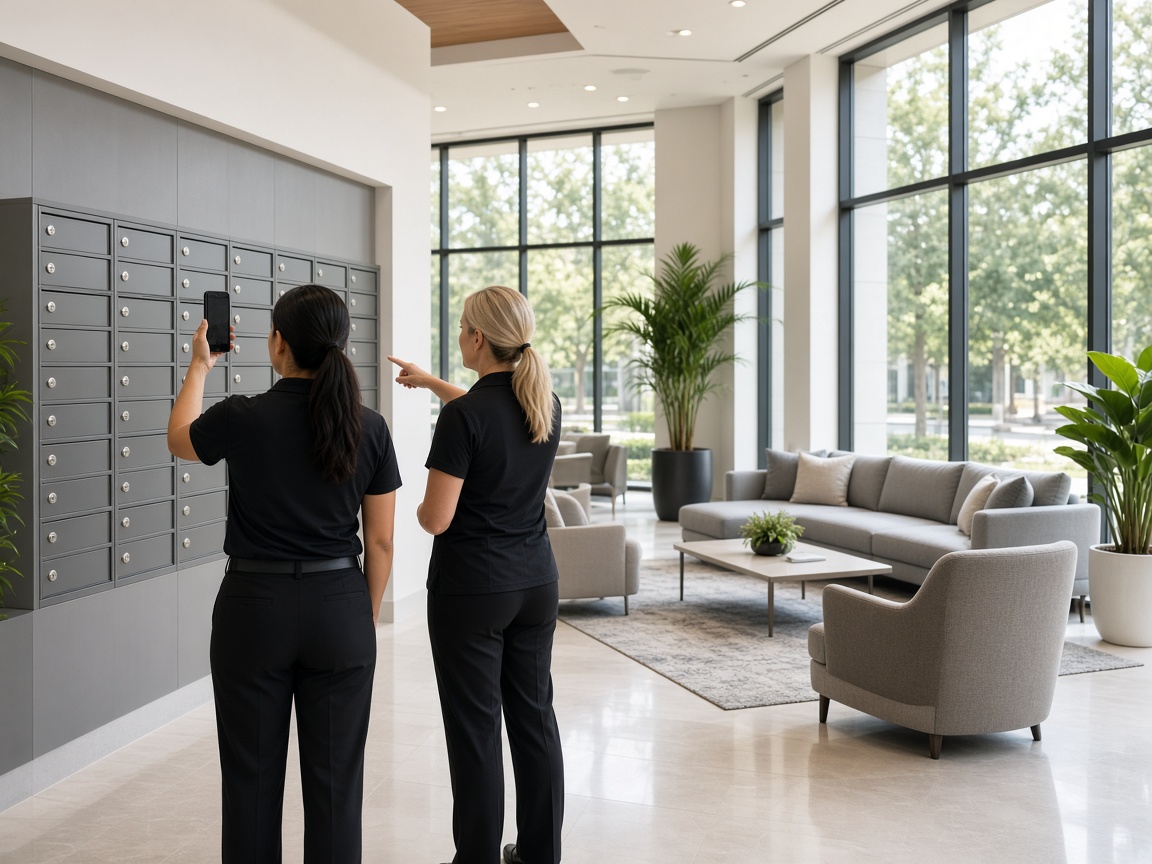
Office and field upload community photos and common-area photos to the same address. Nobody is texting a partial set of unit photos back to the desk.
One set

FWD one link for the property condition photos. Add a follow-up after the repair and the same gallery still shows that unit, that building, and that visit.
Private until you FWD
A property photo app is how a walk-through survives the week. Open an album for the community, the building, or the unit in the same pattern as the jobsite photo app, shoot the hallway, the door, the common area, and the condition you were asked to record, and leave the set there. HOA walk-through photos, building inspection photos, and community photos stop living as loose shots on a phone. See creating and organizing albums for titles and pinned locations.
Apartment move-in and move-out belong on this same page. Turnover is still a unit at an address: empty room, scuffed floor, keys, meter, and the note the next resident will ask about. Name the album for that unit, keep move-in photos and move-out photos together, and add the repair when it is done. You do not need a second app for apartment turnover photo documentation.
Violation photos and maintenance photos should read the same way the board reads them. Draw the callout with photo annotations so the crack, the stain, or the missing fixture is obvious. Time, weather, and place can stay on the overlay. When the association or the owner is ready, FWD one gallery from share links. They open property condition photos in the browser, with no app install. Sharing an album covers public, password, and invite-only links. Turn the link off when the handoff is done.
Field and office should not be texting partial unit photos. Invite the team into the shared album so the person on the property and the person at the desk add to one set — invite shared albums. The same shots can ride an estimate when a vendor quote needs the picture, and the card in your CRM pipeline still shows which building and which visit. A follow-up photo lands in the album the link already opens.
Your public page is where the work can be seen after the walk-through. Claim Your Page and put real building photos and community photos on it, with a request form for the next inspection. When you want people nearby to find the work, list on Local Pages. The same address albums also cover a machine, a boat, or a venue setup when that is the job in front of you. Starter is free to start; plans covers storage when the community grows. New here? Read how it works.
Create an album for the community, the building, or the unit so later visits land in the same place.
Capture unit photos, common-area photos, and the condition you need on the record: move-in, move-out, violation, or maintenance.
Annotate the photo so the crack, the stain, or the missing piece is obvious before anyone else opens it.
Send a share link to the board, the resident, or the vendor. Add a follow-up photo later and the same link still works.
Put real property photos on Your Page so the next community can see the kind of walk-through you already do.
Yes. You keep HOA walk-through photos, building photos, unit photos, violation photos, and maintenance photos in an album named for that address, then share one live gallery when someone else needs to see them.
Name the album for the unit or the building. The next walk-through, the violation, and the repair photo all open under that same address instead of a mixed camera roll.
Yes. Apartment turnover stays on this page. Shoot the empty unit, the condition, and the keys under that unit’s address, then send one link for the move-in or move-out record.
FWD a share link. They open the gallery in the browser. You can turn the link off when the handoff is finished. The album stays in your workspace.
Yes. Both belong in the album for that building or unit. Annotate the shot that needs a decision, and add the completed repair to the same set.
Join Free. Unit photos, violations, and move-in move-out stay with the address.
Join Free