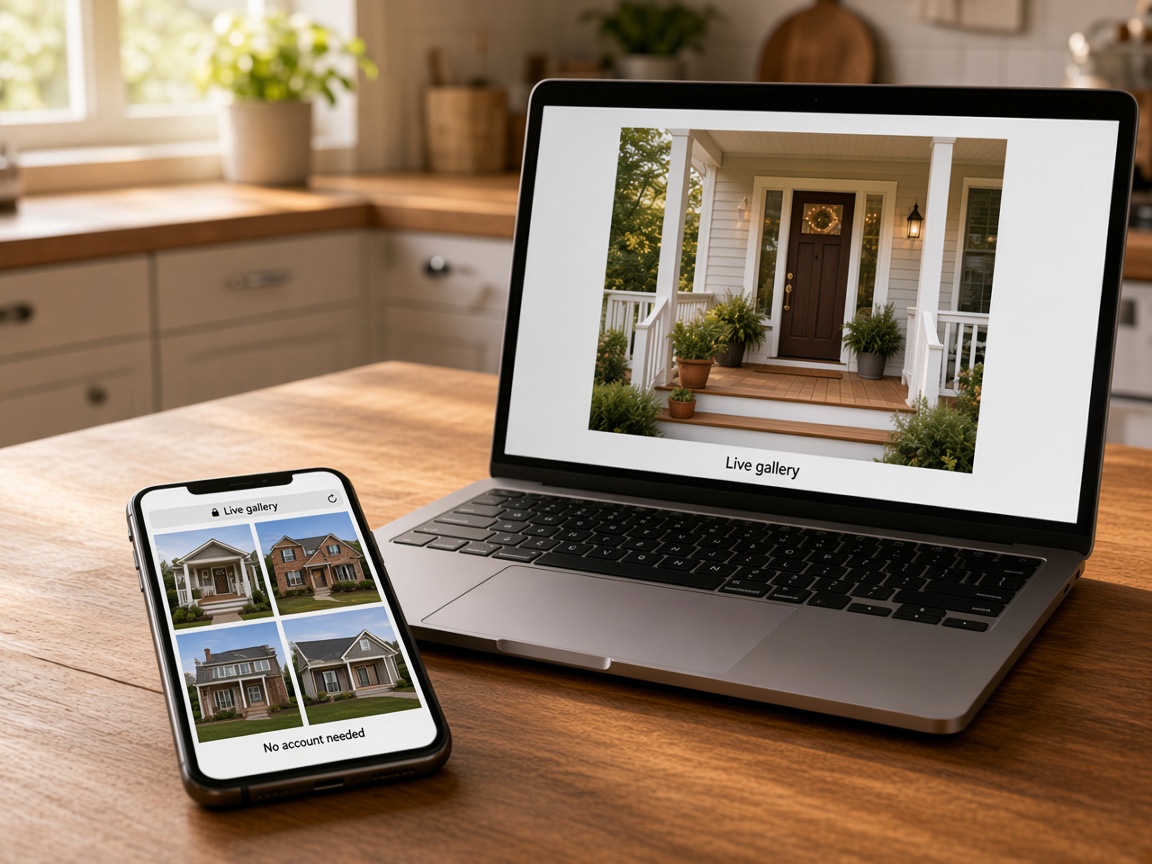
They open it with no account
The link is the gallery. No app install, no password, no “request access” thread.
Opens in the browser
Share links
Nothing goes out until you FWD it. The client opens the gallery, forwards the same link, and you can turn it off when the handoff is done.
Start free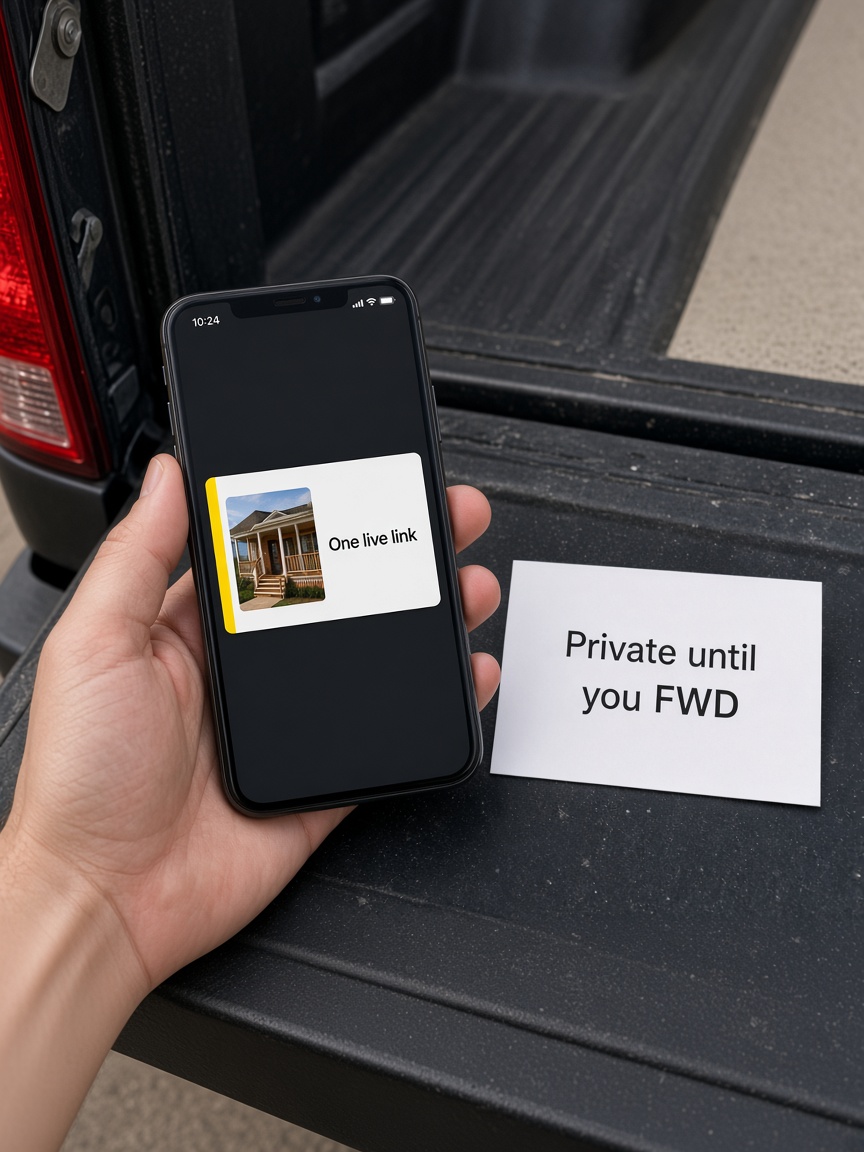
The link is the gallery. No app install, no password, no “request access” thread.
Opens in the browser
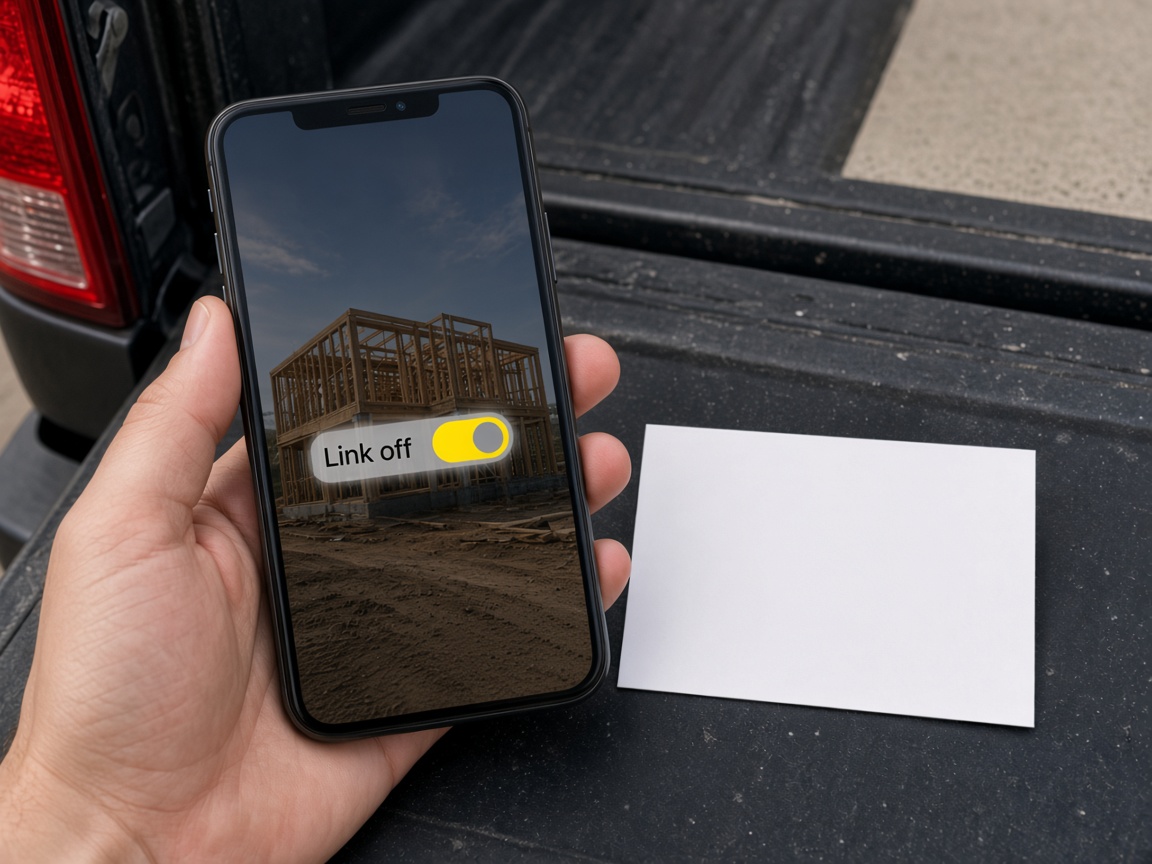
When the handoff is done, kill the link. The album stays yours. The public URL stops.
You choose what leaves
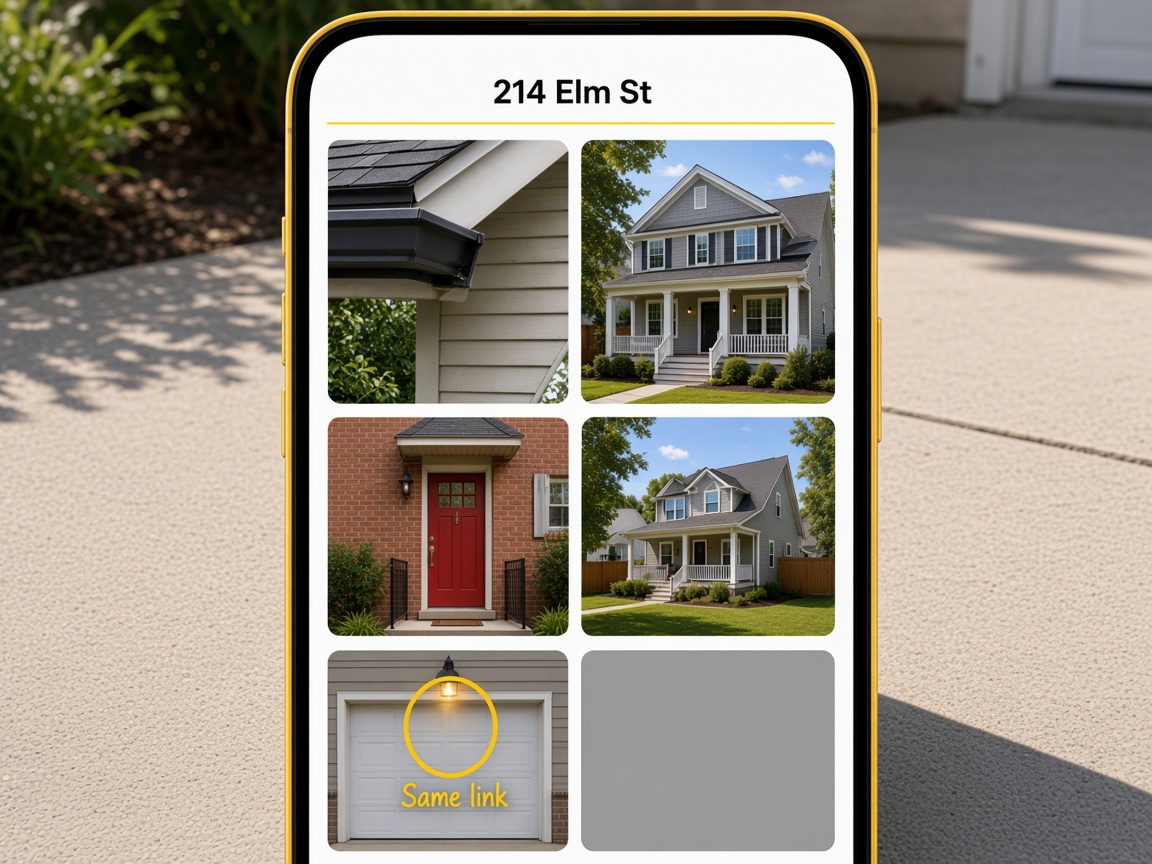
Shoot the follow-up and drop it in the album. You do not send a new URL every time the job moves.
The link stays
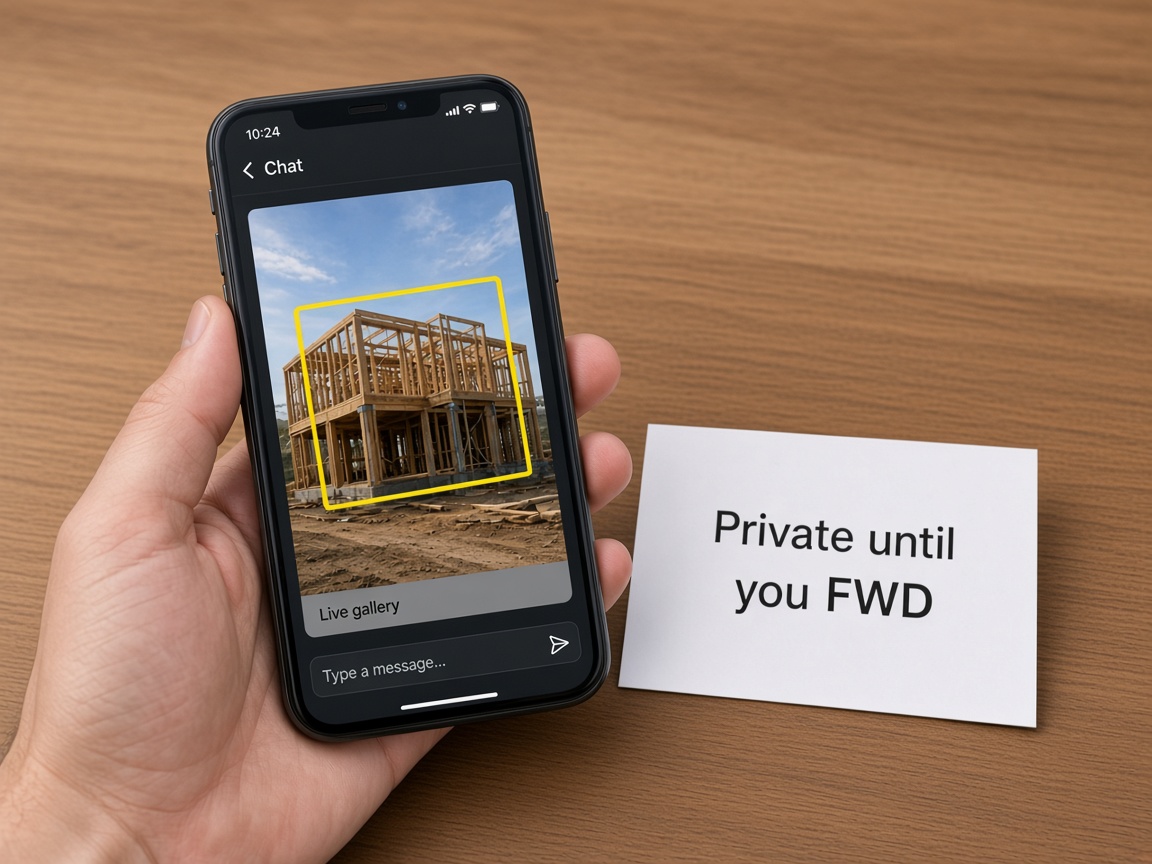
A spouse, a GC, or an insurer gets the same link. You are not re-exporting the set for each person.
One URL
Share links turn a job album into a client-ready gallery with one URL. Photos for that address live in the jobsite photo app first — organized by street, not mixed with personal shots. When you are ready for the homeowner, GC, or insurer to see progress, generate a share link and FWD it by text or email. They open it in any browser with no account. Read creating and organizing albums for titles, pins, and how visits stack on one card.
Marked-up proof travels with the gallery. Photo annotations and sketch canvas drawings stay in the album until you share; clients see the same yellow callouts you drew on site. Add photos after you send the link — the URL stays current so you are not re-sending every time the crew uploads. Sharing an album covers public, password-protected, and invite-only options.
Your Page can surface albums too — see Your Page albums and FWD for how public blocks and FWD links work together. Crew members upload through invite shared albums while you keep billing control. When the handoff ends, turn the link off; the workspace album remains private for warranty photos later.
Share links feed the business side of the job. Quote from the same card in your CRM pipeline with estimates that attach gallery shots. New asks from lead capture on Your Page land as cards you can answer with a live link the same day. Automations can email a follow-up or Tell you in the app when someone opens your page.
List on Local Pages when you want neighbors to see real work, and compare Plans if you need more storage or teammates. Starter is free — page, albums, and CRM included. Plans and storage overview spells out what ships on day one.
Browse how it works for the full field-to-payment loop, every product on features, or getting started in Help. Share links are the handoff layer between private documentation and what the client is allowed to see.
Every shot for the address before you share outward.
Clients see your yellow callouts in the live gallery.
Include grid layouts in the same forwardable link.
Attach gallery photos to quotes and bills.
One public URL that can surface albums and forms.
Reply to new asks with a share link the same day.
The album stays on the card from New through Won.
Follow up when someone opens your page or asks for a quote.
Photos, links, CRM, and billing together.
Capture and upload into the job album so the gallery is complete before you share.
Generate the live URL from the album — pick public, password, or invite-only if needed.
Send one link. They open it in the browser and can forward the same URL to a spouse or GC.
Upload more shots from the field — the same link stays current.
Revoke access after handoff. The private album remains for your records and future quotes.
No. The gallery opens in a browser with no login or app install.
Yes. Revoke the link when the handoff is done. Your workspace album stays private.
The same URL updates. Clients see new shots without you sending a fresh link every time.
Yes. Anything in the job album — marked photos, canvas drawings, stamped overlays — can appear in the gallery.
Yes. Nothing is public until you generate and send a link, or publish through Your Page blocks you choose.
Yes. Sharing options include public, password-gated, and invite-only links — see Help on sharing an album.
One URL is the whole job album. Recipients browse in order, forward one link, and you can revoke it later.
Yes. The same job card holds the album, estimate, and link — quote and share without switching apps.
Your Page can surface albums and FWD links you control. Help articles explain how blocks and live links connect.
Starter is free with albums and share links included. See Plans for storage limits and paid add-ons.
Yes. Start a When→Then path on page visits or quote requests, then notify yourself or send email follow-ups.
The features crews use every day — photos, markup, quotes, and the page that brings the next lead in.
Explore core features →The link is how the album, the markup, and the page leave your hands.
The album the link opens.
The marks stay on the shots they open.
One page they can trust, with the work on it.
Start free. It stays private until you FWD it.
Start free