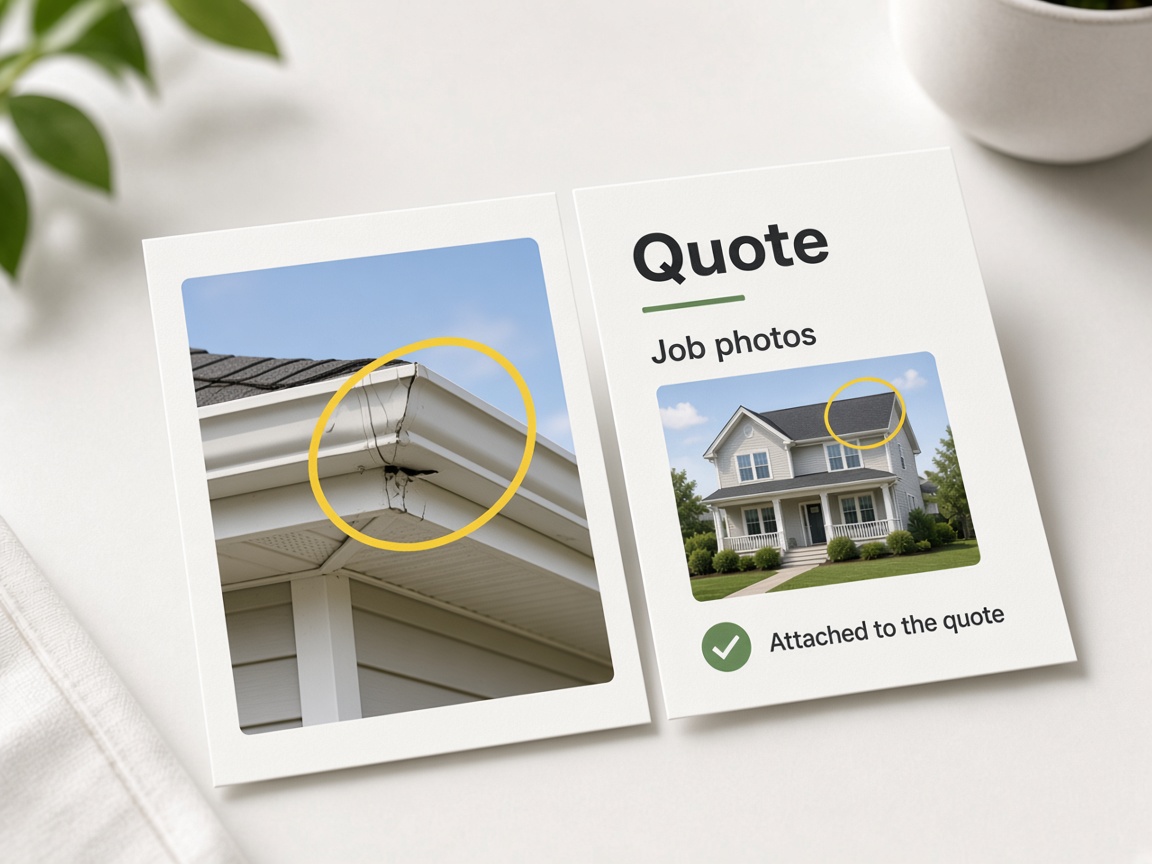
The scope is the picture
The quote carries the marked shot. They approve what they can see.
Photos on the quote
Estimates & invoices
Quote the job with the shot attached. Turn that into the work order, then the invoice, without leaving the same job.
Start free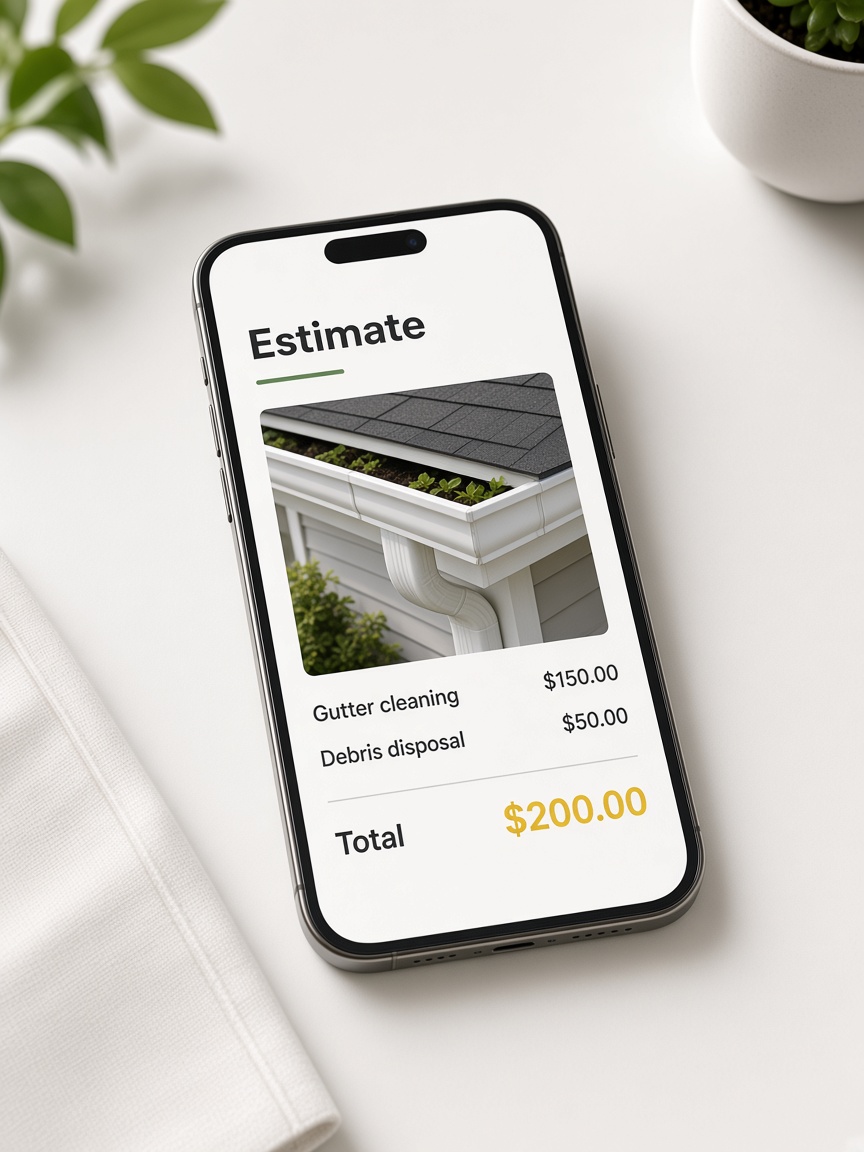
The quote carries the marked shot. They approve what they can see.
Photos on the quote
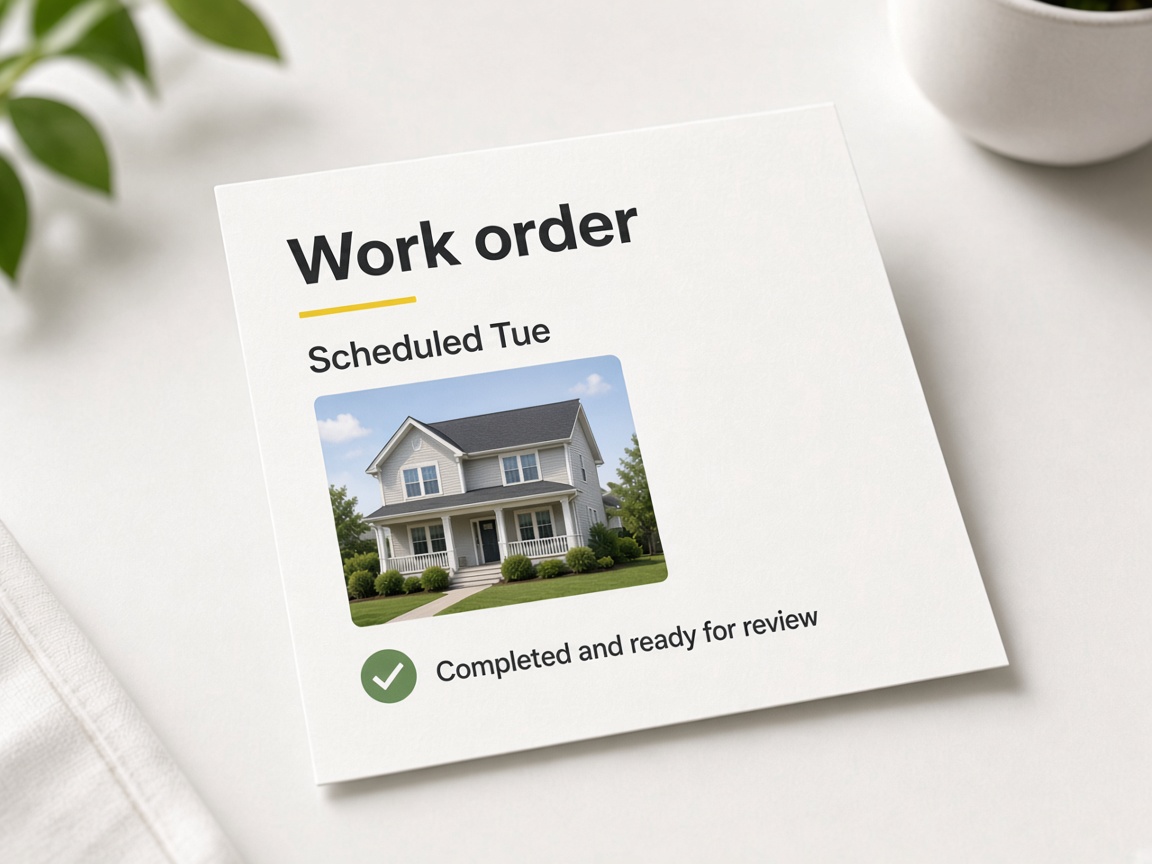
Once they say yes, the job is already on the schedule. You are not retyping the scope into another app.
Same job

The bill shows the work. They pay from the same thread as the proof, not a naked total in an email.
Proof on the invoice
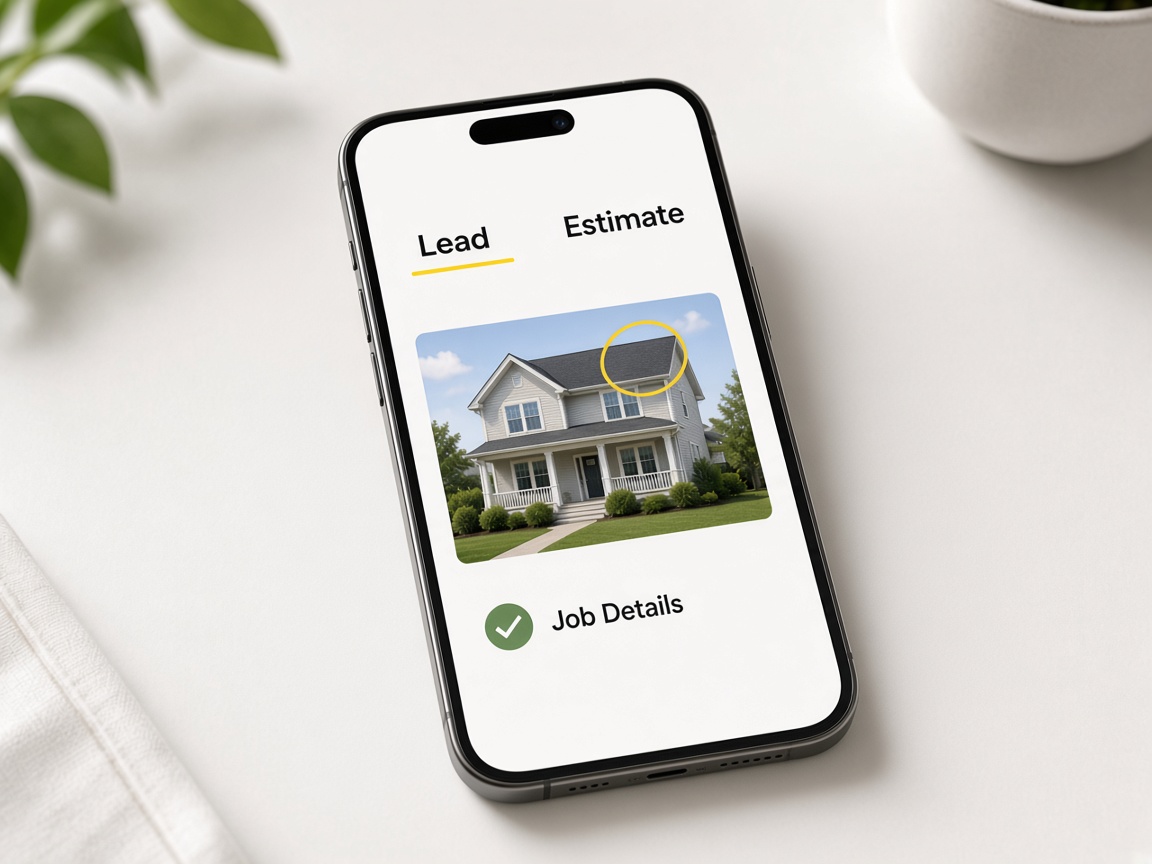
The request, the quote, and the photos stay on one card. Nothing has to be copied across tools.
One card
Estimates and invoices in FWDLink are built for field proof, not blank PDFs. Capture the job in the jobsite photo app, mark the shot with photo annotations or sketch a layout on canvas, then attach those files to the quote. The client sees numbers and pictures on the same document — scope they can approve, not a paragraph they have to imagine. Creating and organizing albums keeps every visit under the address you bill.
Sharing progress and sharing paperwork are related but separate. FWD a live share link when the homeowner wants a gallery; send the estimate when they need a price. Both pull from the same album on the job card. Sharing an album explains link types; your CRM pipeline tracks whether the job is New, Quoted, Booked, or Paid without duplicating records.
Leads do not live in a different inbox. Lead capture on Your Page creates a card the moment someone submits the form — quote from the truck with photos already on the card. Crew uploads via invite shared albums add fresh shots before you finalize line items. Automations can Tell you in the app when a quote request arrives while you are on site.
Work orders and invoices continue the same thread. When they approve, advance the card to Booked without retyping the address or re-uploading photos. Invoice with the same marked shots or a share link embedded in the bill. Online payment options depend on your plan — see Plans and plans and storage overview.
Your Page and Local Pages bring the next job; estimates close the one in front of you. Publish real photos on your public URL, list locally when you want nearby hires, and send every new ask through the same quote flow. Read how it works for the full loop and features for every tool in the workspace.
Need a checklist? Open getting started in Help, or configure Your Page albums and FWD so public galleries and formal quotes stay aligned. One workspace means the payment trail matches the photos you took on day one.
Source photos for every line item on the quote.
Show the exact fix on the estimate PDF.
Attach grid layouts to structural quotes.
Send galleries while the estimate is pending approval.
Move the same card from New through Won.
Catch requests that become quotable cards.
Form fills land ready for your first quote.
Reminders and notifications around quotes and invoices.
Billing sits next to photos and CRM.
Shoot the site and organize shots in the address album before you write line items.
Add marked photos or sketches so the client approves visible scope.
Move the card to Quoted; follow up from the same job without a second CRM entry.
When they say yes, move the card to Won — photos and notes stay on the card.
Bill with the same attachments and close the loop when payment lands.
Yes. Photos, annotated shots, sketches, and share links can ride the quote and bill from the job card.
Yes. Request, album, quote, work order, and invoice share one job record.
No. Quote, schedule, and invoice run inside FWDLink on the same workspace as photos and CRM.
Yes. Advance the pipeline stage and generate the work order from the same job without retyping details.
Yes. Attachments carry forward so the client pays against the same visual scope they approved.
Share links are live galleries for progress. Estimates are priced documents — both can reference the same album.
Yes. Lead capture creates a New card; open it and send an estimate with photos from the field.
CRM toggles and When→Then paths can remind you or email clients about open quotes and bills.
Online payment depends on your plan and setup. See Plans for current payment options and fees.
Starter includes CRM and quoting basics for free. Paid tiers add storage, teammates, and payment features on Plans.
The features crews use every day — photos, markup, quotes, and the page that brings the next lead in.
Explore core features →The bill sits on the same job as the photos and the pipeline.
Send the marked shot with the quote.
Move the job from lead to paid.
The album those photos came from.
Start free. Quote, schedule, and invoice from the job.
Start free