
Each room stays on the home
Name the album for the address or the family. The kitchen, the bedroom, and the garage open under that house, with a plain label for the room you are in.
Album per home
Estate cleanout photo app · companies and families
Room-by-room inventory, the pieces a family asks you to keep, and proof of what left the house. The record stays on that home. You send one gallery when they are ready to look.
Get the app for iPhone and Android


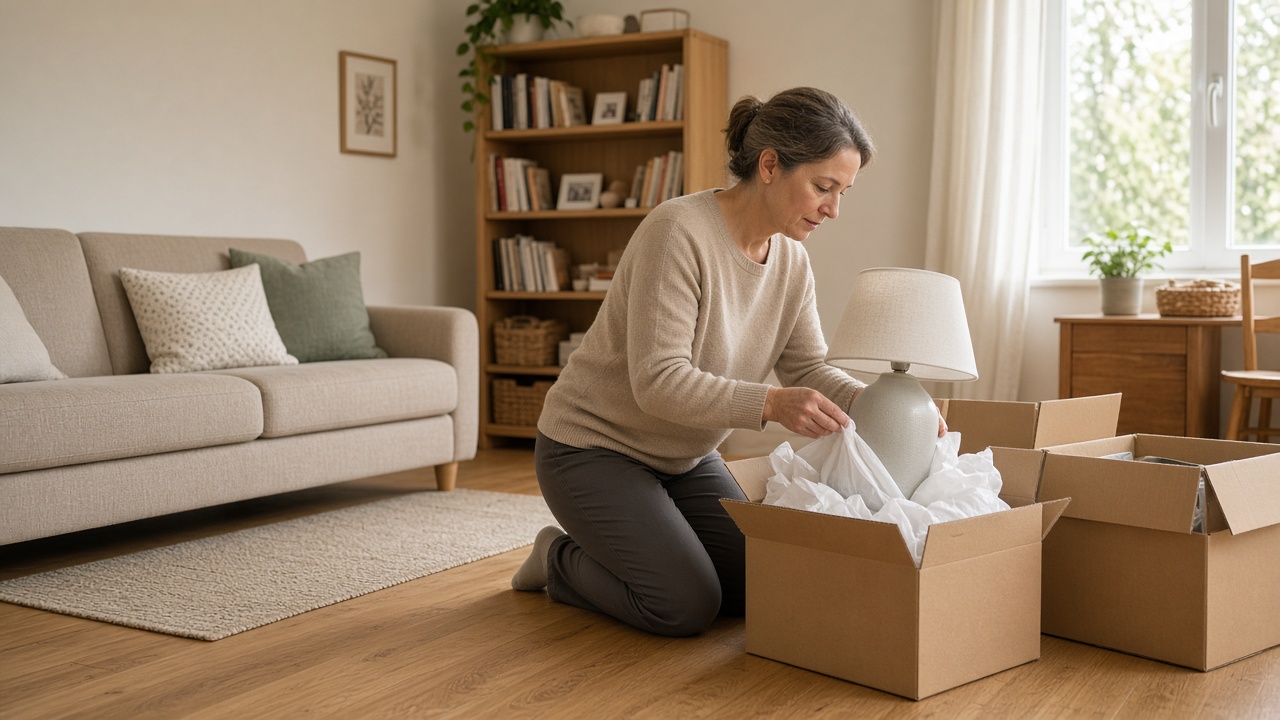
Name the album for the address or the family. The kitchen, the bedroom, and the garage open under that house, with a plain label for the room you are in.
Album per home

Set the table, the lamp, and the chairs they approved in one clear group. The photo shows the keep set before anything else moves.
What they keep

They look through the rooms on a phone and mark what stays and what goes. Send that set before you remove anything they have not approved.
Family approval

When the agreed pieces have left, photograph the empty swept room. That shot is the disposal proof, next to the donation or the handoff, in the same album.
Disposal proof
An estate cleanout photo app is the company record of one home. Name the album for the address or the family. Shoot the kitchen, the bedroom, and the garage as you find them, and keep each room in that album. The next visit opens the same house. It is the same album habit as the jobsite photo app, aimed at an estate cleanout. Creating and organizing albums covers titles and pins.
The family decides what stays. Group the table, the lamp, and the chairs they asked you to keep, and photograph that set before anything moves. When someone needs to see an item, mark it with photo annotations so the question sits on the picture. Time and place stay on the overlay. When they are ready, FWD one gallery from share links. They open it in the browser, with no app install. Sharing an album covers public, password, and invite-only links, and how you turn the link off when the house is finished.
Disposal proof belongs in the same album. Photograph the donation drop or the items as they leave, then the room after it is swept and empty. The gallery shows what was agreed, what left, and how the room looked when you locked the door. Add those shots later. The link the family already has still opens the whole set.
The person in the house and the person at the desk should share one album. Invite shared albums lets the crew add rooms while you keep the family link. The same photo can ride an estimate when the scope changes, and the pipeline card still shows which home and which visit.
This page is the estate: room inventory, family decisions, and proof of what left. A driveway haul of mixed debris belongs on the junk removal photo app. A homeowner photographing closets for safekeeping belongs on home inventory photos. A building walk-through for an association belongs on the property photo app. Show the homes you already handle with care. Put real room photos on Your Page, and list the company on Local and Marketplace so families nearby can find you. Starter is free to start; plans covers storage when several houses are open. How it works is the path from the first room to the live link.
Use the address or the family name so every room and every later visit lands in the same place.
Capture a clear overview of the kitchen, the bedroom, and the garage before you move the contents.
Photograph the approved furniture and objects together so the keep set is obvious.
Send one share link so the family can approve what stays and what goes. Add their notes on the photos.
Add the donation or handoff and the empty swept room. The same link becomes the disposal proof.
Yes. You keep a room-by-room inventory, the pieces a family approves to keep or remove, and disposal proof in an album for that home, then share one gallery when they are ready.
Yes. Send the room photos first. They review the keep set and the removal set on the phone. You move a piece after they have approved it.
The donation or handoff, the items as they leave, and the room after it is swept. Those shots stay in the same album as the inventory and the family decisions.
FWD a share link. They open the gallery in the browser. You choose when the link goes out, and you can turn it off when the house is finished. The album stays in your workspace.
No. A driveway haul belongs on the junk removal photo app. A homeowner saving closet photos for safekeeping belongs on home inventory photos. This page is the company record of an estate: rooms, family approval, and proof of what left.
Join Free. Inventory, family decisions, and disposal proof stay with the house.
Join Free