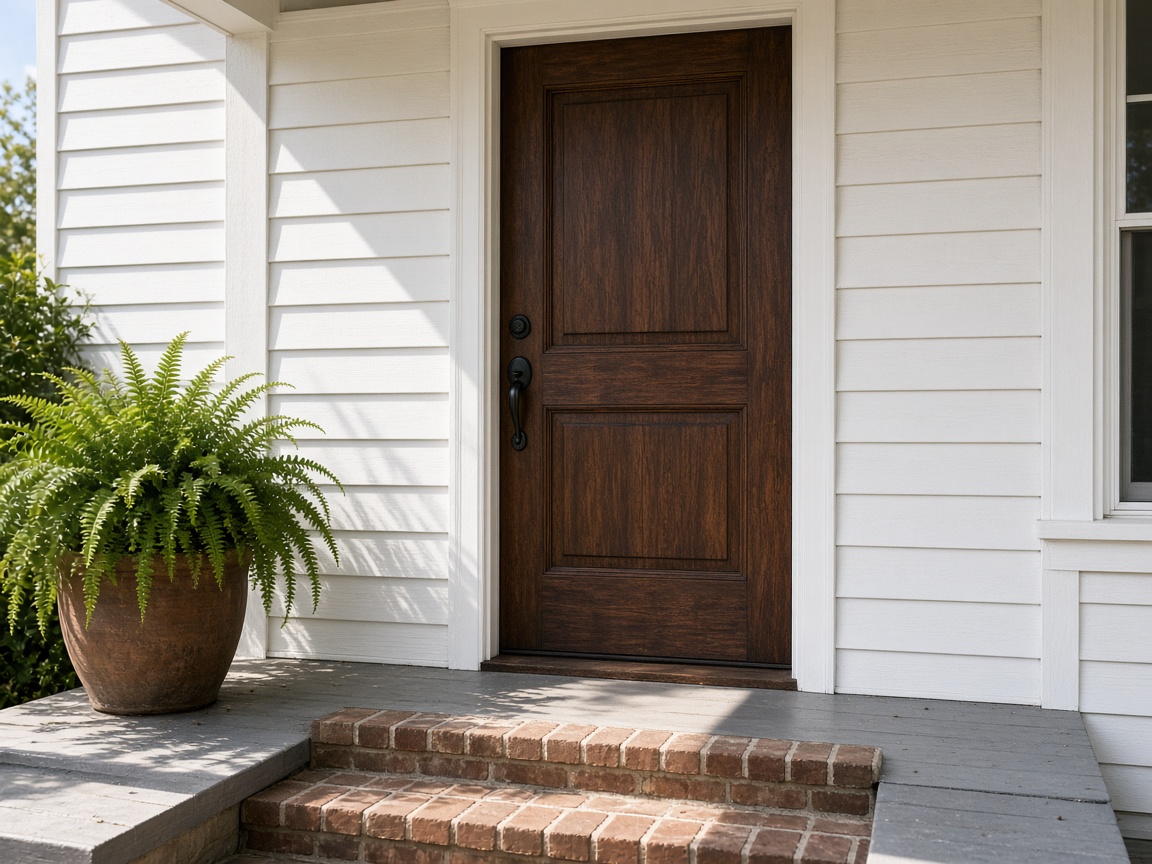
The visit starts at the locked door
Name the album for the house. Front entry, locks, and the way you found the door stay with that address for the next seasonal check.
Album per house
Home watch photo app · vacant homes and owner reports
Seasonal checks, vacant-home visits, storm damage, and vendor handoff stay on that house. Photograph the visit, then send the owner one report.
Get the app for iPhone and Android


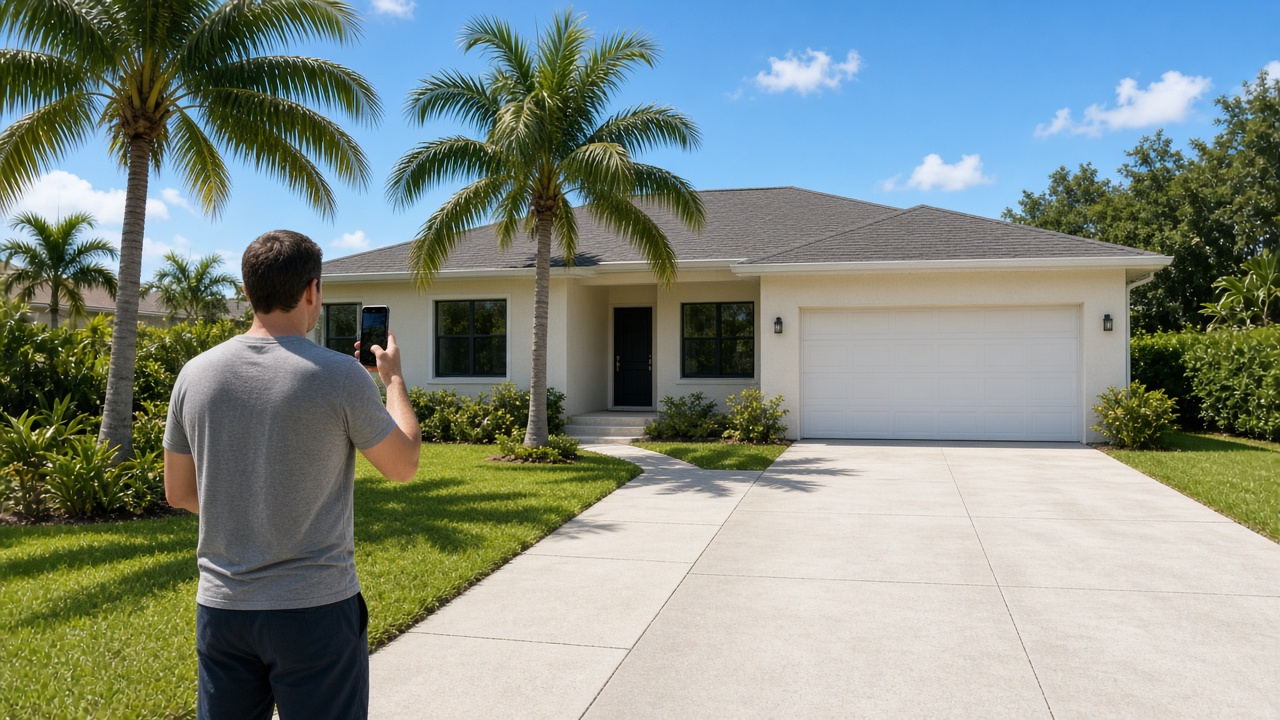
Name the album for the house. Front entry, locks, and the way you found the door stay with that address for the next seasonal check.
Album per house
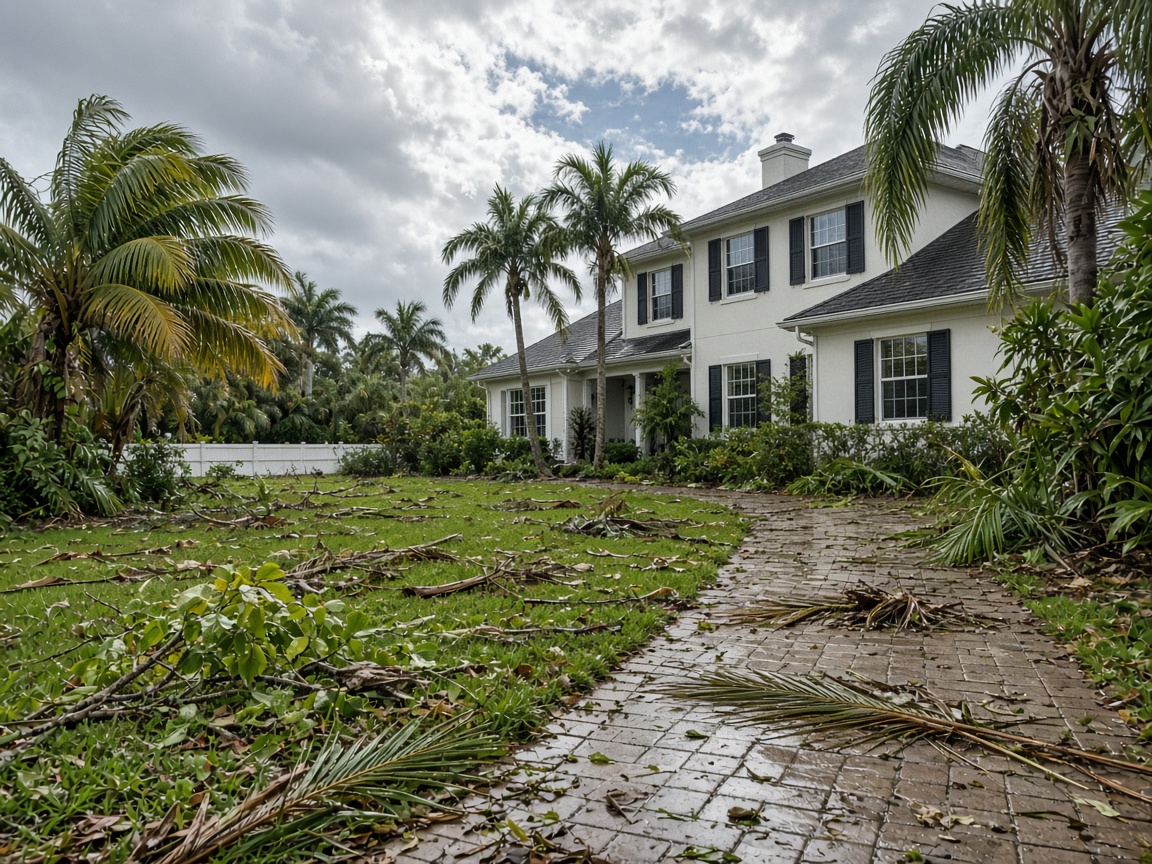
Yard debris, a downed limb, a wet eave. Shoot what the weather left. The owner opens the same house album, not a pile of texts.
Burned into the photo
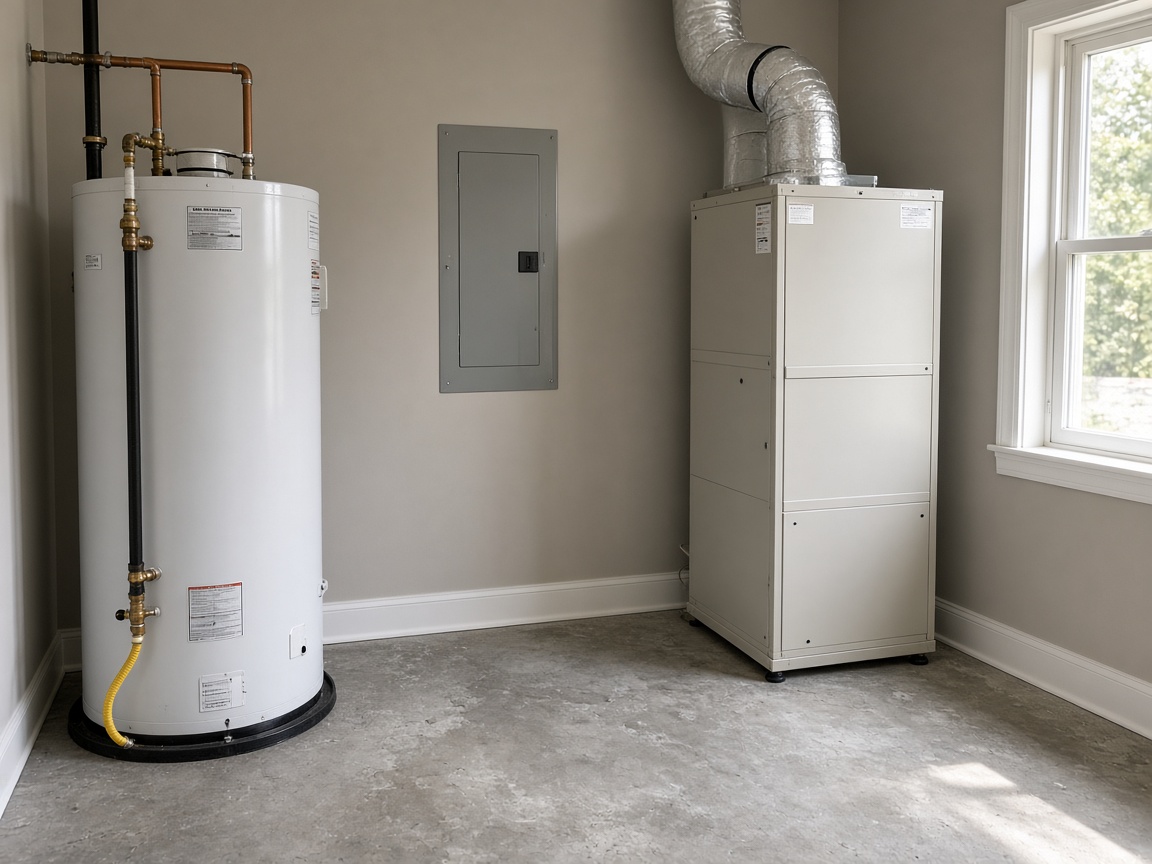
Water heater, panel, air handler, and the shutoffs. The next vacant-home visit opens the same rooms so you can see what changed.
One set
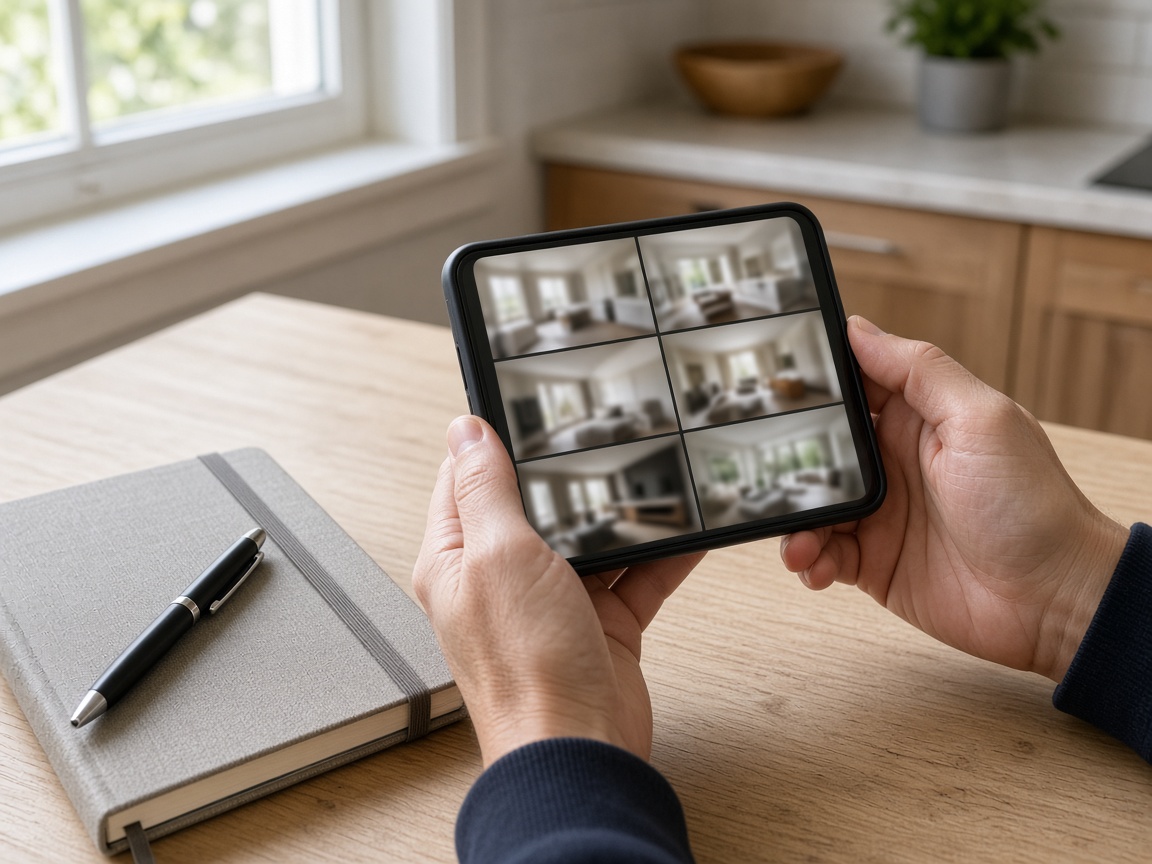
FWD one link with the photos and notes from the check. Add the vendor after photos later and the same link still works.
Private until you FWD
A home watch photo app is the record of the vacant house, not a camera roll of errands. Name the album for the address. Shoot the locked front door, the yard, and the rooms you open on a seasonal check. The next visit to that house opens the same place, so you can see the door, the shutoffs, and the yard as you left them. It follows the album pattern of the jobsite photo app, aimed at a home-watch visit instead of a job site. Creating and organizing albums covers titles and pins.
Storm damage and the owner report belong together. A limb on the walk, a wet eave, a lock that did not feel right — those are the check. Mark the spot with photo annotations so the owner sees the callout on the picture. Time and place stay on the overlay. FWD one gallery from share links when the owner needs the report. They open it in the browser. Sharing an album is how you turn the link off after the season.
The vendor should see the same house you already documented. Invite shared albums lets the roofer, the plumber, or the AC tech add arrival and after photos without a new text thread. The same shot can ride an estimate when the owner wants a number, and the pipeline card still knows which house and which check. Add the vendor photos later. The link the owner already has keeps working.
Listing photos are a different job. Realtors showing a house for sale belong on realtors. Setting a home for showings is not a home-watch check. A general visit log for chores and family updates belongs on home visit documentation. This page is the home-watch company: seasonal checks, vacant homes, storm damage, and the handoff to a vendor. A building or HOA walk-through still belongs on the property photo app. When the vendor work is a full job site, use the jobsite photo app.
Show the checks you already make. Put real vacant-home photos on Your Page with a request form for the next season, and list on Local so owners nearby can find the service. Starter is free to start; plans covers storage when the route grows. How it works is the short path from the front door to the owner report.
Use the address so this seasonal check and the next vacant-home visit stay findable.
Capture the front door as you found it, then the yard and anything the weather moved.
Add the water heater, the panel, the air handler, and the shutoffs on every check.
Send one share link with the photos and notes from the visit. The owner opens it in the browser.
Invite the vendor when a repair is needed. Their after photos land on the link the owner already has.
A place to keep seasonal checks, vacant-home visits, storm damage, and vendor handoff on that house, then send the owner one report.
Yes. FWD one share link with the photos and notes from the visit. The owner opens the gallery in the browser. Add a photo later and the same link still works.
On the house album. Yard debris, a downed limb, and a wet eave stay with that address, next to the locked-door photos from the same check.
FWD a share link, or invite the vendor to the house album. They can add after photos to the same set. You can turn the link off later. The album stays yours.
This page is the home-watch check: vacant homes, seasonal visits, storm damage, and vendor handoff. Listing photos belong with realtors. Chores and family visit updates belong on home visit documentation.
Join Free. The visit, the storm, and the vendor stay with the house.
Join Free