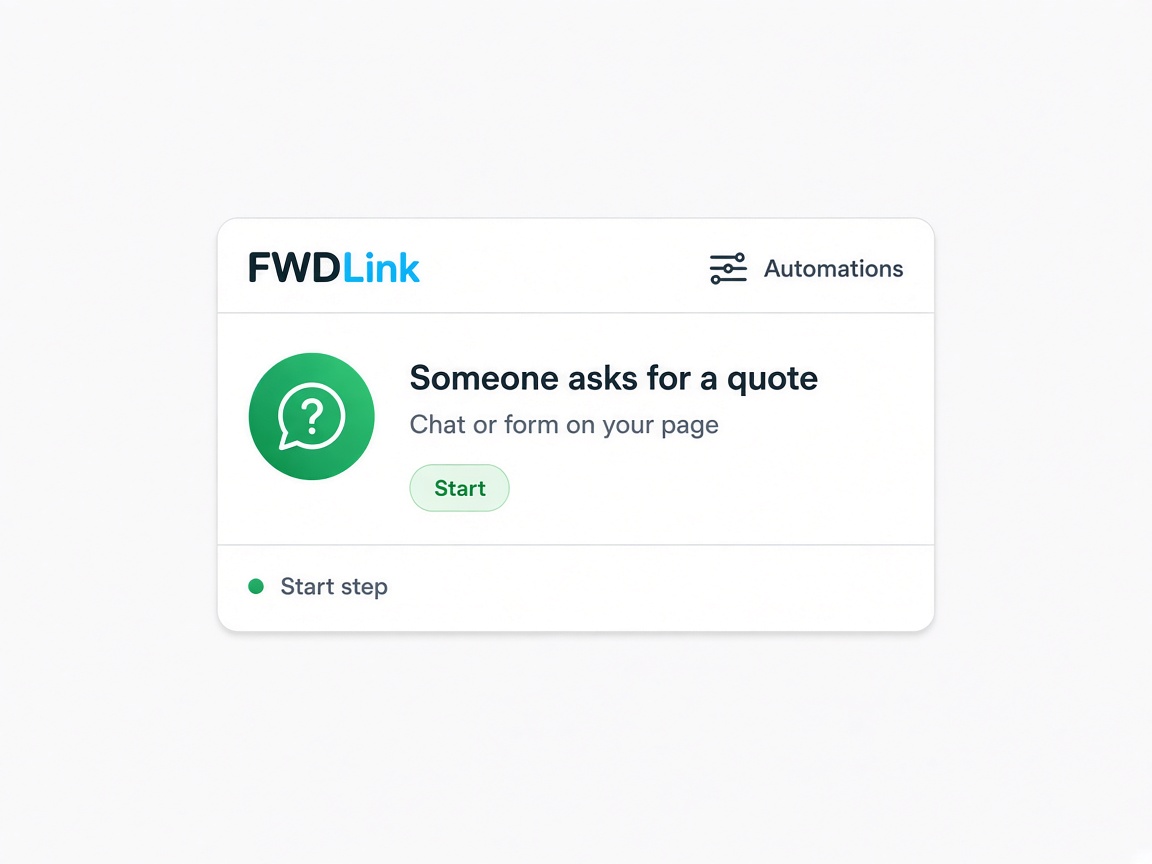
It starts when they ask for a quote
The Start step is a real event — someone asks for a quote from chat or a form on your page. You do not have to remember to check the inbox first.
When
Automations
FWDLink Automations are When→Then paths. A new quote ask can ping you in the app and put them under New. Email follow-ups can wait a day. Chat helper can greet people on your page. You stack Start → Next once — it runs while you are on the job.
Start free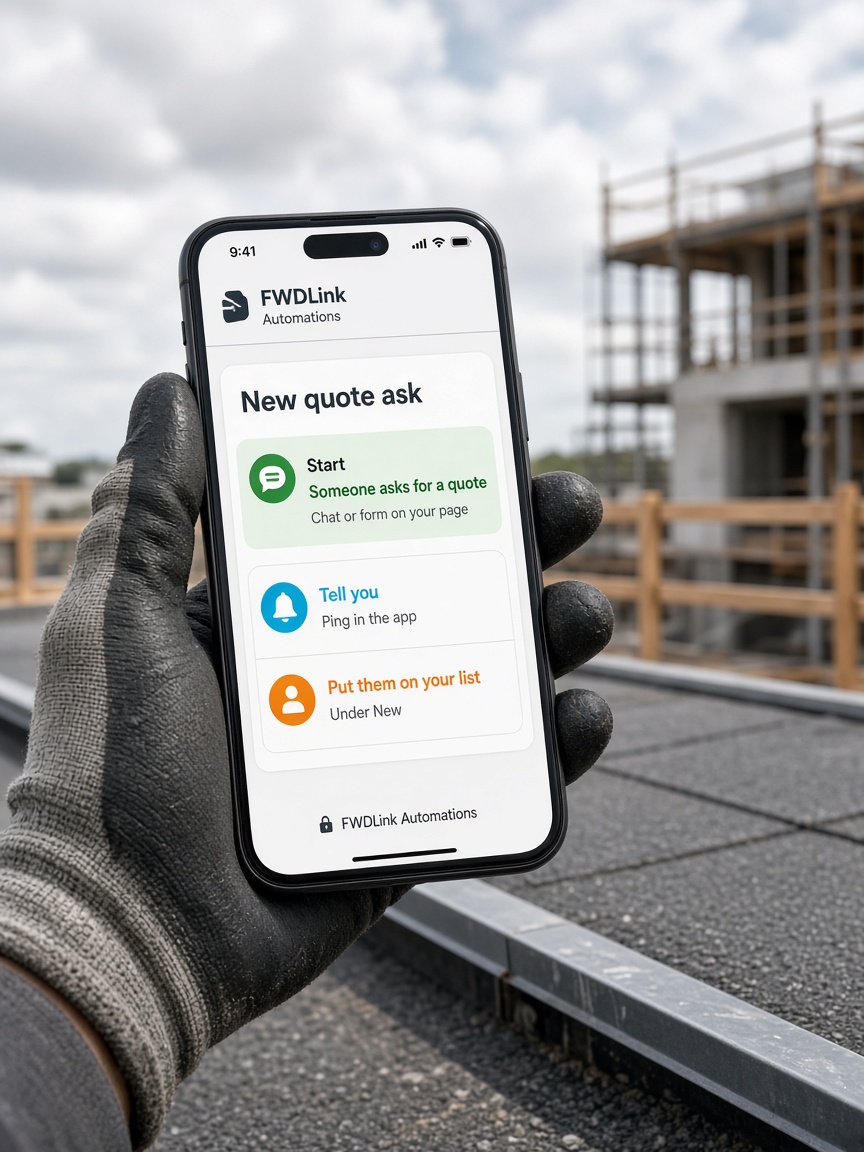
The Start step is a real event — someone asks for a quote from chat or a form on your page. You do not have to remember to check the inbox first.
When
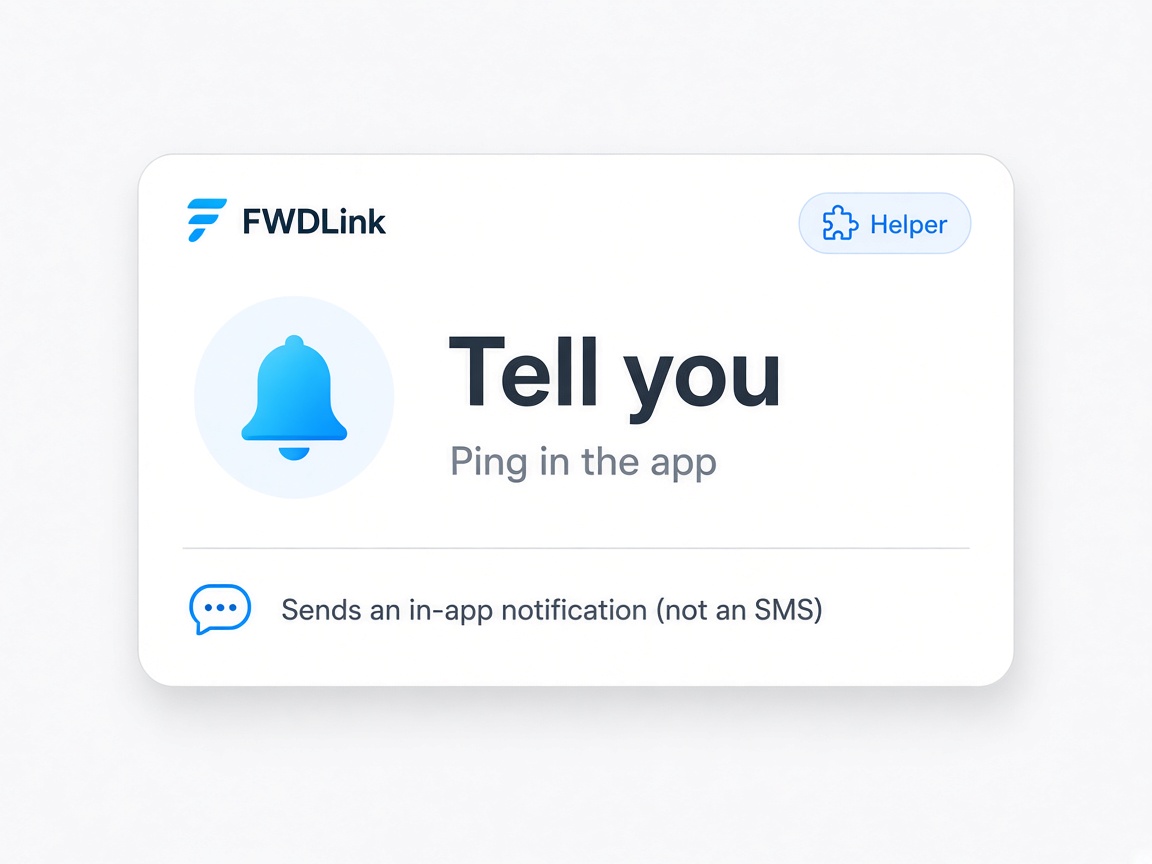
“Tell me” pings you in FWDLink so you know a quote came in — even if you are still on site. That is the in-app notify step, not a surprise at the end of the day.
Helper
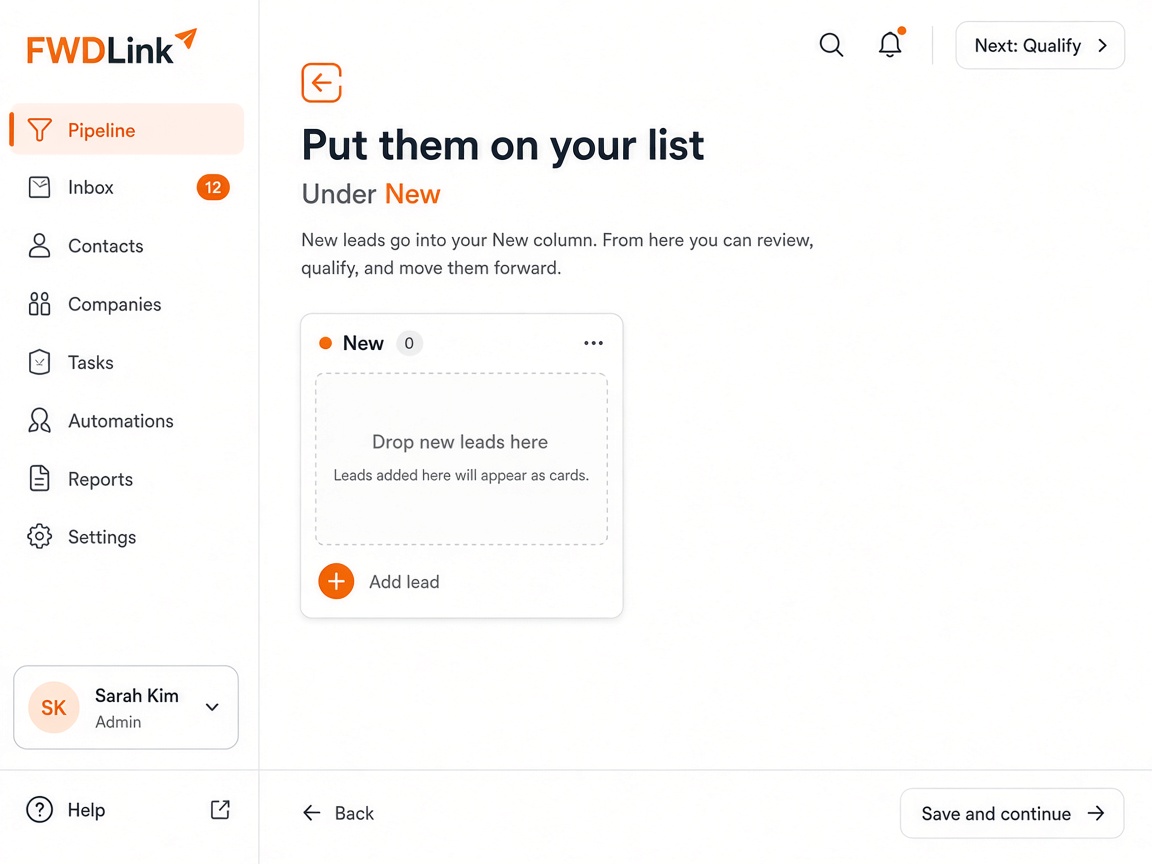
The same path can add a card under New in your CRM pipeline. The ask lands on the board instead of getting lost in messages.
Organize
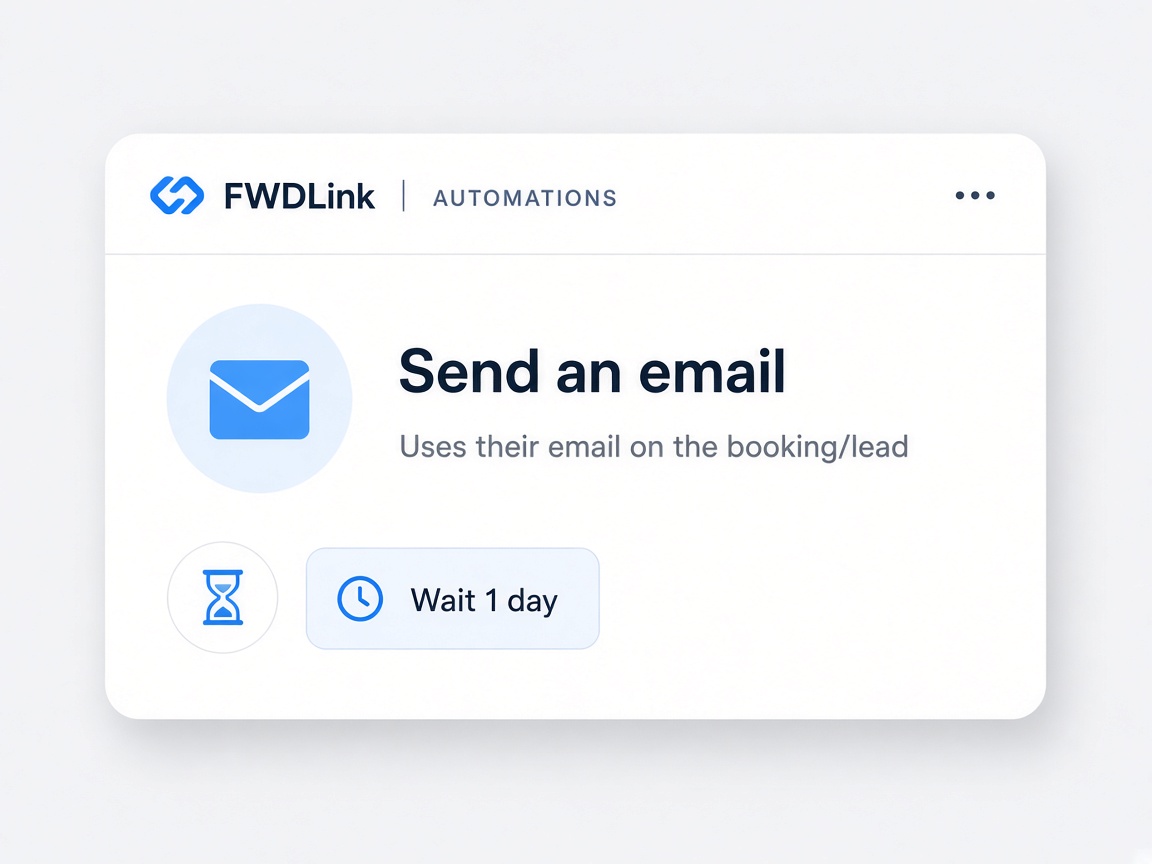
Message steps use email on the lead or booking. Wait a bit, then send a hello, a reminder, or ask for a review after they pay. SMS text is advanced and needs phone setup — email is the default path.
Message
Automations are When→Then paths you build under Business → Automations. Pick a Start — someone asks for a quote from chat or a lead capture form, or opens Your Page — then stack Next steps like Tell me in the app, Send an email, Put them on your CRM list, Wait, or Show chat helper. Paths run in the background while you are documenting the job in the jobsite photo app. Getting started helps you publish the page that triggers many Starts.
Automations do not replace the job card — they feed it. A quote request still lands as New on the CRM pipeline where you attach photo annotations, sketch canvas files, and share links before you send an estimate. Sharing an album is for client galleries; automations handle the nudge so you respond before the lead goes cold.
Message steps email the contact by default — SMS is advanced and needs phone setup. CRM toggles in the same area can remind you about open quotes, unpaid invoices, and review asks without building a full path. Crew uploads via invite shared albums can arrive while an automation is waiting to ping you after a form submit.
Pair automations with discovery: Local Pages sends neighbors to the same page Starts, and Plans shows what is included on Starter versus paid tiers — plans and storage overview for storage and teammate limits.
Read how it works for the full loop from public page to paid job, and browse features to see how automations connect to photos, CRM, and billing. Your Page albums and FWD aligns public galleries with the paths you trigger.
When a path is on, you can stay on site: the Start fires, the Next steps run, and you open the pipeline card when Tell me in the app fires — quote with the album already on the job.
Form and chat Starts that create pipeline cards.
Page-visit Starts and chat helper on the public URL.
Where quote requests land as New leads.
CRM reminders for open quotes and bills.
Document while automations notify you.
Follow up with a gallery after an automation emails.
Attach marked proof when you open the notified lead.
More page visits that can trigger Starts.
Automations inside the full workspace.
Start from the workspace menu where CRM reminder toggles also live.
Quote request from chat or form, or someone opening Your Page.
Tell me in the app, Send an email, Put them on your list, Wait, or Show chat helper.
Activate and test with a form submit from Your Page.
When Tell me fires, open the New lead and send an estimate with job photos.
Open Business → Automations in your workspace to build When→Then paths and CRM reminder toggles.
Common Starts include quote requests from chat or lead capture forms, and visits to Your Page.
Tell you in the app, send email, add the contact to your CRM list under New, wait, or show chat helper on Your Page.
No. Email is the default on leads and bookings. SMS is advanced and requires phone setup.
Quote requests and forms create New cards; automations notify you and message the contact around that event.
Yes. CRM toggles cover estimate and invoice reminders and ask-for-review without a custom path.
Yes. Once activated, Starts and Next steps run without you checking email first.
Yes. Use Show chat helper as a Next step after a page-visit Start.
Automations handle timing and messages; you still attach albums, annotations, and share links from the job card.
Core paths and CRM toggles ship with the workspace. See Plans if your account tier limits advanced messaging.
Visitors who land on Your Page from Local or ads can hit the same page-visit Starts you configure.
The features crews use every day — photos, markup, quotes, and the page that brings the next lead in.
Explore core features →Automations sit next to lead capture, the pipeline, and your public page.
The form or chat ask that can start a path.
Where “Put them on your list” lands the card.
Where chat helper greets visitors.
Start free. Stack Start → Next once in Automations.
Start free