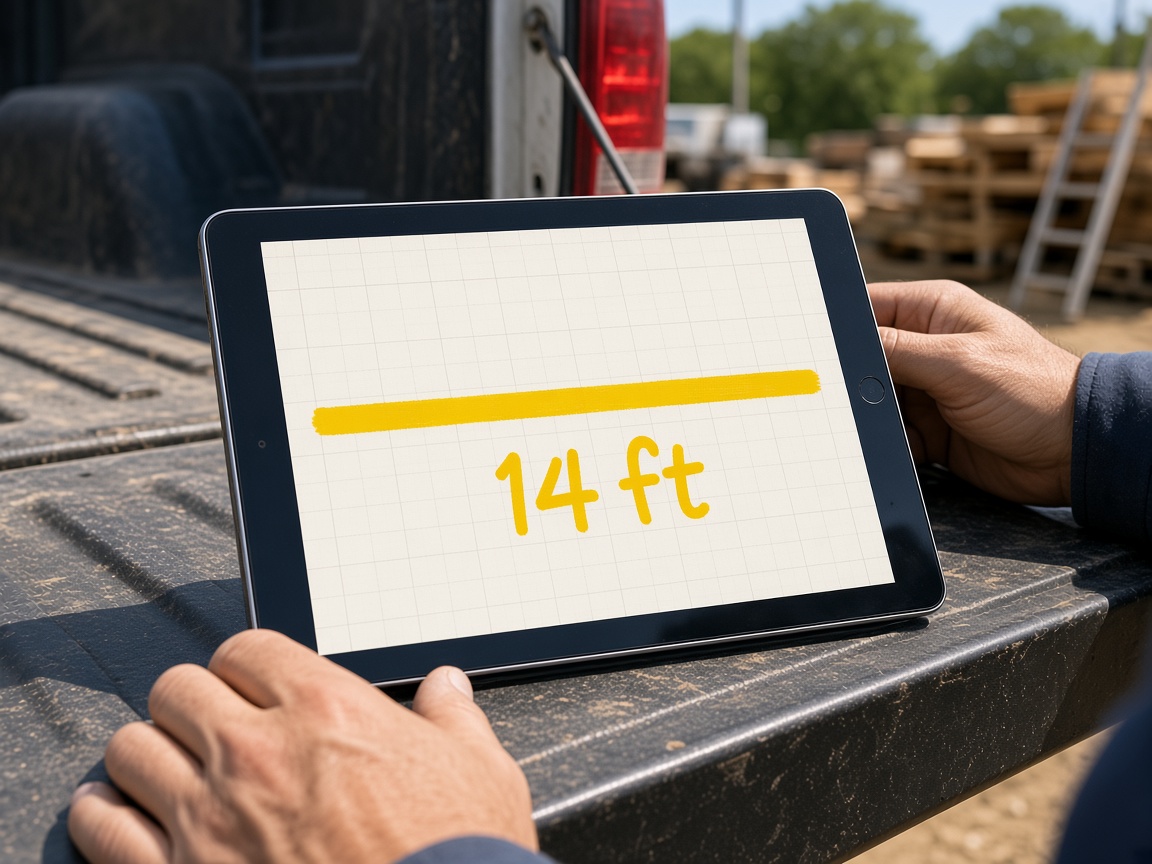
Put the dimension on the grid
Draw the wall, write the length, and leave it as a stroke. The next person on site reads the plan, not a paragraph.
Same yellow marker
Sketch canvas
When the photo is not the plan, sketch it on a blank grid. It stays on that job — private until you FWD it — and the same drawing can ride the estimate.
Start free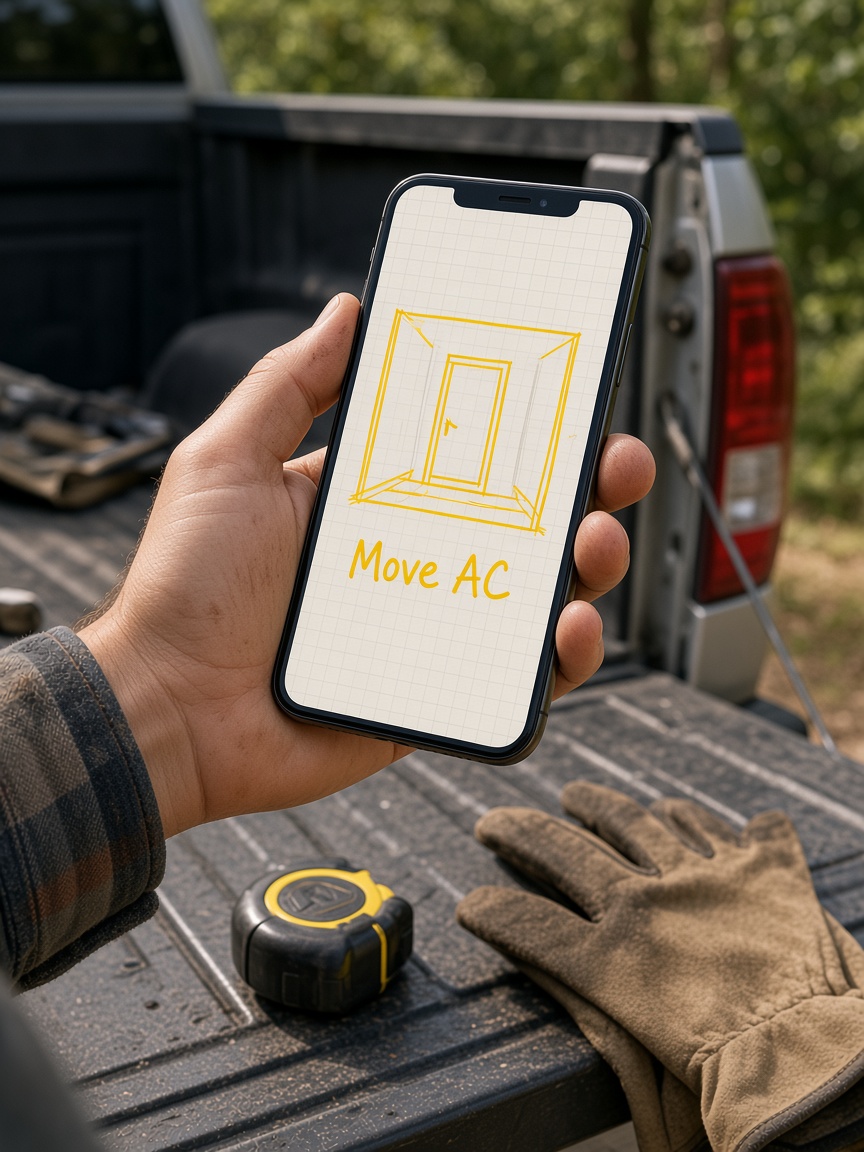
Draw the wall, write the length, and leave it as a stroke. The next person on site reads the plan, not a paragraph.
Same yellow marker
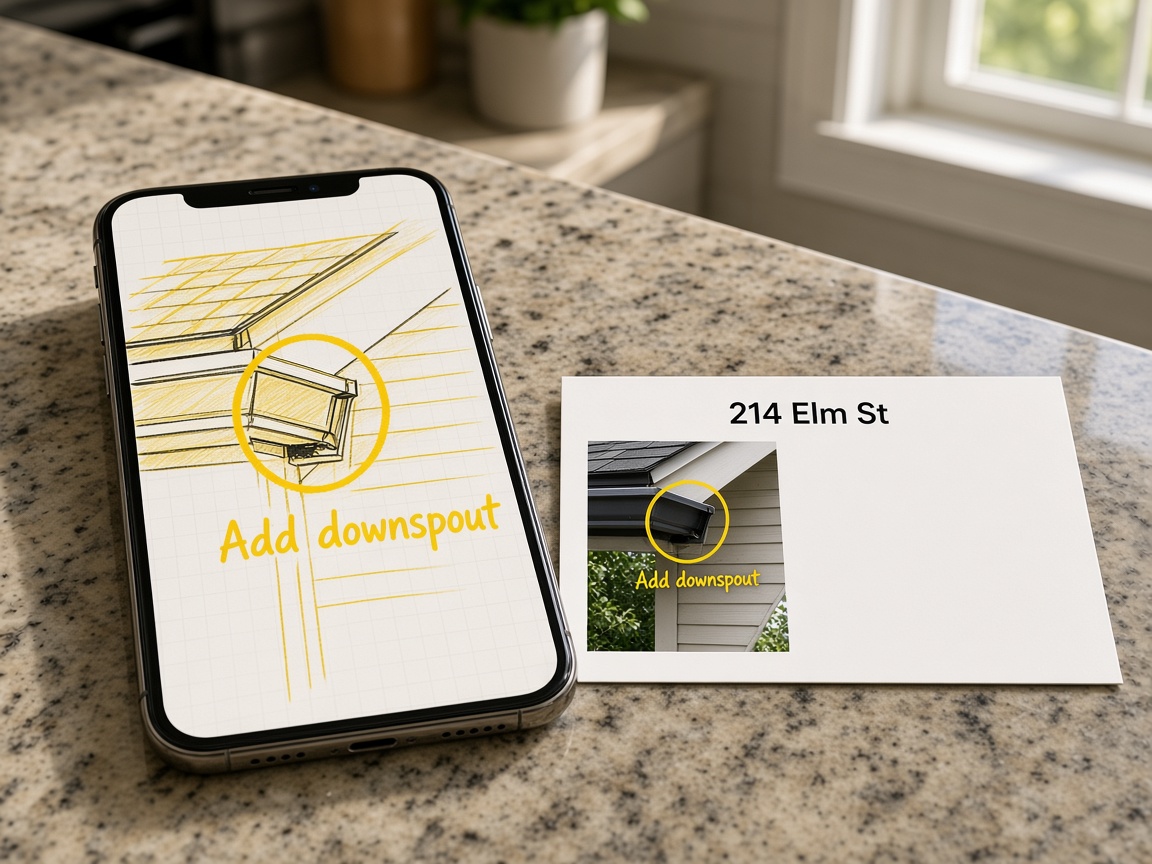
The sketch sits with that job. It does not disappear into a group text the moment someone leaves the driveway.
On the job
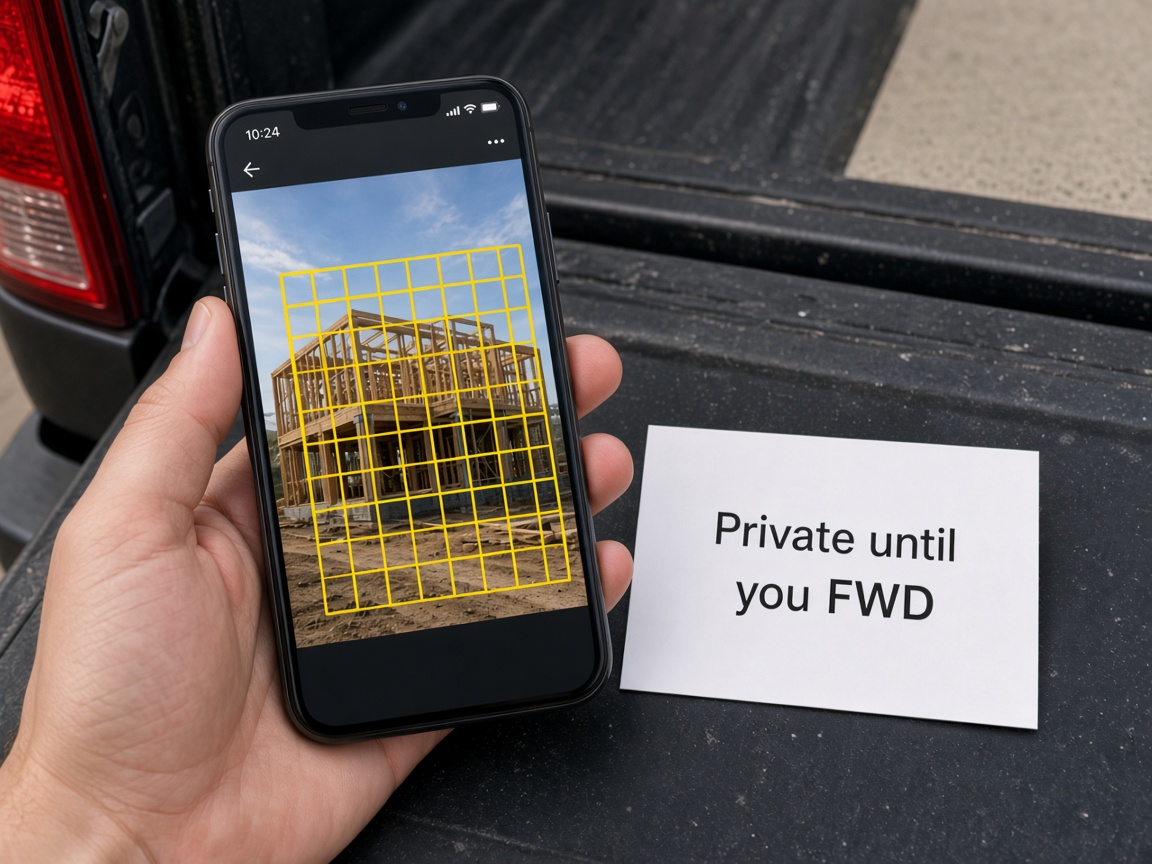
The drawing stays in the job until you send the live link. Turn the link off when the handoff is done.
You choose what leaves
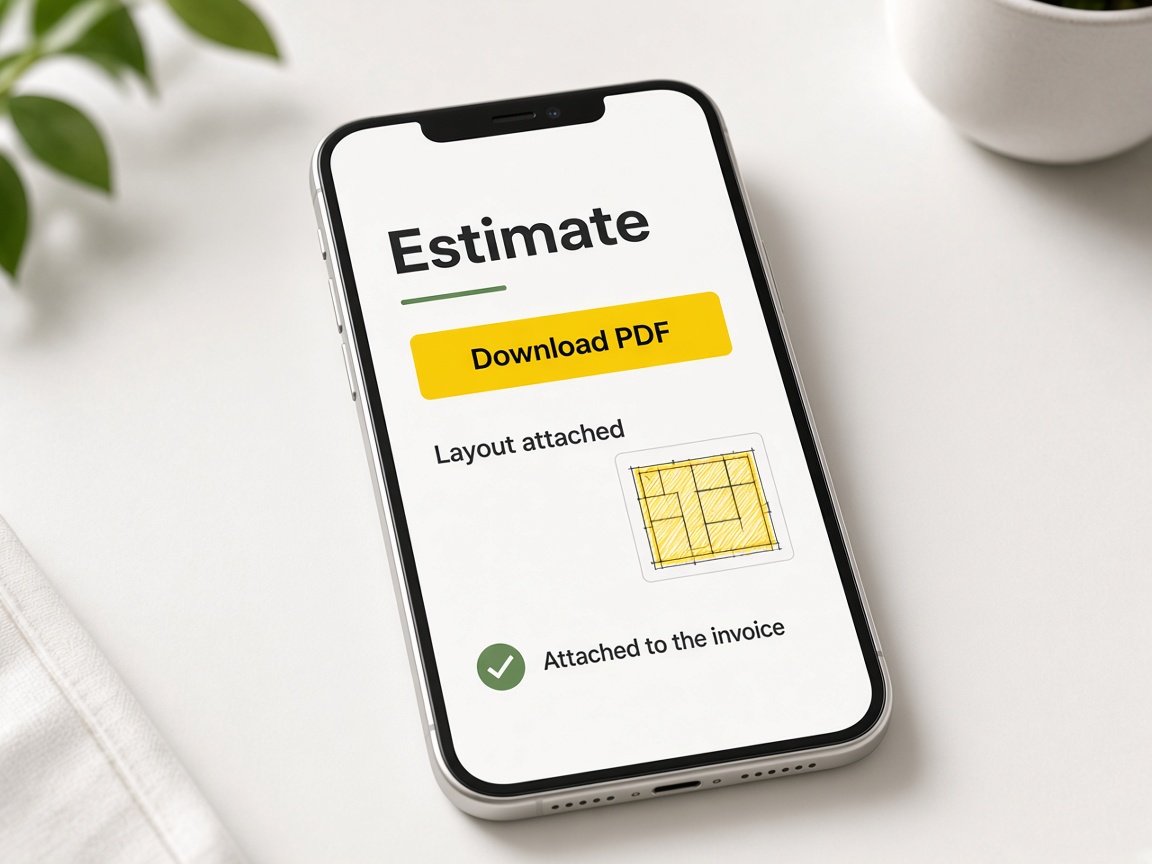
Attach the same drawing to the quote. The scope is the sketch they can see, not a note they have to imagine.
On the quote
Sketch canvas is for the moment the camera shot is not the plan. Open the job in FWDLink, start a blank grid, and draw walls, dimensions, and callouts in the same marker yellow you use on photos. The drawing saves on that street address inside the jobsite photo app workspace — not as a screenshot lost in a group text. Creating and organizing albums explains how each visit stays tied to one job.
Photos and sketches complement each other. Mark the existing shot with photo annotations when the problem is visible in the frame. Reach for canvas when you need a top-down or wall layout — HVAC moves, deck footprints, electrical runs. Both stay private until you FWD a share link or attach proof to paperwork; sharing an album walks through link types clients can open without an account.
The next tech on site should open one place, not hunt messages. Invite crew upload access with invite shared albums so photos and sketches collect on the same card. When the homeowner needs the layout, send a forwardable gallery URL. Your CRM pipeline still holds the sketch when you quote — no second record in another app.
Attach the drawing to the estimate so approval matches the lines on the grid. Requests from lead capture on Your Page land as New cards; send the sketch with the quote and move the card to Won when they say yes. Automations can notify you the moment someone asks for pricing while you are still measuring on site.
Publish Your Page with real job photos and one link for bios and ads. List on Local Pages when you want nearby hires to see proof. Starter is free; compare tiers on Plans and read plans and storage overview before you add teammates or payment blocks.
See how it works for the full loop from album to invoice, browse every tool on features, or open getting started in Help. Canvas is one stroke in a job story that stays on the address until you choose to share it.
Mark the shot when the photo itself is the plan.
Sketches and photos live on the same job address.
FWD sketches and photos in one client gallery.
Attach grid layouts to the quote and bill.
One card from first ask through Won.
Show finished work and catch new requests.
Turn page visits into quotable leads.
Follow up when someone opens your page or asks for a quote.
Every FWDLink tool in one list.
Open the job and create a blank-grid sketch instead of a paper napkin photo.
Outline the space, label lengths, and call out what moves — in yellow that reads in sunlight.
The sketch stays on that card next to photos so the crew sees one plan.
FWD a share link for the client, or attach the drawing to the estimate from the pipeline.
Keep the sketch on the bill so payment matches the drawing they approved.
Use canvas for blank layouts — floors, walls, dimensions. Use photo annotations when you are marking what is already in the camera shot.
Yes. It saves on the project with photos so it does not disappear into a text thread.
Yes. FWD a share link from the album. They open the gallery in a browser like any other job photos.
Yes. Put the same drawing on the quote and bill from the pipeline card.
Yes. Like photos, sketches stay in your workspace until you FWD a link or send a document.
Yes. Shared album uploads collect on the same job while you control client links and billing.
Yes. Open the job from New through Won and the layout remains with the album.
Yes. Build a When→Then path starting on a quote request or page visit, then Tell me in the app.
Anyone who sketches layouts on site — HVAC, electrical, remodeling, landscaping, and general contracting.
Starter is free with albums, canvas, your page, and CRM. See Plans for paid storage and teammate limits.
The features crews use every day — photos, markup, quotes, and the page that brings the next lead in.
Explore core features →The canvas sits next to the photos, the link, and the estimate.
Mark the shot itself when the photo is the plan.
Keep every photo for that address in one album.
Send the sketch with the quote.
Start free. The drawing stays with the address.
Start free